
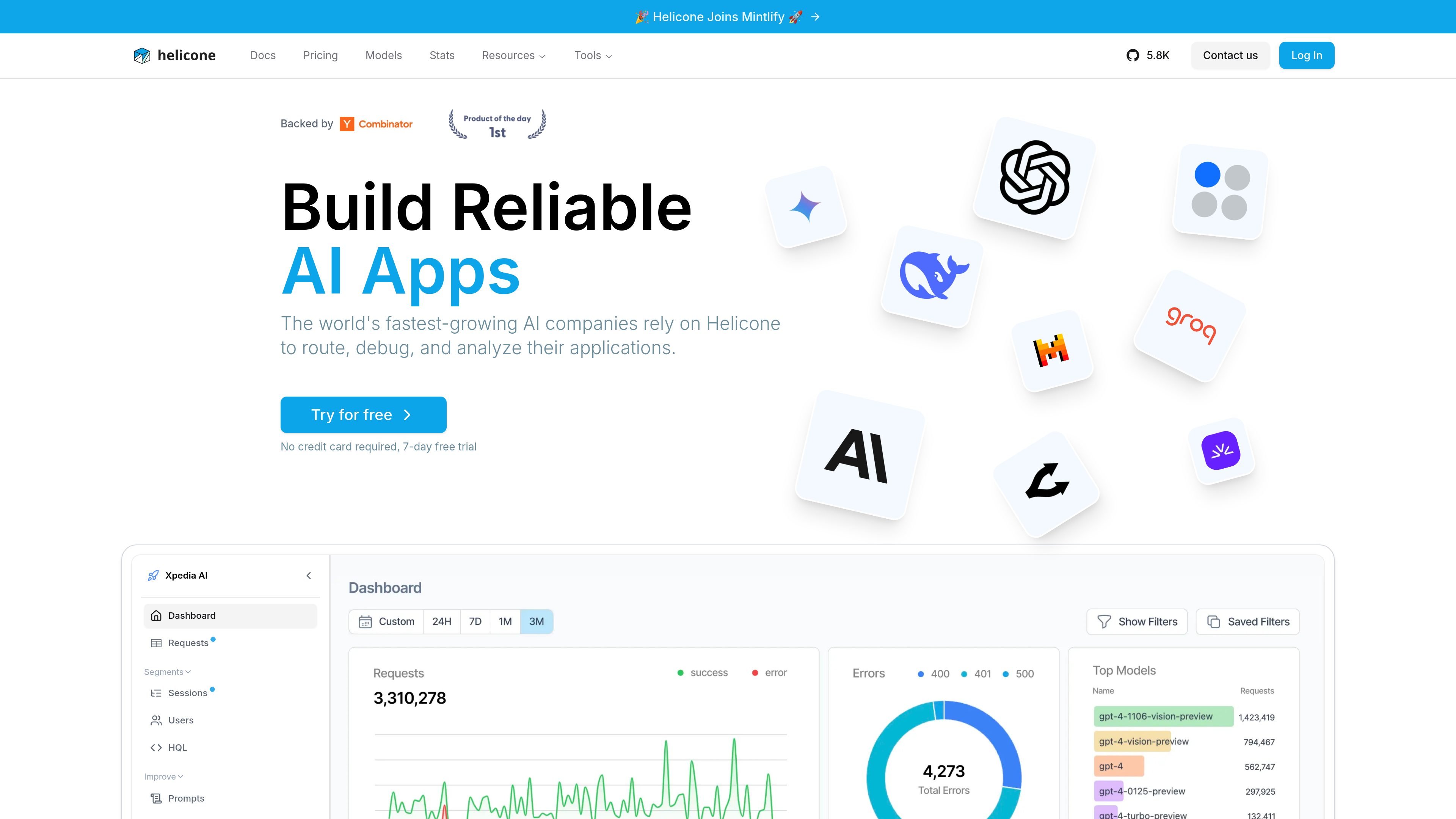
AI gateway and observability
Route requests through an AI gateway while tracking usage and behavior in the same product. The home page positions Helicone for routing, debugging, and analyzing AI applications.

AI gateway and LLM observability platform for routing, debugging, analysis, and management
Helicone is an AI gateway and LLM observability platform for teams building applications on top of large language models. Its home page describes it as a tool to route, debug, and analyze AI applications, while the pricing page frames it as software to help teams ship AI apps with confidence.
The product combines request monitoring, prompt workflows, model comparison, and operational controls in one dashboard. The source also shows support for alerts, reports, rate limits, automatic fallbacks, prompts, datasets, and a playground, which suggests it is designed for both day-to-day development and production monitoring.
Route requests through an AI gateway while tracking usage and behavior in the same product. The home page positions Helicone for routing, debugging, and analyzing AI applications.
Inspect requests, sessions, users, and segments in the dashboard to understand how your application is used. The home page highlights these analysis views, and the pricing page adds sessions and user analytics.
Use prompts, datasets, and the playground to iterate on model behavior without leaving the platform. The home page lists Improve, Prompts, Datasets, and Playground, while the changelog describes prompt management and testing in the Playground.
Set alerts, reports, rate limits, and automatic fallbacks to manage production usage. These capabilities appear in the home page feature list and the pricing comparison table.
Compare models, costs, context windows, and providers in the model registry. The models page is built for filtering by provider, price range, context size, and special capabilities.
Track model usage and pricing over time in the AI Gateway stats area. The stats page presents real-time model usage statistics, even though the current page notes that stats are temporarily unavailable.
Teams building LLM apps can route requests through Helicone while watching requests, sessions, and user behavior in one place. This is useful when you need visibility into how an application behaves in production.
Developers can refine prompts in the Playground, use prompt management, and deploy changes without rebuilding the application. The changelog specifically describes version control, typed variables, and instant deployment through the AI Gateway.
Operators can set alerts, reports, rate limits, and automatic fallbacks to reduce the impact of spikes or model issues. These controls are surfaced in the home page and pricing comparison.
Product or finance teams can use the model registry and stats areas to compare providers, pricing, context windows, and usage patterns. This supports model selection and cost analysis across different LLM providers.
Growing teams can choose a paid plan for unlimited seats, multiple organizations, and collaboration features like reports and Slack support. The pricing page separates team-oriented and enterprise-oriented capabilities from the free tier.
Helicone is positioned as an AI gateway and LLM observability platform. The source shows features for routing, debugging, analyzing requests, prompt management, playground testing, alerts, reports, and rate limits.
The pricing page shows a free Hobby plan, paid Pro and Team plans, and an Enterprise plan with contact sales. It also mentions a 7-day free trial on Pro and Team.
The source shows support for AI Gateway use across multiple providers, and the model registry is built to compare costs and providers across many LLMs. It specifically references Anthropic, AWS Bedrock, Google Vertex AI, OpenAI, Fireworks, Groq, and OpenRouter in the collected pages.
The pricing page states that Pro includes unlimited seats, alerts and reports, and HQL; Team adds organizations, SOC-2 and HIPAA compliance, and a dedicated Slack channel; Enterprise adds custom MSAs, SAML SSO, on-prem deployment, and bulk cloud discounts.
The collected sources do not provide a full integrations list. The model pages and changelog do show support for multiple providers and workflow features in the dashboard and Playground.
Traffic data is for reference only.

openlit.io
Open-source LLM observability with OpenTelemetry for monitoring, tracing, and evaluating AI apps.

apipark.com
Open-source API portal and AI gateway for APIs and production LLMs

aakar-ai.dev
Manage AI providers, project setups, logs, and analytics in one dashboard with BYOK support.

evlat.kalaomer.com
Evlat is a quiet macOS status strip for monitoring Claude Code, Codex, and Antigravity sessions, plus long-running commands. It highlights sessions that need your response and shows activity from local or SSH-connected machines.

ddshub.cc
DDS Hub is an AI API platform for Claude and OpenAI-family workflows, offering token-based pricing, model selection, and Claude Code setup guidance.

groq.com
Fast, low-cost AI inference with Groq LPU and GroqCloud