
Two research modes
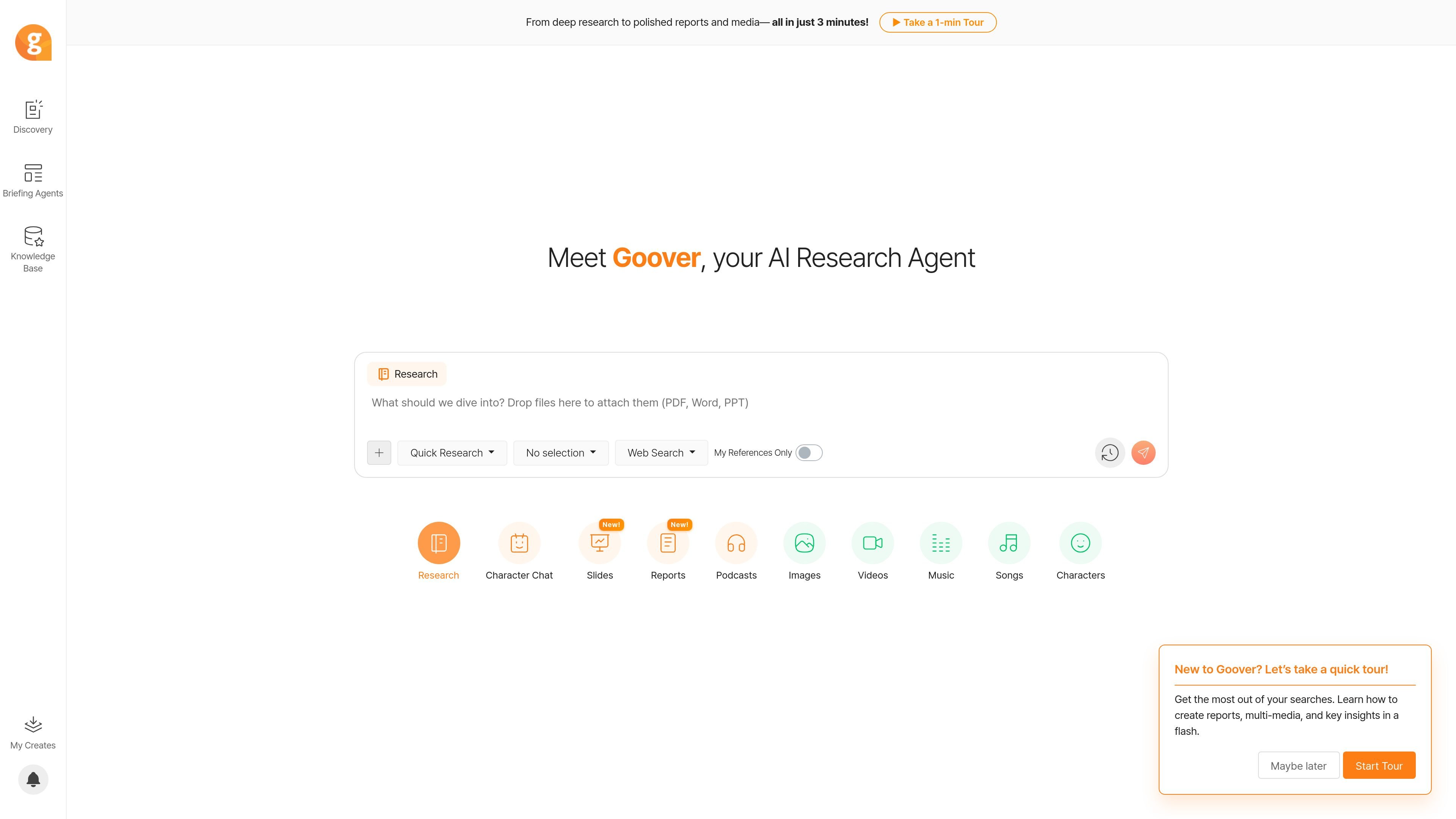
Choose between Quick Research for faster key insights and Deep Re:search for more in-depth analysis.

AI research agent for exploring information and creating reports
Goover is an AI research agent and knowledge assistant for exploring online information, organizing findings, and turning research into reports and other content formats. The homepage positions it around fast research workflows, while the Discovery page organizes results by content type and time range.
The site also includes a Chrome extension for capturing and organizing web content while browsing. According to the homepage and product pages, Goover can support quick research, deeper analysis, and report generation from a range of sources including web pages, documents, academic papers, patents, legal materials, and finance data.
Choose between Quick Research for faster key insights and Deep Re:search for more in-depth analysis.
Switch the underlying model among options shown on the site, including GPT-4o mini, Gemini 2.0 Flash, GPT-4o, GPT o3-mini, and GPT o1.
Search across several evidence sources, including websites and online documents, investment and finance data, academic papers, patent data, legal materials, and a references-only mode.
Use the Discovery area to browse content types such as briefing agents, reports, topic summaries, web results, videos, and social media.
Capture web content with the Chrome extension, which the site says can scrape and organize pages into tailored reports with relevant information added.
Create outputs beyond text, with navigation items for slides, reports, podcasts, images, videos, music songs, and characters.
A researcher can start with Quick Research to get key insights quickly, then move to Deep Re:search when the topic needs more in-depth analysis.
Someone comparing sources can use the site’s data-source views to look across web pages, academic papers, patents, legal documents, or finance material as needed.
A browser-based user can save time by using the Chrome extension to scrape a page, organize the content, and turn it into a report-ready document.
An analyst can use Discovery filters to scan briefing agents, reports, topic summaries, web results, videos, and social media within a chosen time window.
A team member who needs a polished deliverable can use the product’s report-oriented workflow and other listed output formats to package findings for sharing.
Goover presents itself as an AI research agent and knowledge assistant that helps users research, organize web content, and turn findings into reports and media.
The homepage and Discovery page show research modes such as Quick Research and Deep Re:search, plus discovery filters for Briefing Agents, Reports, Topic Summaries, Web, Videos, and Social Media.
The site says Goover can be used through the web app and also offers a Chrome extension for browsing, scraping, and organizing web content.
The pricing page is present, but the captured text does not show plan names, prices, or usage limits. The source confirms a pricing page exists, but not the full pricing details.
The terms indicate users must create an account to use the service, and the privacy policy notes OAuth sign-in options such as Google and Twitter.
Traffic data is for reference only.

unriddle.ai
Anara is an AI research workspace for cited answers, document analysis, and web and library search.

hebbia.ai
AI platform for finance and institutional work with Matrix-powered analysis

txyz.ai
TXYZ is an AI knowledge work platform for reading, searching, and writing with academic and research content. It offers PDF and URL analysis, source-linked answers, a personal research library, API access, and tiered pricing.

varos.com
Varos Research uses AI agents for rapid micro-interviews that capture employee knowledge and turn it into a private knowledge base and decision-ready outputs for discovery and business analyst work.

hoarder.app
Open-source bookmark manager with AI tagging, search, and self-hosting

www.cerenovus.ai
Cerenovus is an AI software platform for large enterprises that reads records a company already produces and surfaces operational inefficiencies, early warnings, and cited answers. It is aimed at executives, owners, investors, and advisory teams that need evidence-backed operational insight.