
Image generation for practical assets
Create product photos, thumbnails, covers, social visuals, and visual ideas from a focused image generator workspace.

Goodiebase is a web-based AI tools directory and workflow hub for product photos, thumbnails, covers, social visuals, and reference-based image variations.
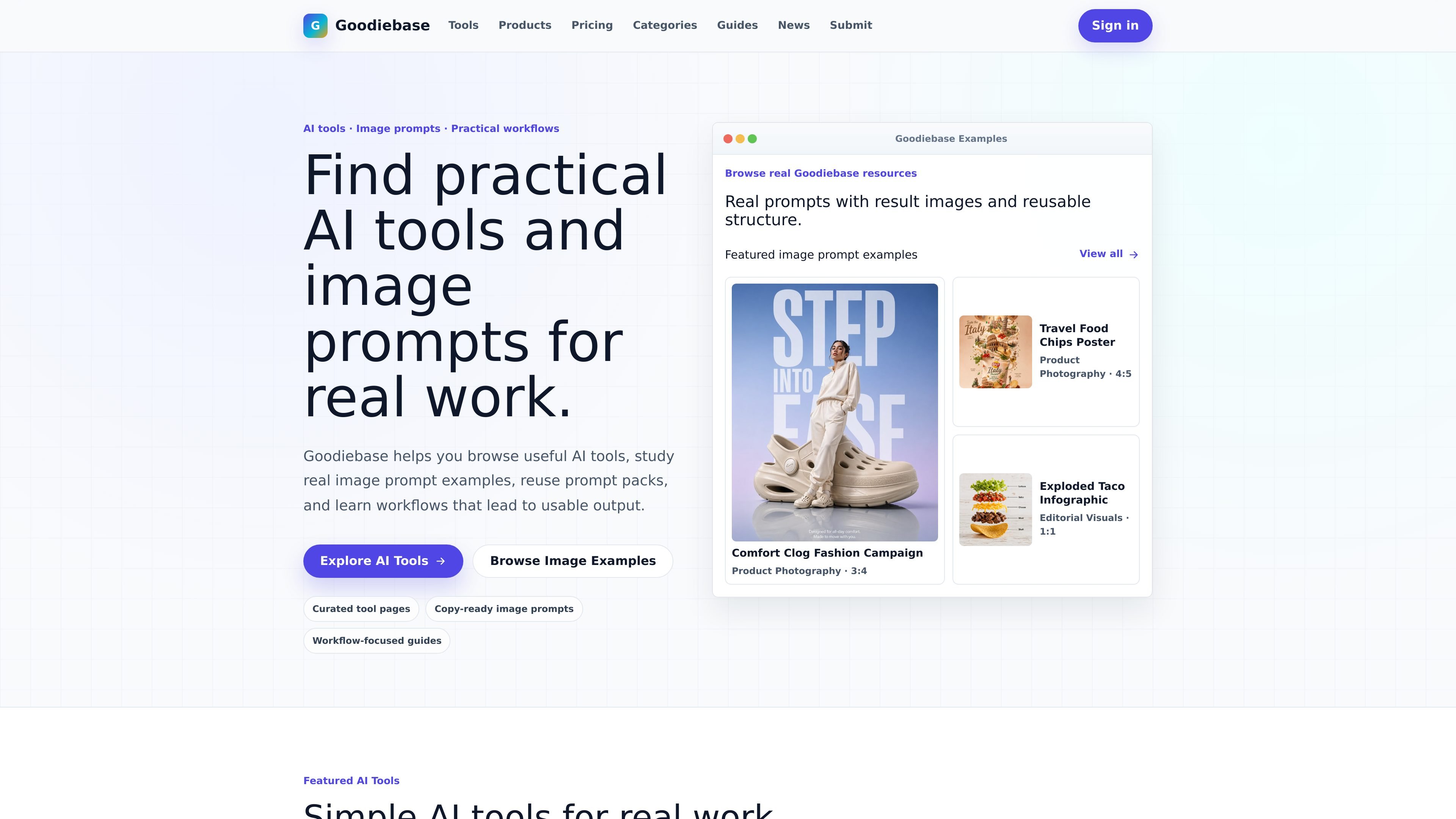
Goodiebase is an AI tools directory and workflow hub that combines practical tool listings, image prompt examples, and guided workflows. It is aimed at people who want to move from research or inspiration to usable output without sorting through abstract AI trends.
The Goodiebase AI Image Generator is one of the site’s focused products. It is designed for creating product photos, thumbnails, covers, social visuals, and reference-based image variations from a single workspace, with saved history, public examples, and prompt packs to support repeatable image work.
Create product photos, thumbnails, covers, social visuals, and visual ideas from a focused image generator workspace.
Start from public examples, reusable prompt packs, or a blank prompt so repeatable jobs do not begin from scratch.
Upload a reference image to guide new outputs and keep the creative direction closer to an existing visual.
Save generated images and prompts in account history so successful directions can be reopened later.
Choose from example-driven creation, prompt reuse, and visual settings that match the job, then generate and review results in one flow.
Sign in with Google to use the product, manage creative history, and keep one account across future Goodiebase workflows.
Generate ecommerce-ready product shots, launch hero images, marketplace visuals, or campaign assets without starting from a blank prompt.
Create YouTube thumbnails, podcast covers, newsletter headers, and editorial visuals where the layout and direction matter.
Build Instagram stories, ad concepts, travel posts, restaurant promotions, or reusable social layouts from repeatable prompt patterns.
Explore app icons, launch posters, SaaS graphics, and moodboard-style concepts when you need visual direction rather than a finished brand system.
Upload a reference image, generate variations, and keep the output aligned with an existing visual idea for iterative image work.
It is a web-based Goodiebase product that signs users in with Google. The create workspace is used to generate images, save prompts and results, and reuse image workflows from examples or prompt packs.
Yes. The pricing page lists a free plan with 10 image credits and a Pro plan with monthly credits and VIP model access. Users can manage billing and cancellation from the account menu through Stripe.
The source shows a reference image flow in the create workspace, so you can upload a reference image to guide new outputs and keep the creative direction grounded.
Yes. Public examples and prompt packs can be reused and opened directly in the create workspace, which is designed for repeatable image jobs.
The source does not show external app integrations beyond account and billing features. It does show Stripe-based billing management for paid subscriptions.