
Natural-language workflow building
Build automations from natural-language prompts instead of assembling every step manually. The product positions this as a simpler way to describe the outcome you want and have GenFuse AI turn it into a workflow.

GenFuse AI is an AI workflow automation platform that turns plain-English prompts into workflows on a visual canvas. It helps teams automate repetitive work across tools like Gmail, Google Sheets, HubSpot, and Google Calendar.
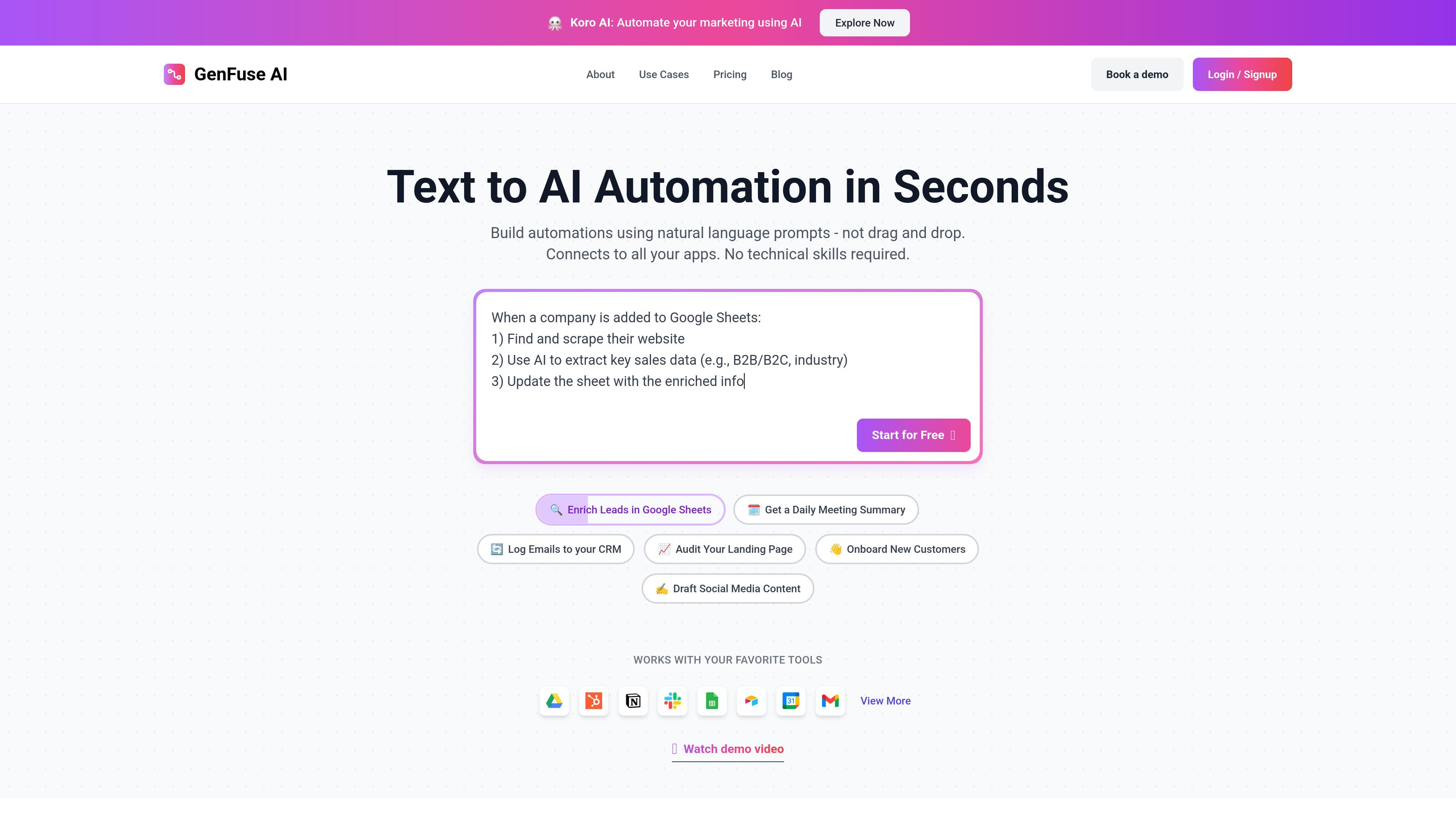
GenFuse AI is an AI workflow automation platform that lets users describe an automation in natural language and turn it into a workflow on a visual canvas. The site presents it as an alternative to manual drag-and-drop automation building, with the goal of making complex workflows easier to create and run.
The product is aimed at people and teams that want to automate repetitive work across business tools, including lead enrichment, CRM updates, email handling, meeting summaries, onboarding, content generation, and research. The site’s examples and templates show workflows built around apps such as Gmail, Google Sheets, HubSpot, Google Calendar, Airtable, Notion, Google Drive, Slack, and Typeform.
Build automations from natural-language prompts instead of assembling every step manually. The product positions this as a simpler way to describe the outcome you want and have GenFuse AI turn it into a workflow.
Work on a visual canvas that shows the generated automation structure. The site repeatedly describes workflows as being turned into automations on a visual canvas.
Start from templates for common jobs across sales, marketing, support, research, HR, and document processing. The templates page shows ready-to-use workflows for tasks such as lead enrichment, transcript analysis, form classification, and onboarding.
Use AI models and workflow nodes together inside the builder. The pricing page says the builder includes all nodes and LLM models on every plan, with broader tool access on higher tiers.
Schedule workflows to run on a recurring or timed basis. Scheduling is included in the published Free, Starter, and Pro plan descriptions.
Connect the builder to a broad set of external tools. The Pro plan advertises 2,500+ tools and 10,000+ actions, while the site examples reference Gmail, HubSpot, Google Sheets, Google Calendar, Airtable, Notion, Google Drive, and Slack.
Enrich sales leads by starting from a company name, finding the company website and LinkedIn profile, scraping relevant details, and using AI to extract information useful for outreach.
Analyze incoming emails or form submissions, classify the request, route it to the right team, and log the result in a spreadsheet or CRM for follow-up.
Generate onboarding emails, meeting scheduling steps, and CRM updates for new customers so that the handoff from signup to first contact is more structured.
Turn source material such as transcripts, articles, or landing-page text into summaries, audits, or drafted copy for marketing and research teams.
Monitor tools like Gmail, Google Sheets, Notion, Airtable, or Google Calendar and automatically create follow-up actions, records, or notifications based on new data.
GenFuse AI is built around plain-English prompts on a visual canvas. The homepage says you can build automations using natural language rather than drag-and-drop, and the about page says it translates goals written in plain English into workflows.
The pricing page shows a Free plan, a Starter plan for production use, a Pro plan for higher-volume use, and an Enterprise plan with custom support and infrastructure. The published plans are billed monthly and can be canceled anytime.
The site examples and templates show use cases such as lead enrichment, meeting summaries, CRM updates, onboarding, content drafting, form triage, and web research. The blog also highlights automation patterns for tools like Gmail, Google Sheets, Google Calendar, Notion, Airtable, and HubSpot.
The templates page lists integrations and workflows built around apps such as Gmail, Google Sheets, HubSpot, Google Calendar, Airtable, Notion, Google Drive, Slack, Typeform, Google Forms, and LinkedIn-related research. The Pro plan also advertises access to 2,500+ tools and 10,000+ actions.