
Template-based document formatting
Choose a template, paste or upload content, and generate a formatted document in a few steps. The home page describes the workflow as selecting a template, adding text, and submitting it for formatting.

Format Magic is a web-based AI text and document formatter that turns plain text, ChatGPT output, DOCX files, and PDFs into styled documents.
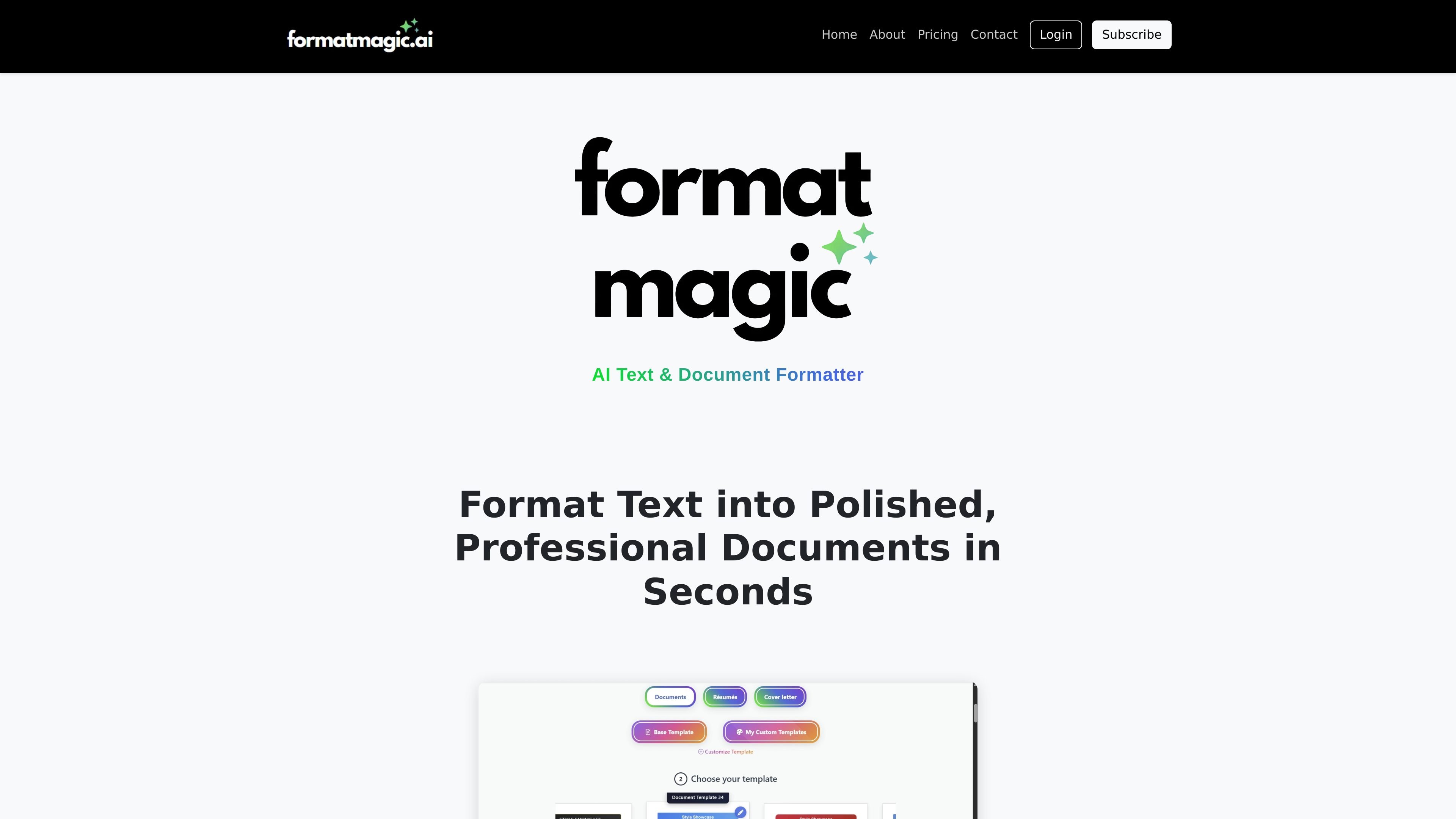
Format Magic is an AI text and document formatter for turning raw text, AI-generated content, Word files, and PDFs into styled documents. Its main workflow is simple: pick a template, provide content, and generate a polished document and PDF without manually formatting the layout.
The product is aimed at people who need presentable documents quickly, including proposals, reports, resumes, internal documents, and other written work. The site also includes a separate text formatter for cleaning messy text, converting text to Markdown, or stripping it down to plain text.
Choose a template, paste or upload content, and generate a formatted document in a few steps. The home page describes the workflow as selecting a template, adding text, and submitting it for formatting.
Supports plain text, ChatGPT or other AI-generated text, and uploaded DOCX or PDF files. The product can also extract text and images from PDF and Word files before formatting.
Includes tools for adding cover pages, automatic tables of contents, page numbers, and portrait or landscape layouts. These options can be applied when creating the document and adjusted again before regenerating the PDF.
Lets users revise the formatted output before producing the final PDF. The tips page and home page both describe post-processing edits such as changing headings, switching templates, and recreating the PDF.
Offers a Template Customizer on the Pro and Premium plans so users can apply their own colors, fonts, logo, headers, and footers to templates.
Provides a Word conversion feature on the Premium plan for exporting editable .docx files, with documented limitations around styles and complex layouts.
Draft client-ready proposals, reports, and deliverables by starting with raw notes or an AI-generated draft and applying a clean template.
Format resumes, cover letters, bios, and handouts with a consistent structure and export them as shareable PDFs.
Convert messy pasted text into Markdown, plain text, or cleaned prose when the goal is readability rather than document design.
Reformat existing Word or PDF files to modernize their appearance without rewriting the content from scratch.
Produce editable Word versions of formatted PDFs when recipients need to make minor changes in familiar desktop tools.
Format Magic is an AI text and document formatter that turns plain text, ChatGPT output, Word files, PDF files, and other pasted content into styled documents based on a selected template. The workflow is: choose a template, add or upload content, then generate a formatted document and PDF.
Yes. The home page says you can paste plain text, ChatGPT output, or upload DOCX and PDF files. The text formatter page also supports cleaning text, converting to Markdown, or stripping formatting to plain text.
The pricing page shows a free plan with a watermark and paid plans that remove the watermark. The Pro and Premium plans add features such as template customization, and Premium also includes Word conversion and priority support.
The pricing page states that documents can be edited before PDF creation, templates can be switched instantly, and cover pages, table of contents, page numbering, and portrait or landscape modes are available. The output editor can also be used to revise output before creating the PDF.
The Word conversion page says Format Magic converts styled PDF documents into editable Word (.docx) files. It notes that some visual elements and complex layouts have limitations, and the conversion is powered by Adobe PDF Services.