
Automatic foreground tracking
The desktop app logs foreground activity automatically, so users do not need to start and stop manual timers for every task.

FocusStack is a desktop-first focus and time tracking app for solo knowledge workers. Auto-logs apps and browser domains into dashboards, timelines, reports, and one-click workspaces.
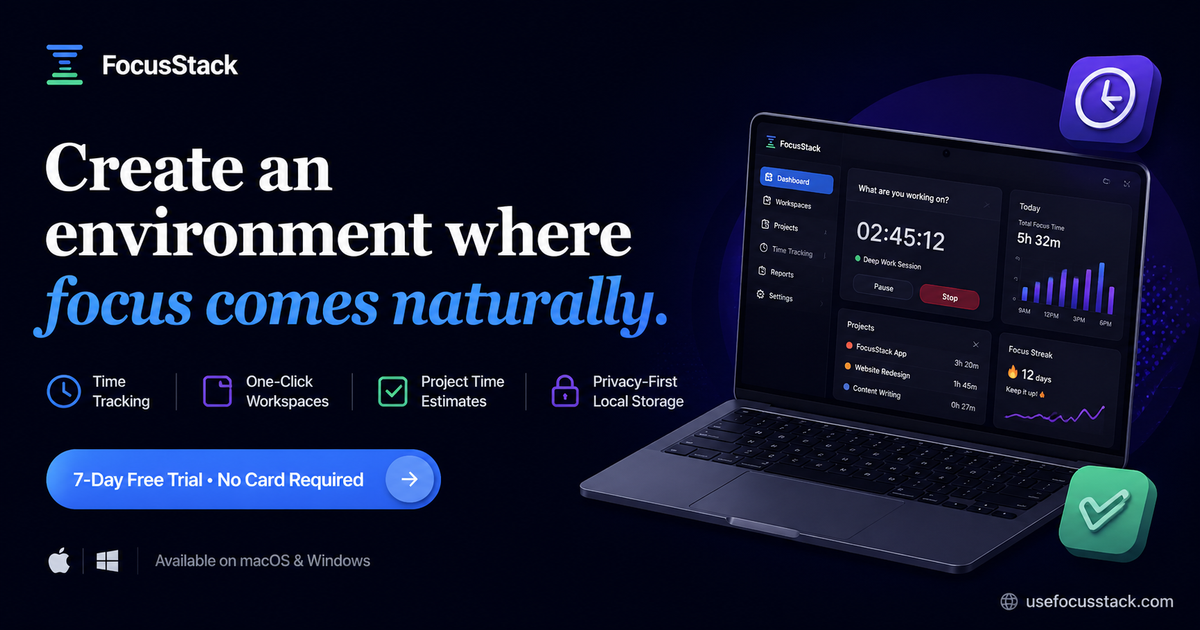
FocusStack is a focus and time tracking product for solo knowledge work. It combines a desktop app that records foreground activity with a web app for turning that activity into dashboards, timelines, calendars, and reports.
The product is positioned for people who want to understand where their workday goes, reduce distractions, and build more honest deep-work habits without relying on manual timers. It also includes one-click stacks for opening a set of apps and websites, focus sessions, project time estimates, and privacy-first local storage.
The desktop app logs foreground activity automatically, so users do not need to start and stop manual timers for every task.
A web dashboard converts tracked activity into dashboards, timelines, calendar views, and reports for reviewing where the day went.
Stacks let users launch a set of apps and websites with one click, which helps set up a repeatable work context quickly.
Focus sessions are included for periods of distraction-free work, alongside the tracking tools.
The product includes project time estimates and productivity insights, based on the product description and pricing page copy.
FocusStack says data is privacy-first and stored locally, and the about page adds that it avoids screen recording and keystroke logging.
Use the automatic tracker to see which apps and browser domains actually take up your workday, then review the timeline at the end of the day to spot distractions or mismatched priorities.
Open a saved stack to launch the apps and websites you use for a specific type of work, helping you get into the right context with one click.
Use focus sessions when you want a distraction-free block for deep work and want the app structure to support that routine.
Check dashboards and reports to understand patterns across days or weeks, especially when you want a clearer picture of time spent than a manual timer can provide.
Install the desktop build on a supported Mac or Windows machine, then sign in and review data in the browser when you want a web-based view.
FocusStack is a desktop-first time tracker with a web app for reviewing the data. The desktop app records what is in the foreground, including apps and supported browser domains, and the web app turns that into dashboards, timelines, and reports.
The source describes FocusStack as built for solo knowledge work and says it is intended for people who want clarity instead of another manual timer. That makes it a better fit for individual knowledge workers than for organizations that need team controls today.
The desktop app is available for macOS Apple Silicon, macOS Intel, and 64-bit Windows 11. The download page notes that the desktop build is used for automatic foreground logging, while the web app works in the browser for reviewing data.
No. The about page says FocusStack tracks foreground apps and supported browser domains, and that it does this without screen recording or keystroke logging.
The pricing page says lifetime access is available now for individuals, while Teams is marked coming soon and has a waitlist.