
One-click brand import
Flint scans an existing public website to learn brand context and capture component patterns from the homepage before generating new pages.

Flint is an autonomous web platform for marketing and GTM teams to create on-brand landing pages and campaign pages from existing sites.
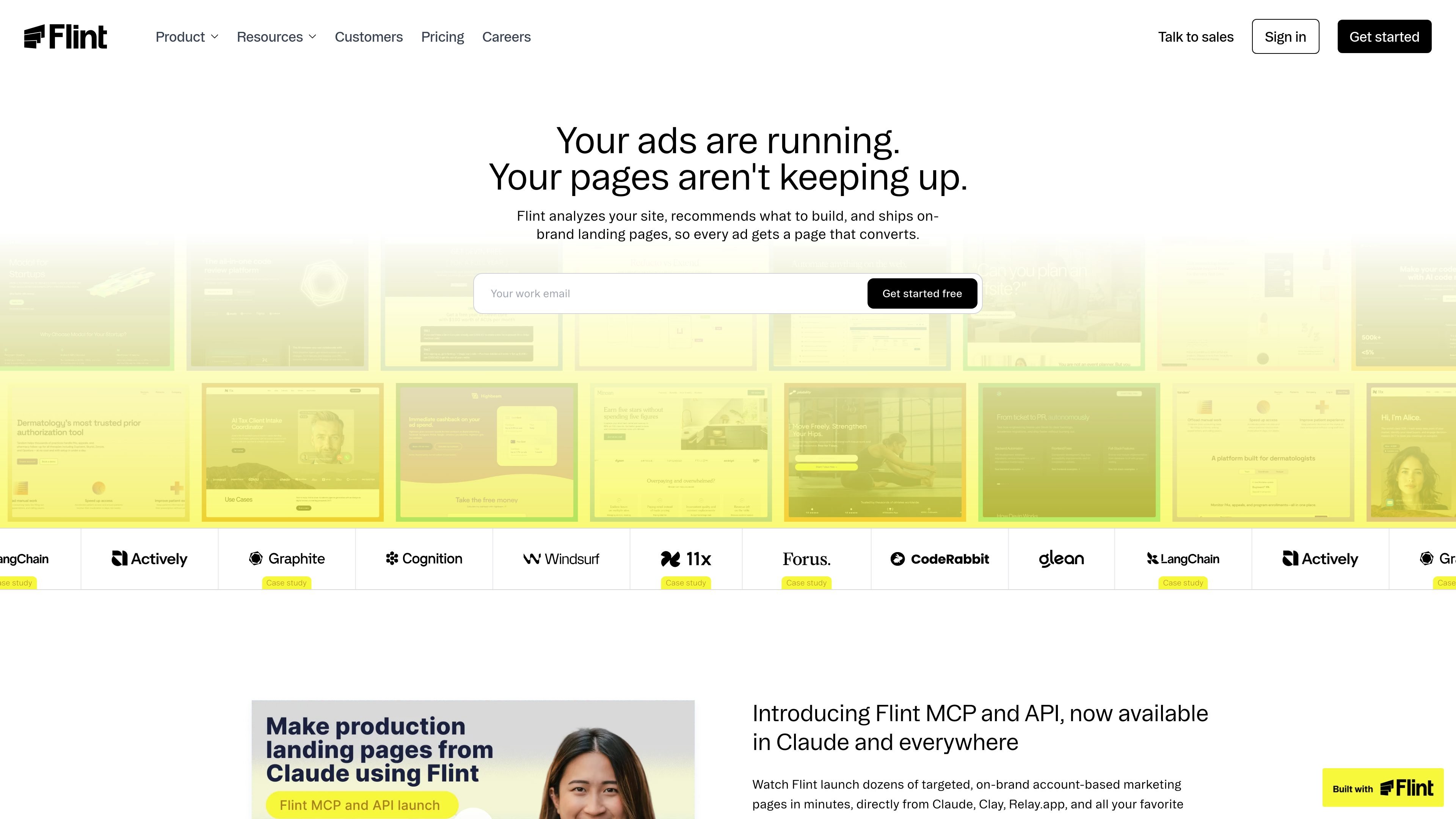
Flint is an autonomous web platform for marketing and GTM teams that need to ship on-brand landing pages and related campaign pages without building each one manually. It analyzes an existing site for brand context, then generates pages that fit the same design system and can be published on a subdomain or under a folder on the main domain.
The product is designed around practical page creation workflows: prompt-driven page builds, import from an existing website, programmatic generation through API and MCP, and support for analytics and deployment setups. The pricing model uses credits, with free, paid, trial, and custom enterprise options.
Flint scans an existing public website to learn brand context and capture component patterns from the homepage before generating new pages.
Choose between a subdomain setup or a folder on the main domain. The docs also describe DNS, Vercel rewrite, Cloudflare Worker, and CloudFront-based routing options.
Flint can create pages from prompts and also exposes MCP and API access for programmatic workflows in tools like Claude, Clay, and Relay.app.
The pricing and docs pages describe custom domains, root-domain folder hosting, sitemap support, and guidance for indexable pages.
Flint can migrate and reuse scripts for analytics providers, or accept tracking IDs and custom scripts from tools such as GTM and Segment.
The pricing page includes credits for edits, components, sections, page duplication, and larger campaign builds such as comparison pages and ABM microsites.
Create on-brand landing pages for active ad campaigns so paid traffic can reach a page matched to the message and offer.
Build account-specific pages from CRM data, sales transcripts, or customer workflows using Flint's API and MCP integrations.
Publish pages on a subdomain or under a folder on the main domain when you need a setup that works with an existing website.
Generate comparison pages, keyword pages, or other SEO-oriented campaign pages while keeping the same brand system and analytics stack.
Yes. Flint can be used with an existing website and supports subdomain or folder-on-main-domain setups. The setup docs also note that Flint can power an entire site and that the team can migrate a homepage automatically after signup.
Flint imports a live, publicly accessible site to capture brand context and component structure. The docs say it is not intended for teams that only have Figma at the start; you need a built homepage or live site to begin.
Flint can work with major analytics and tracking tools. The home page says it integrates with analytics and A/B testing tools, and the FAQ mentions Google Tag Manager, Segment, and custom scripts.
The pricing page offers a Free plan, paid Starter and Pro plans, and a custom Enterprise plan. It also mentions a 14-day Pro trial with no credit card required.
Flint provides an API and MCP integrations for programmatic page creation in tools such as Claude, Clay, and Relay.app. The product page describes use cases like ABM pages, keyword-driven landing pages, and pages triggered from CRM or sales workflows.