
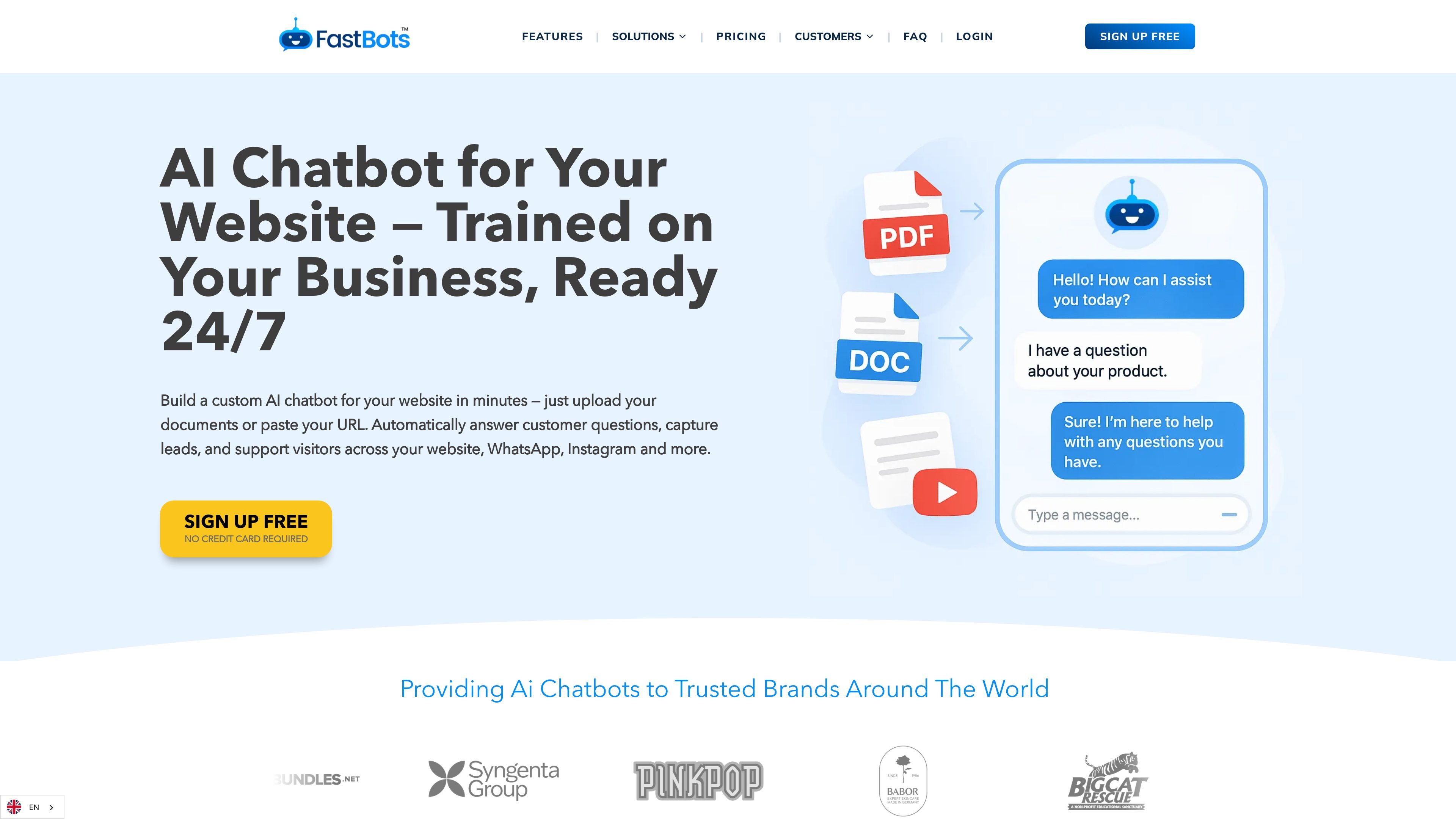
Train on your own content
Train bots on website pages, documents, FAQs, uploaded files, Google Sheets, YouTube videos, or pasted text so replies reflect your own material instead of generic answers.

AI chatbot platform for websites, WhatsApp, WordPress, and more
FastBots is an AI chatbot platform for websites and connected messaging channels. It lets businesses train chatbots on their own website content, documents, FAQs, and other sources, then deploy those bots through an embed, a WordPress plugin, or channels such as WhatsApp, Instagram, Slack, Telegram, Messenger, Zapier, and Make.
The product is designed for teams that want automated answers based on their own information rather than generic model output. The pricing page shows a free plan and several paid tiers, with higher plans adding more bot capacity, message credits, crawl pages, integrations, reporting, live chat, auto retraining, and branding controls.
Train bots on website pages, documents, FAQs, uploaded files, Google Sheets, YouTube videos, or pasted text so replies reflect your own material instead of generic answers.
Embed a chatbot on a site with a script, iframe, or share link, and install it on WordPress through the official plugin.
Connect bots to channels including WhatsApp, Messenger, Instagram, Slack, Telegram, Zapier, and Make, with paid-plan support for those integrations.
Let users upload files and images in the conversation, which expands the input the bot can work with during a chat.
Use Zapier AI Actions and connected workflows so the bot can take steps like checking orders, booking appointments, or sending emails mid-chat.
Access chat history, monthly reports, live chat takeover, auto retraining, knowledge assistance, email replies, and branding controls on higher plans.
Use it to answer service, pricing, and policy questions directly from the website’s own pages and documents, reducing repetitive support requests.
Connect WhatsApp so incoming customer messages can be answered day and night from the same knowledge base used on the website.
Let the bot collect lead details through chat and pass them into email, CRM, Google Sheets, or other tools through Zapier or Make.
Use live chat takeover, chat translation, and auto retraining on higher plans for teams that need human escalation, multilingual responses, or regularly updated answers.
Deploy on WordPress with the official plugin so the chatbot can sit alongside pages, posts, and product content without template edits.
FastBots is an AI chatbot platform for websites and other channels. It can answer questions using your website content, uploaded documents, FAQs, and other connected sources, then be embedded or connected to channels such as WhatsApp, Messenger, Instagram, Slack, Telegram, WordPress, Zapier, and Make.
The WordPress integration is installed through the official FastBots plugin. You activate the plugin, then paste the Source URL and Embed ID from your FastBots dashboard. The chatbot widget is then loaded on the site front end.
The free plan includes 1 chatbot, 50 message credits per month, 100 crawl pages, chat history, basic LLMs, and website embedding options. Paid plans add more chatbots, message credits, crawl pages, knowledge sources, file uploads, integrations, reports, live chat, auto retraining, branding controls, and other team features.
Yes. FastBots can answer in multiple languages, and the WhatsApp page says it supports around 95 languages. The Business plan also includes chat translation.
For WhatsApp, Meta requires a phone number that is registered exclusively for API access, so you need a new or unused number rather than one already linked to the WhatsApp or WhatsApp Business app.
Traffic data is for reference only.
| May | 68019 |
|---|---|
| Jun | 89908 |
| Jul | 103506 |
Traffic analytics are not available yet.
Traffic analytics are not available yet.

botnoi.ai
Web-based AI chatbot and voicebot platform for automated customer replies across chat and phone

help.center
AI-first customer support with knowledge base, search, and chatbot

hostbuddy.ai
HostBuddy AI automates guest messaging for short-term rentals.
sitegpt.ai
Website-trained AI support chatbot for visitor questions

chatthing.ai
Build custom AI chatbots and support assistants from your content

crisp.chat
AI customer support platform for unified conversations