
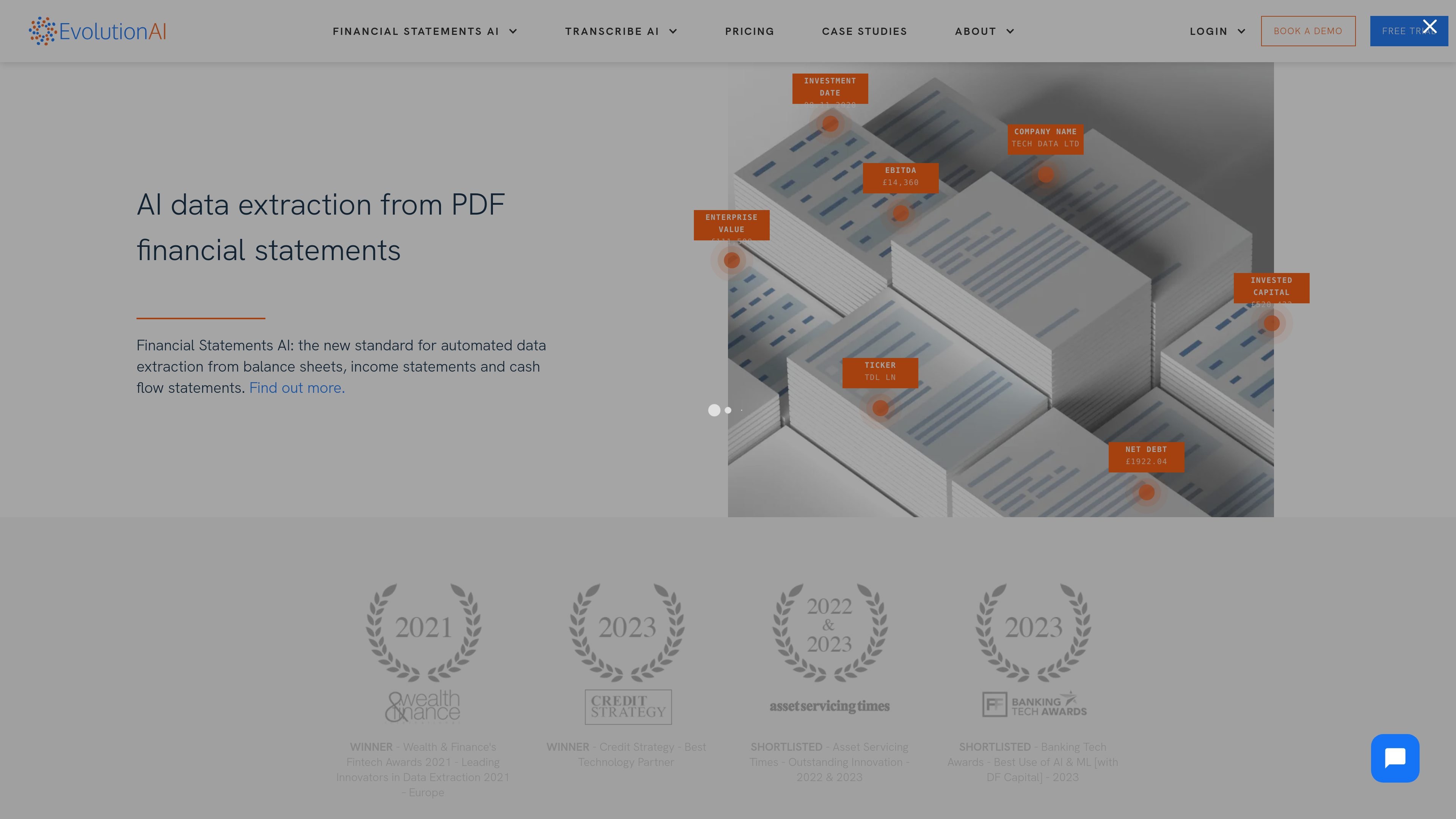
Document extraction across financial formats
Extracts data from invoices, bank statements, financial statements, PDFs, scans, and other financial documents using AI models tuned for document reading.

AI data extraction for invoices, bank statements, and financial reports
Evolution AI is an AI data extraction platform focused on financial and document-heavy workflows. Its site presents two main product paths: Financial Statements AI for statements and Transcribe AI for other PDFs and scans, including invoices and bank statements.
The platform is designed to capture structured data from complex documents, normalize fields such as dates and monetary values, and support human review when needed. The pricing page shows both self-service and end-to-end service options, so teams can choose between operating the platform themselves or having Evolution AI handle setup and QA.
Extracts data from invoices, bank statements, financial statements, PDFs, scans, and other financial documents using AI models tuned for document reading.
Supports line items, totals, VAT or tax, invoice metadata, seller details, reporting periods, currency, multipliers, and complex multi-page tables where available in the document.
Provides configurable QA workflows with confidence thresholds, human-in-the-loop review, approval steps, and a provenance audit trail for extracted values.
Applies post-processing rules such as standardized date formats and inferred-field calculations to normalize extracted data before delivery.
Offers REST API and SFTP integration paths, and the invoices page notes support for ERP/accountancy systems and RPA platforms such as UiPath, Automation Anywhere, and Blue Prism.
Uses self-learning and zero-shot approaches so teams can start from pre-trained models, correct outputs, and retrain without a separate lengthy training stage.
Automate invoice capture for accounts payable teams that need to pull totals, tax, line items, due dates, and supplier details from PDFs or scans.
Extract values from balance sheets, cash flow statements, and income statements while preserving reporting periods, currency, and multi-page table structure.
Normalize data from bank statements and other financial documents for downstream processing and review.
Run document workflows that require validation, auditability, and human sign-off before data is sent into accounting or ERP systems.
Integrate extraction into existing automation stacks, including REST-based systems, SFTP transfers, and RPA-led processes.
Evolution AI offers both self-service and end-to-end options. The pricing page says self-service customers use the cloud-based platform with support and training, while the end-to-end service includes setup and QA performed by Evolution AI’s team of expert annotators.
The product is presented for financial documents such as invoices, bank statements, financial statements, and other document types. The how-it-works page also notes that Transcribe AI is for PDFs and scans other than financial statements, which use Financial Statements AI.
For invoices, the site says data can be extracted from invoice PDFs or scans, including line items and document details such as invoice number, dates, totals, and seller information. For financial statements, it mentions support for financial concepts like reporting periods, currency, multipliers, and complex tables.
The how-it-works page says the platform supports configurable QA workflows, human review for low-confidence fields, post-processing rules, and multiple integration paths such as REST API and SFTP. The invoices page also mentions ERP/accountancy integrations and RPA tools like UiPath, Automation Anywhere, and Blue Prism.
The site positions Evolution AI for financial services and document-heavy teams, especially for invoice processing, financial statement extraction, and broader document handling through Transcribe AI.
Traffic data is for reference only.

www.browseract.com
BrowserAct is a no-code AI web scraping and browser automation platform that builds reusable Bots from plain-language data requests. It helps teams collect structured, refreshed web data in the cloud or give local AI agents a browser layer for web tasks.

starterbuild.com
Page to Markdown is a free Chrome extension that converts webpages or selected content into clean, usable Markdown. It is designed for notes, documentation, research, AI tools, and coding workflows.

microsoft.github.io
GraphRAG is a research project and data pipeline for extracting structured information from unstructured text with language models, then using graph-based context to support question answering over private data.

www.llamaindex.ai
LlamaParse is an AI document parsing platform that converts complex PDFs, office files, spreadsheets, images, and other documents into structured, AI-ready data. It is designed for developers and enterprise teams building retrieval, extraction, and document automation workflows.

python.useinstructor.com
Instructor is a developer library for extracting structured, validated data from large language models. It uses Pydantic schemas, automatic retries, streaming, and a consistent interface across cloud, local, and routed LLM providers.

imagetotext.info
Image to Text is a free web-based OCR tool that converts images and PDFs into editable text with upload, drag-and-drop, URL, batch, and formatted-text support.