
AI post generation from multiple inputs
Create LinkedIn posts from a topic, a blog post, a YouTube video, or YouTube Shorts. The product also advertises post ideas and support for content in 100+ languages.

Dottypost is a web-based AI tool for creating, scheduling and managing LinkedIn content, ideal for founders, creators, teams and business owners.
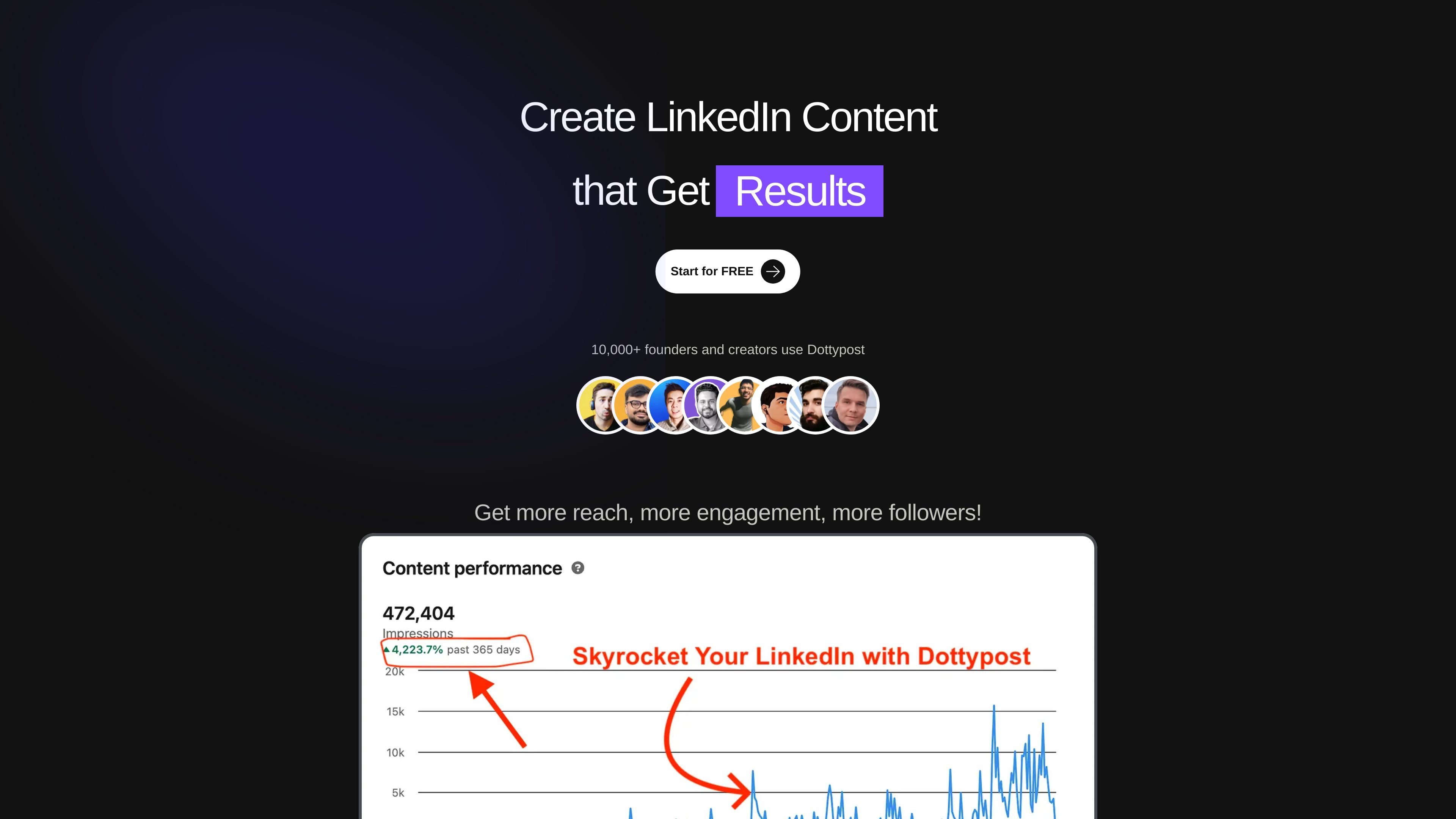
Dottypost is an AI tool for LinkedIn growth that helps users create posts, carousels, and content ideas, then schedule and manage that content from one place. The site frames it as a way to spend less time writing and more time publishing on LinkedIn.
Its homepage emphasizes content creation from topics, blogs, YouTube videos, and Shorts, along with a large inspiration library and scheduling tools. Pricing details show separate plans for individual use and teams, plus support for company pages and multiple LinkedIn accounts.
Create LinkedIn posts from a topic, a blog post, a YouTube video, or YouTube Shorts. The product also advertises post ideas and support for content in 100+ languages.
Build LinkedIn carousels from topics, blogs, YouTube videos, and Shorts. The site says you can use ready-made templates, customize the result, download the carousel, and share or schedule it.
Use the built-in content library to find inspiration from 10,000+ posts and viral examples. The homepage also says you can explore industry-specific LinkedIn posts and save posts from the library.
Schedule posts and carousels in one step. The homepage and pricing page both mention 1-click scheduling, content management, and scheduling posts with text, images, and carousels.
Manage more than one LinkedIn account and company page from the same product. The homepage also mentions team collaboration, and the Team plan lists multiple workspaces, users, LinkedIn accounts, and company pages.
Use Dottypost when you want to turn a topic, blog post, or YouTube video into a LinkedIn post or carousel without starting from a blank page.
Use the inspiration library when you need ideas for new posts, especially if you want to study viral or industry-specific examples before writing.
Use scheduling tools when you want to plan posts ahead of time and manage publishing without logging into LinkedIn every day.
Use the account and company page workflow when you need to manage content for more than one LinkedIn profile or a business page from a single workspace.
Use team plans when collaborators or clients need access to the same content workflow and multiple workspaces or seats are required.
The site positions Dottypost as a LinkedIn growth tool that helps create posts and carousels, schedule content, and manage multiple LinkedIn accounts and company pages. The source does not provide a separate setup guide or onboarding flow.
The pricing page shows three plans: Lite at $15/month, Growth at $19/month, and Team (Additional Seats) at $59/month. The rendered text also includes a “Start for FREE” call to action, but it does not clarify the exact trial terms or whether a credit card is required.
The pricing page includes a FAQ list that mentions changing plans mid-cycle, AI credits, workspaces, LinkedIn company pages, users in a pricing plan, and live demos. However, the rendered source does not include the answers, so those details cannot be confirmed here.
The homepage and pricing page both mention using Dottypost for personal LinkedIn accounts and company pages. The Team plan also suggests support for additional users, workspaces, and multiple LinkedIn accounts.