
IDE activity tracking
Extensions send batches of activity metadata every 30 seconds while coding is active, including detected language, editor and platform, and optional repository, branch, and relative file path details.

An open-source coding activity tracker and developer directory with a real-time globe.
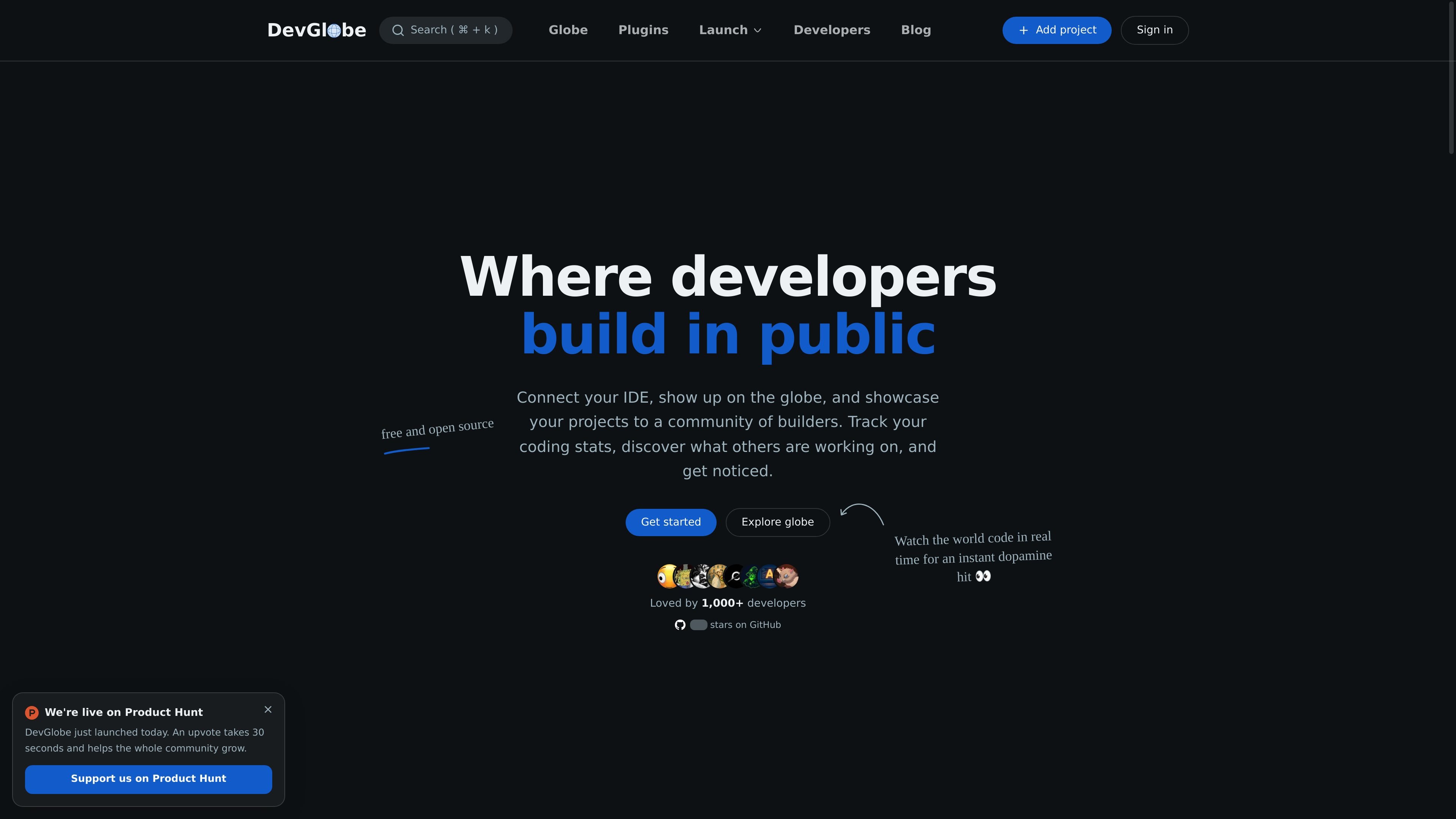
DevGlobe is an open-source coding activity tracker and developer directory. Its IDE extensions send coding activity to a dashboard, where users can review time, languages, projects, habits, streaks, goals, and badges. Developers can also choose whether to appear on a real-time globe and publish a profile featuring projects and social links. The product is designed to make coding activity visible without collecting source code; users can control which activity details are shared.
Extensions send batches of activity metadata every 30 seconds while coding is active, including detected language, editor and platform, and optional repository, branch, and relative file path details.
Review coding time across days, languages, editors, and projects, along with activity patterns, streaks, goals, badges, and repository summaries.
Choose public mode to appear near your real city, anonymous mode to appear in a consistent random city in your country, or private mode to hide your marker while retaining stats, badges, and goals.
Local configuration switches can prevent file names, branch names, and project names from leaving the machine. Sharing a repository on the live globe is separately controlled in dashboard settings.
Profiles can present GitHub, X, LinkedIn, projects, location, and selected developer details, and can be discovered through the developer directory.
IDE extensions are MIT-licensed and published on GitHub for inspection, including the heartbeat payload and repository detection logic.
Use the dashboard's timelines, language breakdowns, streaks, and project summaries to understand where coding time goes and track progress toward goals.
Developers who want a public presence can use public or anonymous globe mode, while those who prefer not to show a location can use private mode and keep dashboard stats.
Build a discoverable profile with project and social links, then browse the directory to find developers and work from around the world.
Users already tracking activity with WakaTime-compatible tooling can connect it through DevGlobe's WakaTime setup flow.
No. The extension does not read or send source code, file contents, keystrokes, commit messages, diffs, environment variables, SSH keys, or credentials.
While coding is active, the extension sends a small HTTPS batch with activity metadata such as language, editor and platform, and potentially relative file path, repository origin, and branch. Local settings can disable sending file, branch, or project names.
Yes. Anonymous mode places the marker in a random city in your country, while private mode removes the marker. Private mode keeps stats, badges, and goals available.
The site lists extensions for VS Code, Cursor, Windsurf, VSCodium, JetBrains IDEs, Visual Studio, Zed, Neovim, and other editors, and also describes a WakaTime-compatible setup.
Traffic data is for reference only.

metaflow.org
An open-source framework for building, scaling, and managing real-life ML, AI, and data science projects.

opaline.so
Opaline provides team-wide analytics for Claude Code and Codex sessions, tracking token costs, time, and skill usage at the message level. Teams can review organization-wide activity and detailed session traces to understand coding-agent adoption and usage patterns.

wrapperexits.com
WrapperExits is a database of AI micro-SaaS exits with deal price, multiple, time to exit, and source confidence when available. Compare real exits without unsourced anecdotes.