
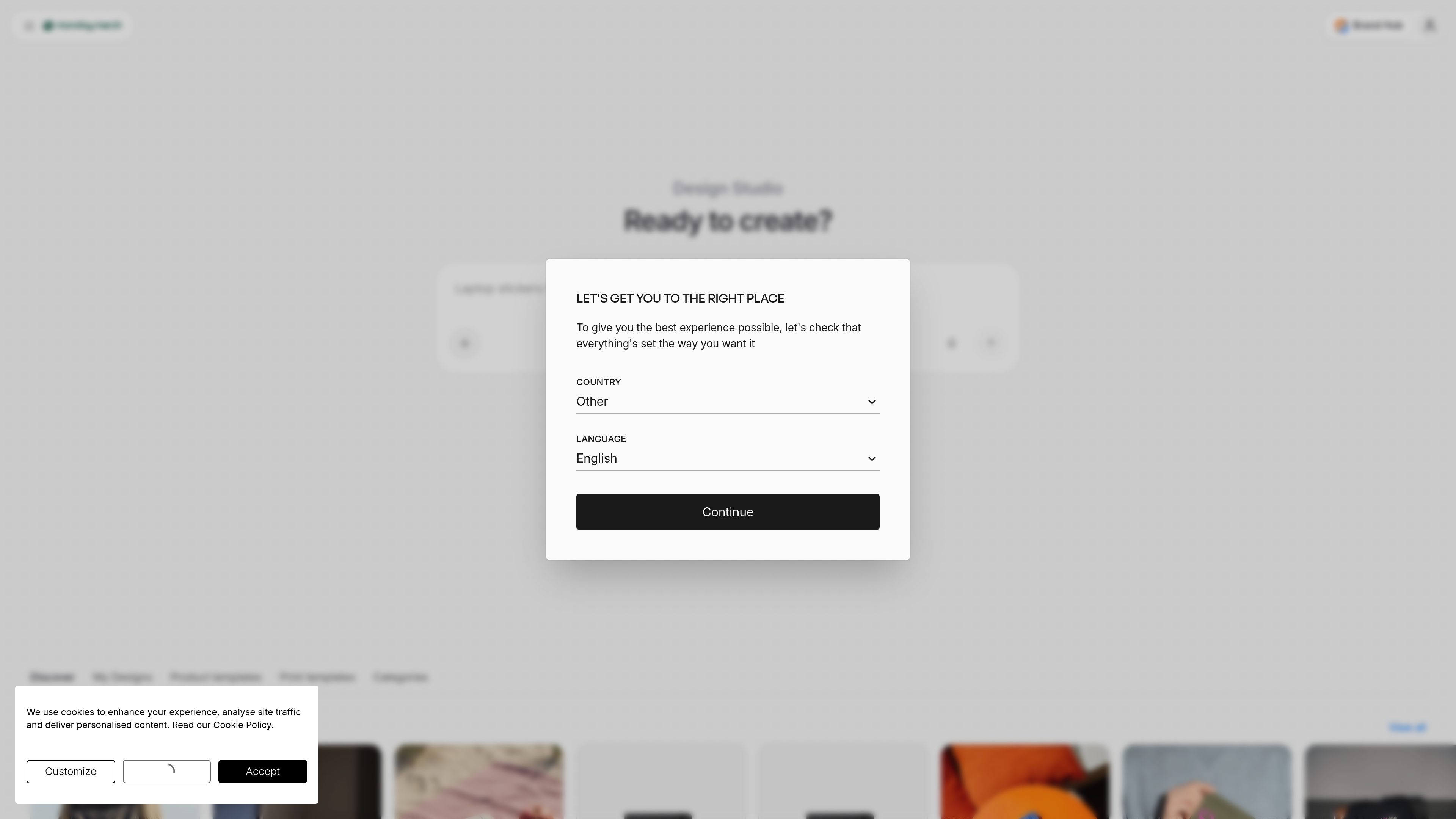
Brand import
Enter a company name or website to find available logos, colours, and fonts for use in a design.

Design Studio is Monday Merch’s browser-based tool for placing a brand, artwork, or text on customizable merchandise. Users can start from a template or a blank design, preview multiple product sides, and move toward ordering without design software.
Design Studio is Monday Merch’s browser-based customization tool for creating branded merchandise. It supports products across apparel, drinkware, bags, office items, events, packaging, stickers, and print. Users can add a company brand, select a product template, or begin with a blank design, then prepare the artwork for production.
The studio can use a company name or website to identify available logos, colours, and fonts. Designs can be edited by changing text and colours, and the preview can be switched between product views such as the front, back, sleeves, and label. This gives users a way to check how a design is arranged before ordering.
Design Studio is free to use and is positioned for people who do not have design skills or a dedicated designer. It is part of Monday Merch’s wider platform, where designs, quotes, orders, stock, and shipments can be managed in one dashboard.
Enter a company name or website to find available logos, colours, and fonts for use in a design.
Choose a product template for apparel or print, or begin with a blank design.
Review and design locations including the front, back, sleeves, and label where supported by the product.
Adjust text and try different colours while checking design details before ordering.
Create designs for apparel, drinkware, bags, office products, events, packaging, stickers, and print.
Prepare branded apparel, bags, drinkware, and office items using a company’s existing visual assets.
Create event-related clothing, printed products, stickers, or other merchandise and review the design before placing an order.
Let a team member create a product concept without relying on separate design software or a dedicated designer.
Compare design directions across different merchandise categories, from clothing to notebooks and bottles, before requesting or placing an order.
Yes. Monday Merch describes the Design Studio as free to use. The merchandise itself and services such as production, fulfillment, shipping, warehousing, or an optional brand store may involve separate costs.
Yes. The studio supports starting from a product template or from a blank design. It also allows users to enter a company name or website to find logos, colours, and fonts.
You can preview the design on product views such as the front, back, sleeves, and label where those positions are available. You can also edit text and colours before ordering.
The studio covers apparel, drinkware, bags, office products, events, packaging, stickers, and print. The product catalogue includes examples such as T-shirts, hoodies, caps, tote bags, notebooks, bottles, mugs, and backpacks.

superside.com
AI-powered creative service for enterprise and in-house teams

dropmagic.ai
Dropmagic is an AI Shopify store builder that turns source products into branded storefronts with generated copy, images, and design—helping merchants launch faster without coding or design work.

slidespeak.co
AI presentation maker that turns prompts and files into editable PowerPoint decks
sleek.design
Sleek is an AI mobile app designer that turns prompts or reference images into iOS and Android screens, helping teams create, edit, and export designs to Figma or code.

www.recraft.ai
Recraft is an AI image and design platform for creatives and teams, with raster/vector generation, custom styles, mockups, editing, and API workflows.

appicons.ai
AI app icon generator for iOS, Android, and desktop