Dehancer logo

Dehancer

Claim

Dehancer is film emulation software for color grading, photo finishing, and cinematic look development. It offers film profiles and film-style effects across major editing hosts, desktop tools, iOS apps, and an online version.

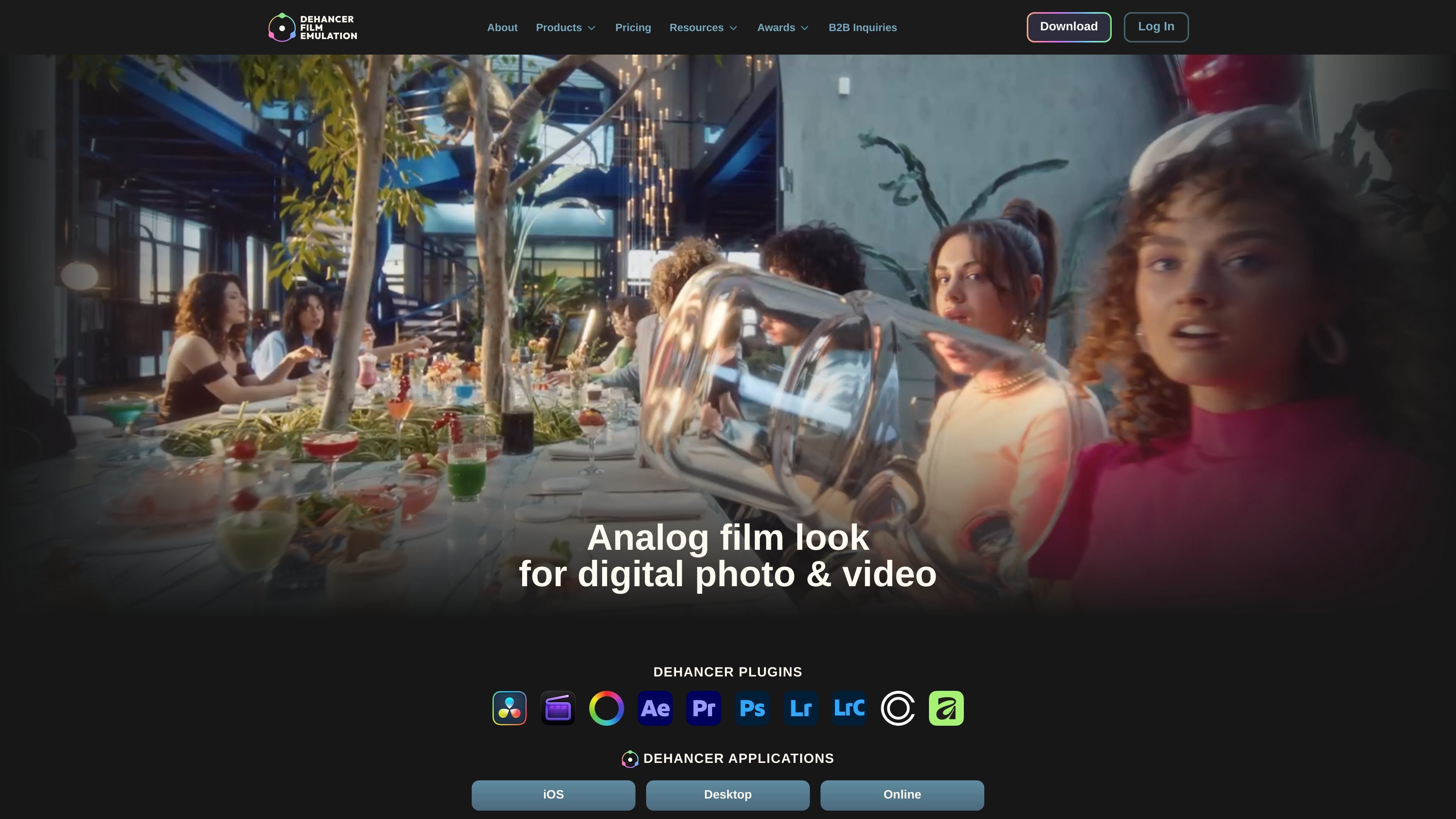
Dehancer preview

Overview

Dehancer is a film emulation software product for color grading and image finishing. Its main purpose is to help digital photos and videos take on a film-based look by combining film profiles with effects such as grain, halation, bloom, breath, gate weave, and damage.

The product is available across several hosts and apps, including DaVinci Resolve, Final Cut Pro, Adobe Premiere, After Effects, Photoshop, Lightroom, Capture One Pro, Affinity, iPhone and iPad apps, and an online version. The source also positions Dehancer around real photographic and motion picture film profiles, with more than 60 films and 130+ camera log profiles referenced on the site.


Core features

60+ film profiles

Dehancer includes more than 60 film profiles covering motion picture, color negative, color positive, black-and-white, instant, exotic, and cross-processed looks. Profiles can be used to recreate specific film stocks rather than a generic film-style preset.

Print films and photo papers

The plugin includes print film emulation such as Kodak 2383 and Fujifilm 3513, plus photo paper profiles like Kodak Endura and Bromportrait. These tools are meant to model the final print stage of an analog workflow.

Physical film grain modeling

Film Grain is modeled from image color and brightness details rather than a simple overlay. Built-in grain profiles cover 8, 16, 35, and 65 mm formats, with custom settings available.

Film effect tools

Halation, Bloom, Film Breath, Gate Weave, and Film Damage tools reproduce common film artifacts and motion characteristics. These effects help add haloing, glow, frame-to-frame variation, and emulsion defects where needed.

Camera profiles and color pipelines

Dehancer includes 130+ camera log profiles and advanced color pipeline options such as DWG, ACES, and Cineon. A LUT generator is also listed on the product page.

Finishing and monitoring controls

The feature list includes a CMY Color Head with print toning, vignette tools, overscan, defringe, and monitoring tools such as false colors and clipping indication. These controls support finishing and technical image checks in one workflow.

Common use cases

  • Film-style finishing for video

    Apply a film stock look to a finished edit in a host like DaVinci Resolve, Premiere Pro, or Final Cut Pro when you want a specific analog reference rather than a generic color grade.

  • Adding controlled film artifacts

    Use film grain, halation, bloom, and damage tools to shape the texture and imperfections of a shot during the final look-development pass.

  • Log-based color grading

    Work from camera log profiles and advanced color pipeline options when building a grading workflow that needs structured conversion before creative finishing.

  • Photo emulation and print-style rendering

    Match still-image workflows in Photoshop, Lightroom, Capture One Pro, or Affinity with film profiles and paper emulation for a photographic output style.

  • Mobile and web-based film styling

    Use the iOS or online applications when you need film emulation outside a desktop plugin host, or when the workflow is centered on quick export and browser-based access.

Pros and Cons

Pros

  • Broad film profile library with 60+ film looks and multiple exposure variants.
  • Realistic film-related effects beyond simple LUT-style grading, including grain, halation, bloom, breath, and gate weave.
  • Wide host support across major video, photo, desktop, mobile, and online workflows.
  • Several pricing and licensing options, including individual, studio, and production-oriented plans.

Cons

  • The pricing structure and licensing differ by plan, host, and seat type, so buyers need to compare the plan table carefully before choosing.
  • The source does not provide a complete limitations list, and some supported products are only shown as coming soon or in app-specific variants.

FAQ

What platforms and hosts does Dehancer support?

Dehancer is available as plugins for major editing and grading hosts, plus desktop, iOS, and online applications. The source mentions DaVinci Resolve, Final Cut Pro, Adobe After Effects, Adobe Premiere, Adobe Photoshop, Adobe Lightroom, Capture One Pro, Affinity, iPhone and iPad apps, and a web version.

Who is Dehancer for?

The source describes Dehancer as a film emulation software for color grading and for giving digital videos and photos a cinematic look. It is designed for users who want to work with film profiles and film-style finishing inside supported editing or photo applications.

Does Dehancer use subscriptions or one-time licensing?

The pricing page shows monthly and annual subscription plans, plus a lifetime option referenced in the FAQ section. It also notes that some plans renew automatically and that production plans use a contact-us flow for customization.

How do activation and licensing work?

The pricing page lists supported products and licensing features such as online or offline activation depending on plan. The page also points users to the FAQ page for questions about activation, invoices, cancellation, and subscription management.

What should I check before choosing a plan?

The source does not provide a full limitations list, but it does show plan differences by product, seat count, licensing type, and supported hosts. Users should compare the plan table before purchasing because access and licensing vary by plan.

Quick Facts

Category
Film emulation software
Source domain
dehancer.com
Primary workflows
Color grading, photo finishing, film-look emulation
Supported hosts
DaVinci Resolve, Final Cut Pro, Adobe apps, Capture One Pro, Affinity, iOS, desktop, online
Pricing
Paid plans with monthly, annual, and lifetime options referenced on the pricing page