
Free and subscription-based access
Start with free courses and move into paid subscription plans when you need broader access, projects, and certification options.
DataCamp is an online learning platform for data science and AI skills, with courses, tracks, projects, and certifications for individuals and teams.
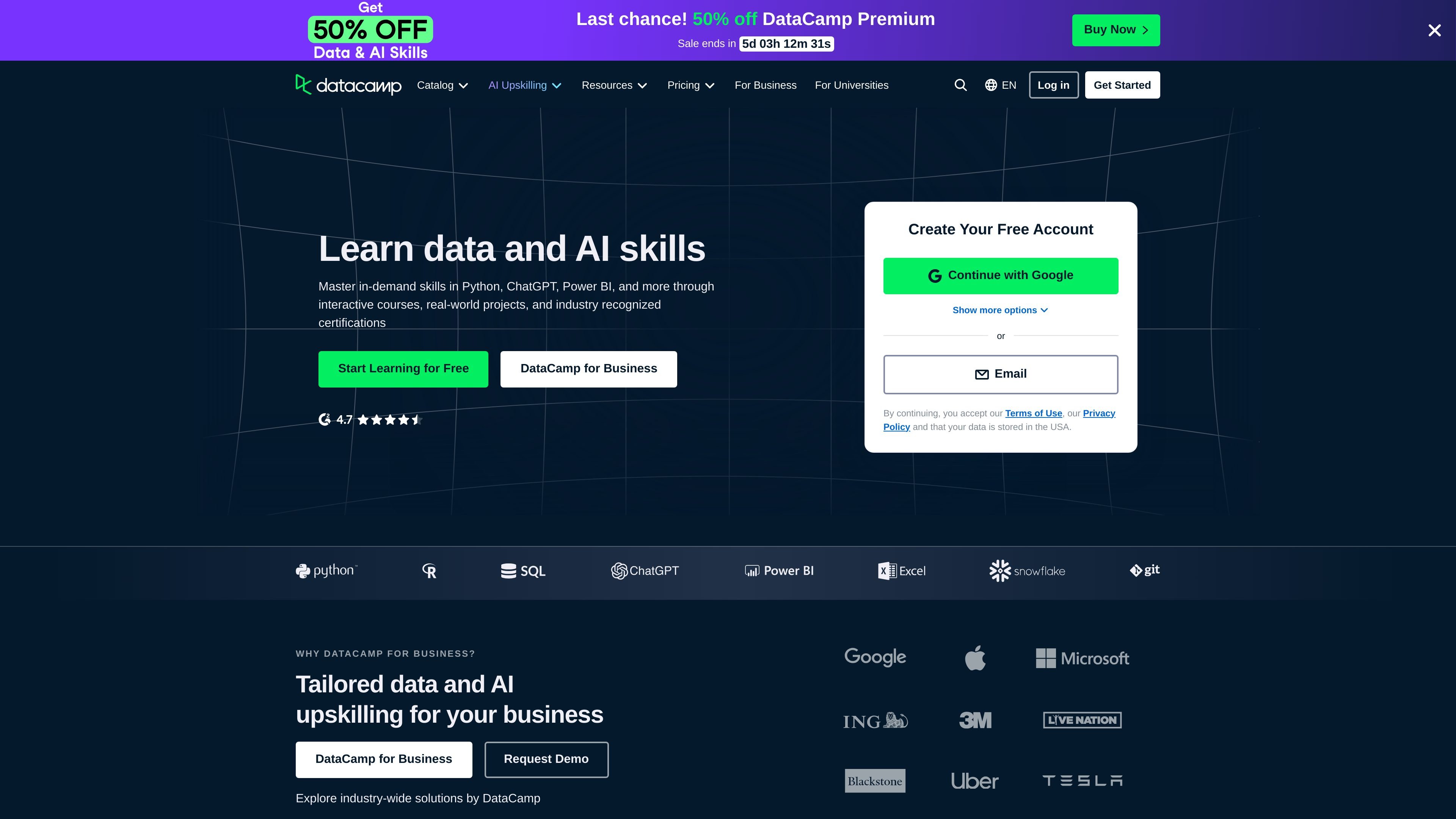
DataCamp is an online learning platform for data science and AI skills. Its homepage and pricing page show a catalog of courses, career tracks, skill tracks, projects, and certifications focused on tools and workflows used in analytics, data engineering, and AI.
The service is designed for individual learners and organizations. Free access includes the first chapter of each course, while paid plans expand access to the full course library and additional learning features. Business plans add team administration and learning management capabilities, and the platform’s content runs in the browser without requiring installed software.
Start with free courses and move into paid subscription plans when you need broader access, projects, and certification options.
Learn through courses, coding exercises, live code-alongs, competitions, and step-by-step projects in the browser.
Build skills across Python, SQL, R, AI, Power BI, Tableau, Excel, Docker, Databricks, Snowflake, Azure, Git, and more.
Follow structured career tracks and skill tracks such as Data Analyst in Python, Data Scientist in Python, Data Engineer in Python, and AI Fundamentals.
Use browser-based learning with no software installation required, which keeps the setup lightweight for individuals and teams.
For business customers, DataCamp offers team management, progress tracking, license management, SSO, LMS/LXP integrations, and reporting features on higher-tier plans.
A new learner can start with introductory courses like Python, SQL, Tableau, Excel, or AI for Work to build foundational skills step by step.
An analyst can follow role-oriented tracks such as Data Analyst in Python or Data Analyst in Tableau to practice the specific workflows used in day-to-day analysis.
A learner exploring AI can use courses such as Introduction to AI for Work, Working with the OpenAI API, or Prompt Engineering to understand practical AI workflows.
A manager or L&D team can use DataCamp for Business to assign learning, track progress, manage licenses, and connect learning systems for a group.
DataCamp’s free account includes only the first chapter of its courses. The pricing page says subscription plans unlock access to the full course catalog, plus projects, certificates, and industry-leading certifications.
No. The pricing page says courses are available for everyone, from beginners to experts, and that anyone interested in data science and analytics can use DataCamp to learn new skills.
No special software or hardware is required. The pricing page says courses, coding exercises, and projects run in the browser, and recommends Chrome, Safari, or Firefox for the best experience.
Subscription charges recur monthly or yearly depending on the plan. The pricing page also says you can cancel at any time, and monthly subscribers can pause their accounts.
Yes. The pricing page mentions a Premium Student Plan for eligible college students, with a discount of over 50% off the regular price.