Cyanite logo

Cyanite

Claim

Cyanite is an AI music tagging and search platform for music companies to organize catalogs, enrich metadata, and find tracks by similarity or free-text search.

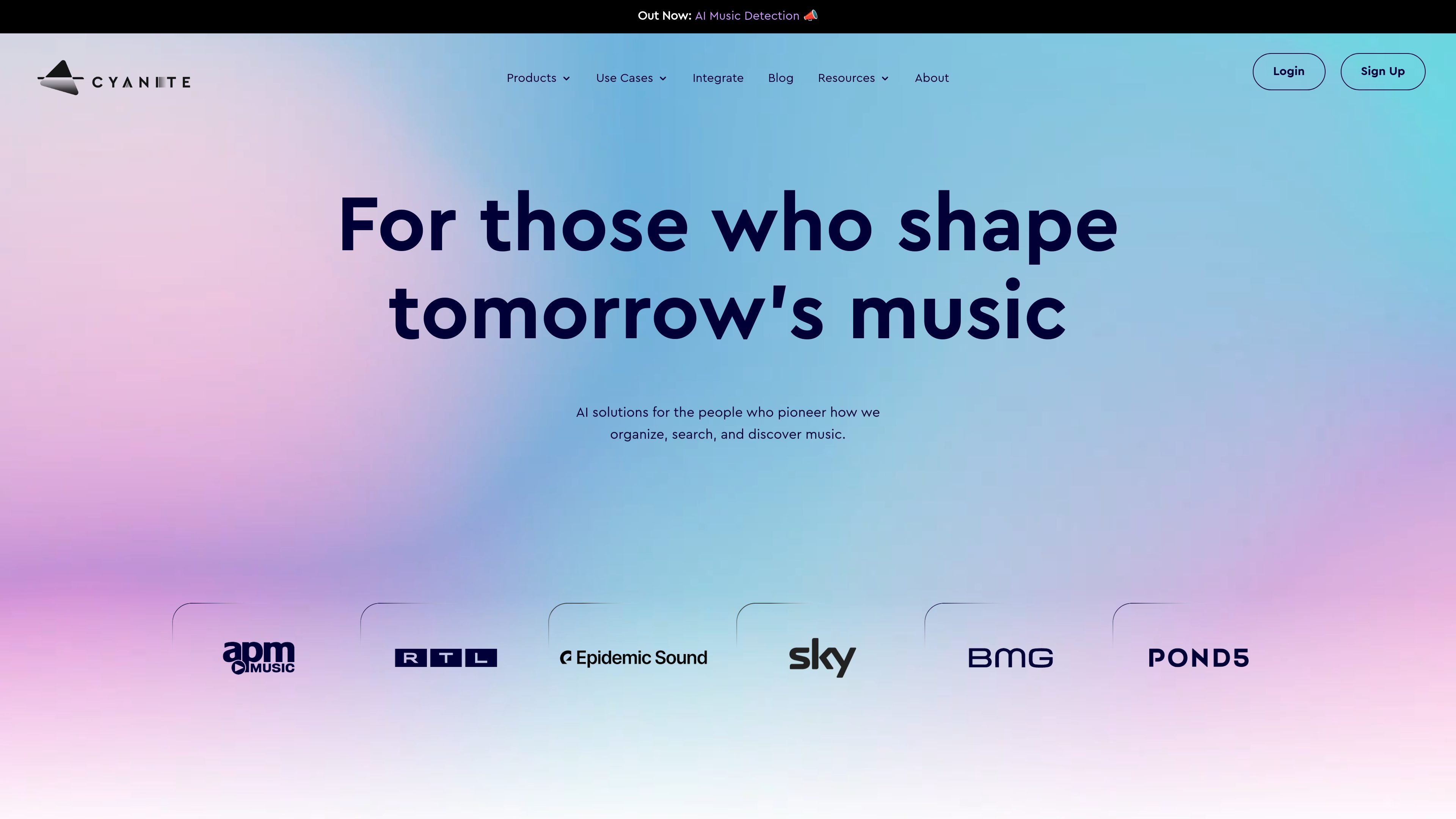
Cyanite preview

AI music tagging and search for catalogs

Cyanite is an AI music tagging and search platform for companies that need to organize large music catalogs and make them easier to search. Its main products focus on auto-tagging, auto-descriptions, similarity search, and free-text search for music discovery workflows.

The source pages describe Cyanite as useful for music licensing, playlisting, catalog management, and catalog ingestion at scale. The platform can be used through a web app, an API, and CSV export options, with a pricing calculator that helps teams estimate subscription and onboarding costs based on catalogue size and feature selection.

Core capabilities

Auto-tagging and auto-descriptions

Automatically generate tags for songs across genres, moods, instruments, lyric themes, tempo, brand values, and other metadata fields. Cyanite also provides auto-descriptions that summarize a track’s feel in plain language.

Similarity search

Search by sonic similarity to find tracks that sound alike, share a vibe, or fit a similar era. The search tools also support filters such as genre and BPM.

Free text search

Turn short prompts or detailed requests into song matches with Free Text Search. This supports more natural discovery when users know the kind of track they want rather than a specific reference song.

Web app catalog exploration

Upload catalog tracks into a web app library to organize and explore music without coding. The case study describes this as creating a private discovery workspace for a catalog.

API-based workflow support

Integrate Cyanite into existing systems through its API, with the case study noting daily use for auto-tagging and similarity search inside Marmoset’s workflow.

Configurable access and onboarding

Use the pricing calculator to choose tracks to onboard, select features, and decide between Web App, Web App + API, or CSV Export access.

Common use cases

  • Catalog normalization

    Clean up large or growing catalogs by applying consistent metadata across many tracks. This is useful when new signings, acquisitions, or sub-publishing deals need unified tagging.

  • Music discovery for licensing

    Help licensing and sync teams find the right songs faster through similarity search, genre and BPM filters, and free-text requests that translate a brief into relevant track matches.

  • Metadata enrichment for playlists and search

    Generate descriptive metadata and plain-language summaries that support playlisting, search relevance, and internal catalog management without manual tagging for every track.

  • Embedded discovery workflows

    Support product teams that want to expose music discovery inside their own platform, as shown by Marmoset’s use of Cyanite through both web app and API.

  • Ongoing ingestion and catalog operations

    Reduce manual review time for teams managing ongoing catalog growth by using automated analysis to tag new uploads and organize them into a searchable library.

Pros and Cons

Pros

  • Covers both metadata enrichment and music search in one product family.
  • Supports multiple workflows, including web app use, API integration, and CSV export access.
  • Analyzes audio content directly for tagging and does not rely on embedded metadata in the file.
  • Search tools support both reference-based similarity search and prompt-like free text search.
  • Case studies and testimonials show use in real catalog and licensing workflows.

Cons

  • The public pricing page shown does not expose fixed prices in the provided text, so buyers need to use the calculator to estimate cost.
  • The source materials do not spell out every integration or export detail, so teams may need to confirm implementation fit directly.

FAQ

How do you get started with Cyanite?

Cyanite offers a web app, an API, and a Music CMS path. The pricing page says you can start by entering your catalogue size, selecting features, choosing how you want to use the service, and then downloading an offer or HTML file for the pricing setup.

What can Cyanite help with?

The source pages show Auto-Tagging, Auto-Descriptions, Similarity Search, and Free Text Search. The pricing page also lists an Advanced Search option and access modes such as Web App, Web App + API, and CSV Export.

How does Cyanite generate tags?

Cyanite’s auto-tagging page says the model analyzes only the audio content of a file and does not process embedded metadata. It converts MP3 audio into a spectrogram, uses computer vision on that representation, and then outputs music tags.

Can Cyanite be used by teams, not just individual users?

The case study with Marmoset says the team uses Cyanite’s API and web app daily for auto-tagging and similarity search, showing it can support both internal workflows and user-facing discovery features.

Does Cyanite publish pricing publicly?

The source does not publish fixed prices on the public pages shown. The pricing calculator indicates subscription fees, a one-time tagging or onboarding fee, and annual billing savings, but specific amounts are not shown in the provided text.

Quick Facts

Category
AI music tagging and search
Primary users
Music companies, licensing teams, and catalog managers
Platform
Web app, API, and CSV export options
Notable workflows
Auto-tagging, auto-descriptions, similarity search, and free text search
Source domain
cyanite.ai
Pricing
Pricing calculator available; fixed public prices not shown in the provided text