
Project-based lessons
Cratecode’s courses are built around projects with a genuine use case, so learners work toward something practical instead of only reading explanations.

Cratecode is a free web-based programming learning site with structured lessons, in-browser coding, and AI help for project-based learning.
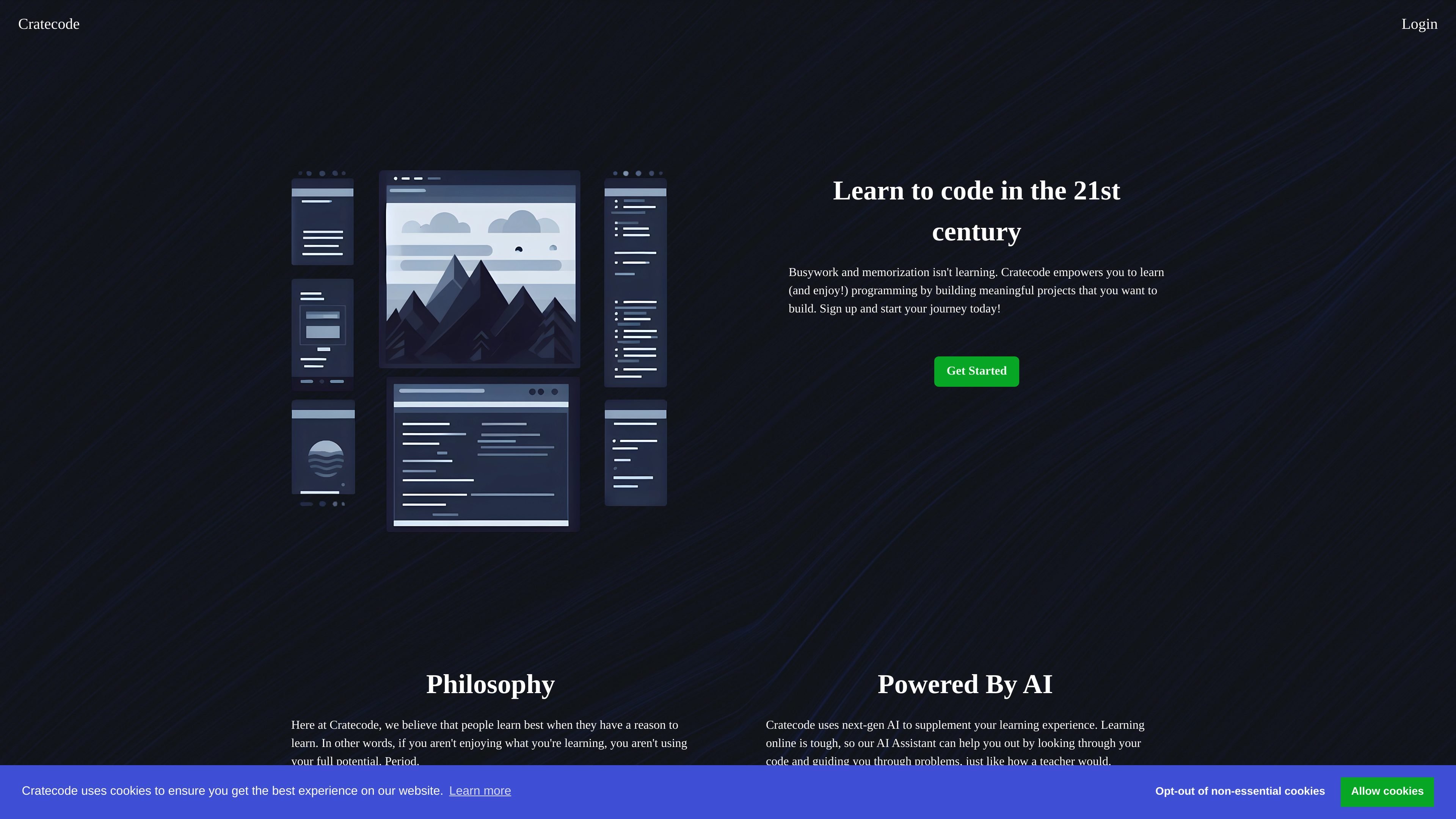
Cratecode is a free learning website for people who want to learn programming through hands-on projects. Its homepage positions the product against busywork and memorization, and instead focuses on meaningful projects that give learners a reason to build and keep going.
The platform combines structured lessons with a coding workspace, so users can read instructions, edit files, run code, and experiment directly in the browser. Cratecode also adds an AI Assistant that can answer programming questions, inspect code for issues, and guide users through difficult problems with examples.
Cratecode’s courses are built around projects with a genuine use case, so learners work toward something practical instead of only reading explanations.
The course structure is described as non-linear, allowing learners to choose their own path while still following organized lesson material.
Progress is framed around growth rather than remaining content, which suggests the platform emphasizes what you have learned instead of a fixed course count.
The AI Assistant can answer programming questions, review code for mistakes or improvements, and provide explanations with code examples.
Lesson pages include an editor, file explorer, run button, and console, letting learners edit files and execute code in place.
The site includes an info article section with topics across programming, graphics, assembly, and learning roadmaps.
A beginner can work through introductory lessons, open the included `index.js` or README files, and experiment with small changes to see immediate results in the console.
A learner stuck on a problem can ask the AI Assistant for help, get an explanation of likely mistakes, and follow step-by-step examples to move forward.
Someone who wants a more guided but flexible path can follow the non-linear course structure and choose the route that best matches their interests or pace.
A curious reader can browse info articles to explore topics such as p5.js, assembly, MATLAB, and data structures beyond the main lesson flow.
Yes. The homepage says Cratecode lets you sign up and start learning for free.
The source shows a sign-up flow and a separate login requirement for accessing the AI features, but it does not describe alternative account types or plans.
Cratecode is built around courses and units that combine reading, editing code, and running it in the browser-like workspace shown in the lesson pages.
The AI Assistant can answer programming questions, review code for mistakes or improvements, and guide users through problems with step-by-step examples.