
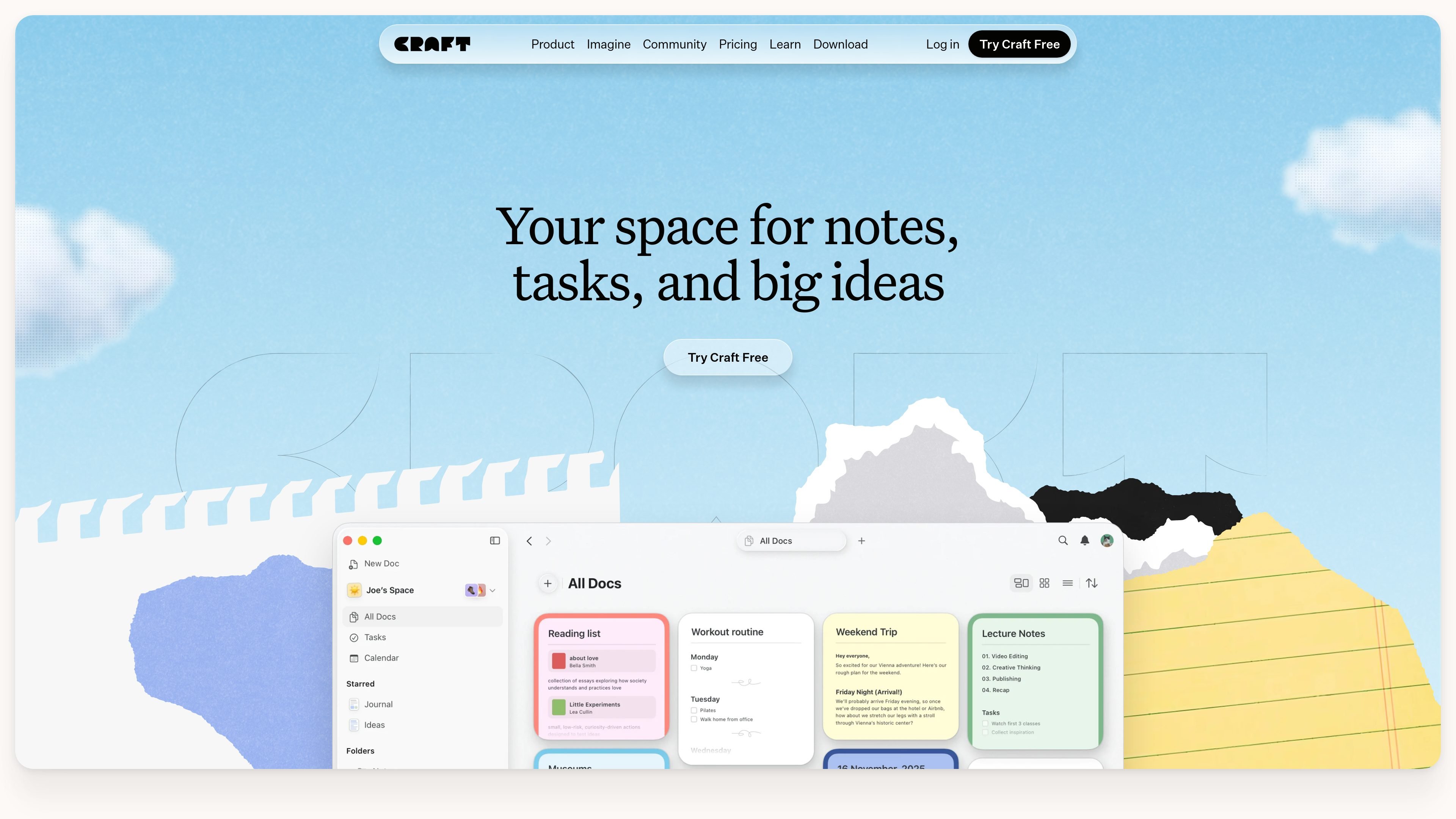
Tasks within documents
Embed tasks directly in documents so action items stay connected to the notes and plans that explain them.

A notes, documents, and task app for writers, students, and everyday planning.
Craft is a productivity app that combines notes, documents, tasks, calendars, and whiteboards. It supports capturing ideas across devices, developing them into finished documents, and keeping related work in one place.
Its workspace serves personal writing, study, creative projects, and shared planning. Users can start with a free plan and upgrade for higher content limits, more AI credits, and longer version history.
Embed tasks directly in documents so action items stay connected to the notes and plans that explain them.
Use a calendar, daily notes, journals, and reminders to organize commitments and record thoughts over time.
Start documents from templates and use whiteboards for visual planning alongside written material.
Publish writing directly from Craft or share documents through links, keeping drafting and distribution in the same app.
Write with a built-in AI assistant. Free includes 15 credits and Core and Fast models; Plus includes 50 credits per month and adds the Max model.
Connect external tools to Craft through its API or MCP. Authorized MCP clients can read, summarize, and update documents in a selected space.
Develop show notes, book outlines, social posts, and newsletter drafts, then publish finished writing from the workspace.
Keep shoot plans, scripts, timelines, and wardrobe notes together for a production.
Organize course notes, project outlines, lesson material, and daily assignments for study or teaching.
Use MCP to capture book quotes with Claude or ChatGPT, or build a personal blog that syncs content from Craft documents through the API.
The Starter plan costs $0 and allows 1,500 blocks across documents, 1 GB of storage, uploads up to 25 MB, and seven days of version history. Plus offers unlimited content, storage, and media uploads, with 30 days of version history.
Yes. Craft supports cross-device writing and sync, so you can capture a note on an iPhone and continue working on another device.
Family bundles two to six Plus accounts in one subscription. Team includes up to ten Plus accounts. Both support collaboration in a shared Space.
Add the Craft MCP URL to your client's settings or configuration file. A browser authorization page lets you select a Craft space and approve access. The connected client can then work with documents in that space.
Traffic data is for reference only.

goodnotes.com
Goodnotes brings handwritten notes, typed documents, PDFs, whiteboards, and team workflows together with real-time collaboration, AI assistance, and cross-device access.
coconote.app
Coconote turns lectures, meetings, and documents into organized notes, transcripts, and study materials with AI.

memrizz.com
AI flashcard maker for medical students from lectures, notes, and recordings