
Generative UI
Render interactive UI during an agent workflow, including cards, charts, summaries, approvals, and other interface elements that appear inside the app or collaboration surface.

CopilotKit is a frontend stack for building agentic apps that connect users and AI agents in real products, with generative UI, persistent threads, and flexible hosting.
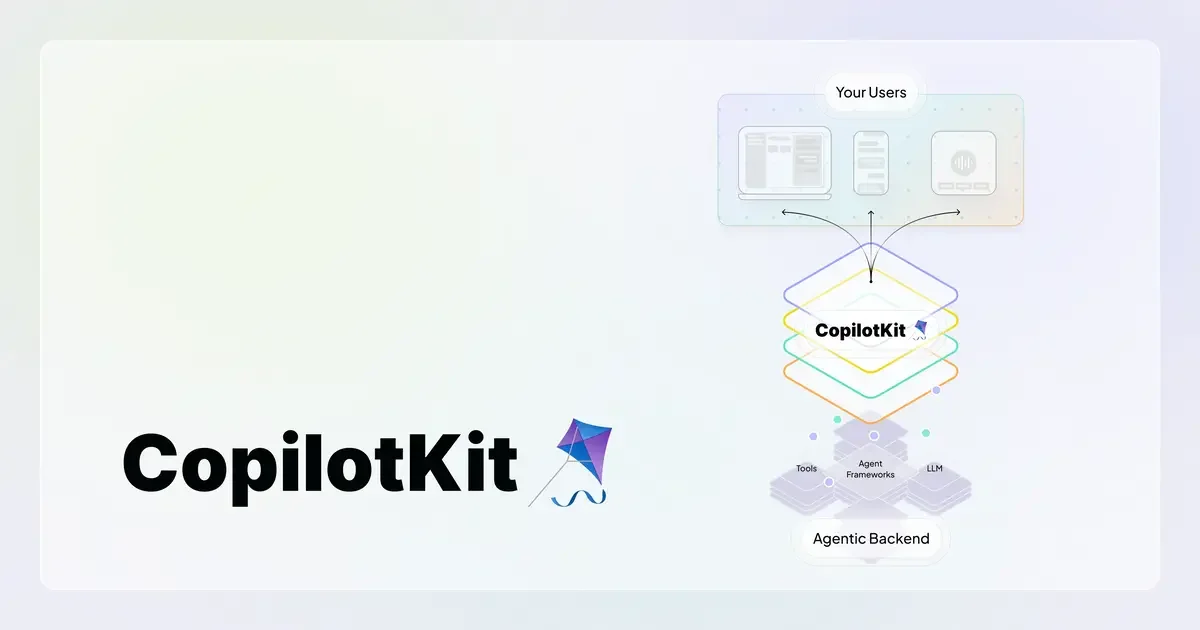
CopilotKit is a frontend stack for building agentic applications that bring users and AI agents together inside real products. It centers on the AG-UI protocol, which defines how a user-facing app and an agentic backend stay in sync through a bi-directional event stream.
The product is designed for teams that want agents to act inside the interface rather than in a separate chat window. It supports generative UI, persistent threads, frontend SDKs for React and Angular, and collaboration surfaces such as browser apps, Slack, and Microsoft Teams.
Render interactive UI during an agent workflow, including cards, charts, summaries, approvals, and other interface elements that appear inside the app or collaboration surface.
Connect a user-facing product to an agentic backend through AG-UI so the agent can read state, write state, and stay synchronized with the application.
Keep threads and application state durable across app sessions and across supported surfaces such as browser apps, Slack threads, and Teams conversations.
Use pre-built SDKs for React and Angular to add agentic experiences without building the interaction layer from scratch.
Start with customizable chat UI components when a chat-based interface fits the workflow, instead of assembling the full experience manually.
Choose hosted, self-hosted, VPC, or on-prem deployment paths from the pricing and platform pages, depending on hosting and control needs.
Add an in-app assistant that can answer questions, show stateful UI, and trigger actions while the user stays inside your product.
Build collaboration workflows in Slack or Microsoft Teams where the agent can render cards, approvals, and threaded follow-ups instead of plain chat replies.
Create browser-based agent experiences that keep state across sessions and carry context forward as users return to the app.
Connect an existing agent framework or backend to a structured frontend layer so the application UI stays synchronized with agent output.
Use the platform plan that matches your deployment posture, from free developer experimentation to self-hosted or enterprise setups.
CopilotKit provides frontend SDKs for React and Angular, and its pricing page also lists agentic backend connections, so teams can connect an existing backend rather than starting from scratch. The home page says you can start with a single command and your existing app.
The pricing page shows plans for a single developer seat, small teams, growing teams, and enterprise deployments, including self-hosting and custom terms. That suggests it can be used by individual developers as well as larger teams.
CopilotKit supports generative UI, chat components, shared state and persistence, and AG-UI-based interaction across browser apps, Slack, and Microsoft Teams. The integrations page also notes Slack and Microsoft Teams are in early access, while Discord and Google Chat are planned or coming soon.
The source pages describe CopilotKit as a frontend stack and protocol layer for agent-user interaction. They do not present it as a fully turnkey product for every backend or workflow, so teams should expect to integrate it into their own application and agent stack.
The AG-UI page positions AG-UI as the interaction layer between a user-facing application and an agentic backend, while MCP and A2A cover context and agent coordination. CopilotKit builds on AG-UI with clients and platform tooling for production use.