
Unified content calendar
Plan content in a unified calendar with list, feed, grid, and network-specific views. The calendar supports scheduling, team approvals, and sharing with external users or approvers.

ContentStudio is a social media management platform for planning, scheduling, publishing, monitoring, and reporting from one dashboard for agencies, brands, teams, and creators.
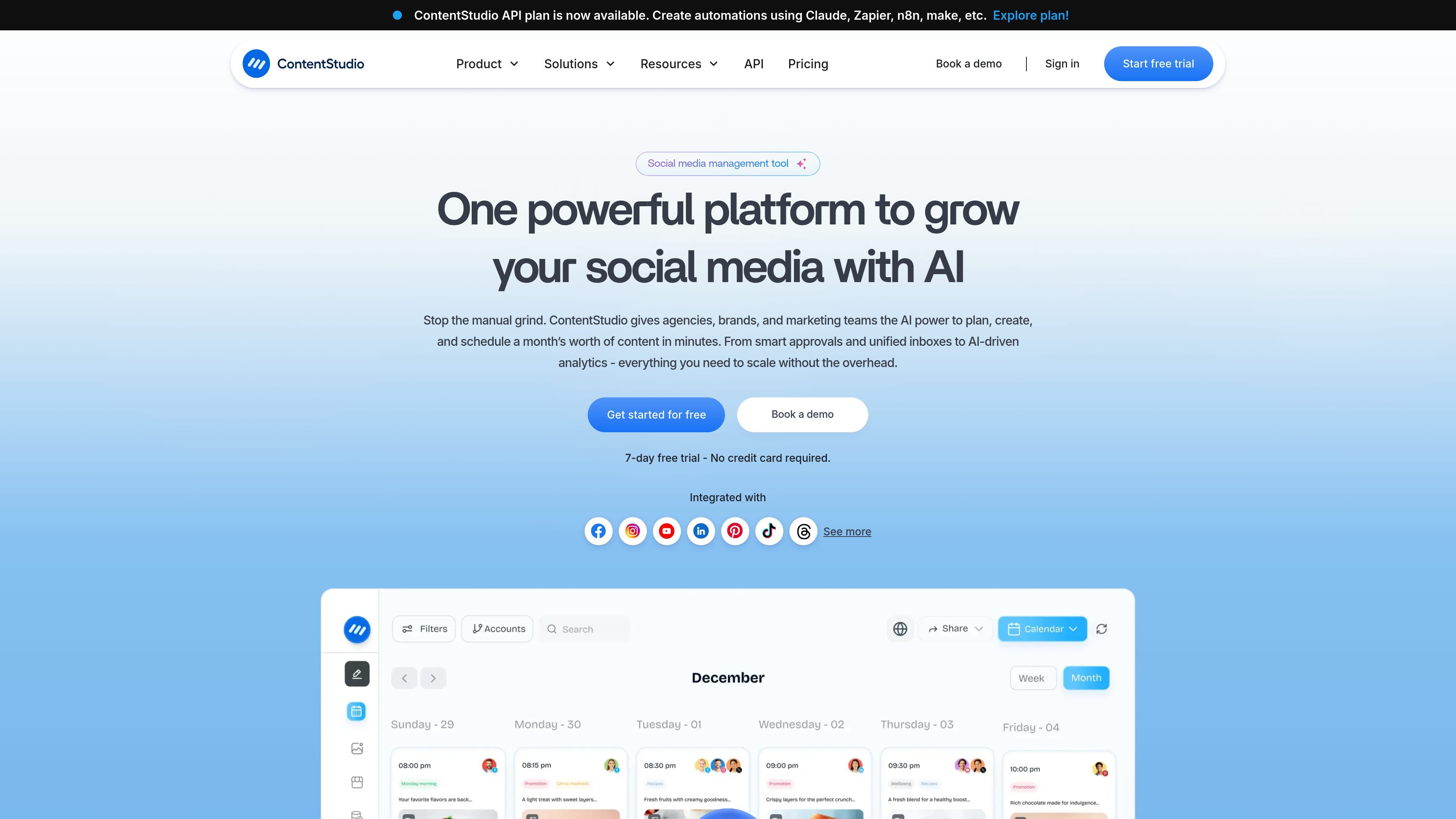
ContentStudio is a social media management platform for planning, scheduling, publishing, monitoring, and reporting on content from one dashboard. The site positions it for agencies, brands, marketing teams, freelancers, and solo creators who want to manage multiple social accounts without moving between separate tools.
The product combines a content calendar, social inbox, analytics, approvals, and AI-assisted creation. It also supports collaboration features such as workspaces, client approvals, branded reports, and secure account connection flows, which make it suitable for multi-brand and client-facing workflows.
The pricing page shows a tiered product with Standard, Advanced, Agency Unlimited, and Enterprise plans, plus a 7-day free trial with no credit card required. The site also highlights an API plan and integrations with major social platforms and marketing tools, including automation services and AI providers.
Plan content in a unified calendar with list, feed, grid, and network-specific views. The calendar supports scheduling, team approvals, and sharing with external users or approvers.
Manage incoming comments, DMs, mentions, and post replies from a single inbox. Team notes, assignments, tagging, and saved replies support collaborative response handling.
Track campaign performance, competitor trends, labels, and KPIs in one place. The platform also offers presentation-ready reporting, automated exports, and branded reports for client or internal sharing.
Generate captions, hashtags, images, and workflow outputs with AI. The site also describes an AI content library, AI-powered insights, and API-based automations with tools such as Zapier, n8n, make, and Claude.
Organize client work with workspaces, approval workflows, white-label options, EasyConnect for account linking, and branded reports. These controls are aimed at agencies and teams managing multiple brands or clients.
Collect and reuse content through RSS feeds, OPML import, evergreen campaigns, bulk CSV upload, media libraries, and content categories. The publishing page also highlights first-comment scheduling, network-tailored posts, and best-time-to-post guidance.
Plan and schedule posts across multiple accounts from a single calendar, using network-specific views, bulk uploads, evergreen campaigns, and best-time-to-post guidance to keep publishing consistent.
Handle comments, DMs, mentions, and post replies from one inbox, with team assignments, saved replies, and internal notes to support shared response workflows.
Coordinate agency work across multiple clients with separate workspaces, approval workflows, EasyConnect account linking, branded reports, and white-label options.
Create captions, hashtags, images, and AI-assisted content outputs faster, then push them into publishing workflows or automate them with the API and external tools.
Track performance, competitor trends, and campaign labels, then share automated or branded reports with teams or clients who need regular updates.
ContentStudio is set up to manage planning, publishing, scheduling, inbox replies, analytics, and approvals from one dashboard. The site also highlights AI-assisted content creation and workflow automation.
The pricing page describes Standard, Advanced, Agency Unlimited, and Enterprise options. Standard is positioned for solo creators and freelancers, Advanced for growing teams, Agency Unlimited for agencies, and Enterprise for teams that need custom controls, SSO, API access, and priority support.
Yes. The site offers a 7-day free trial with no credit card required on the main pricing page, and the home page also mentions getting started for free.
The pricing page and integrations page show support for major social networks and marketing tools, including Facebook, Instagram, LinkedIn, YouTube, TikTok, Bluesky, Threads, Tumblr, Google Business Profile, Pinterest, Telegram, plus tools like Zapier, n8n, make, Claude, Canva, VistaCreate, Feedly, and third-party integrations such as Bitly and Pocket.
The site presents mobile apps for iOS and Android, a Chrome extension, a knowledgebase, and live training options. Enterprise also includes migration and onboarding support.