
Workflow sharing
Share ComfyUI workflows with links so teammates can open the same workflow setup without rebuilding it from scratch.

ComfyDeploy is a cloud platform for teams to run, share, and deploy ComfyUI workflows with shared environments, custom nodes, models, and one-click API deployment.
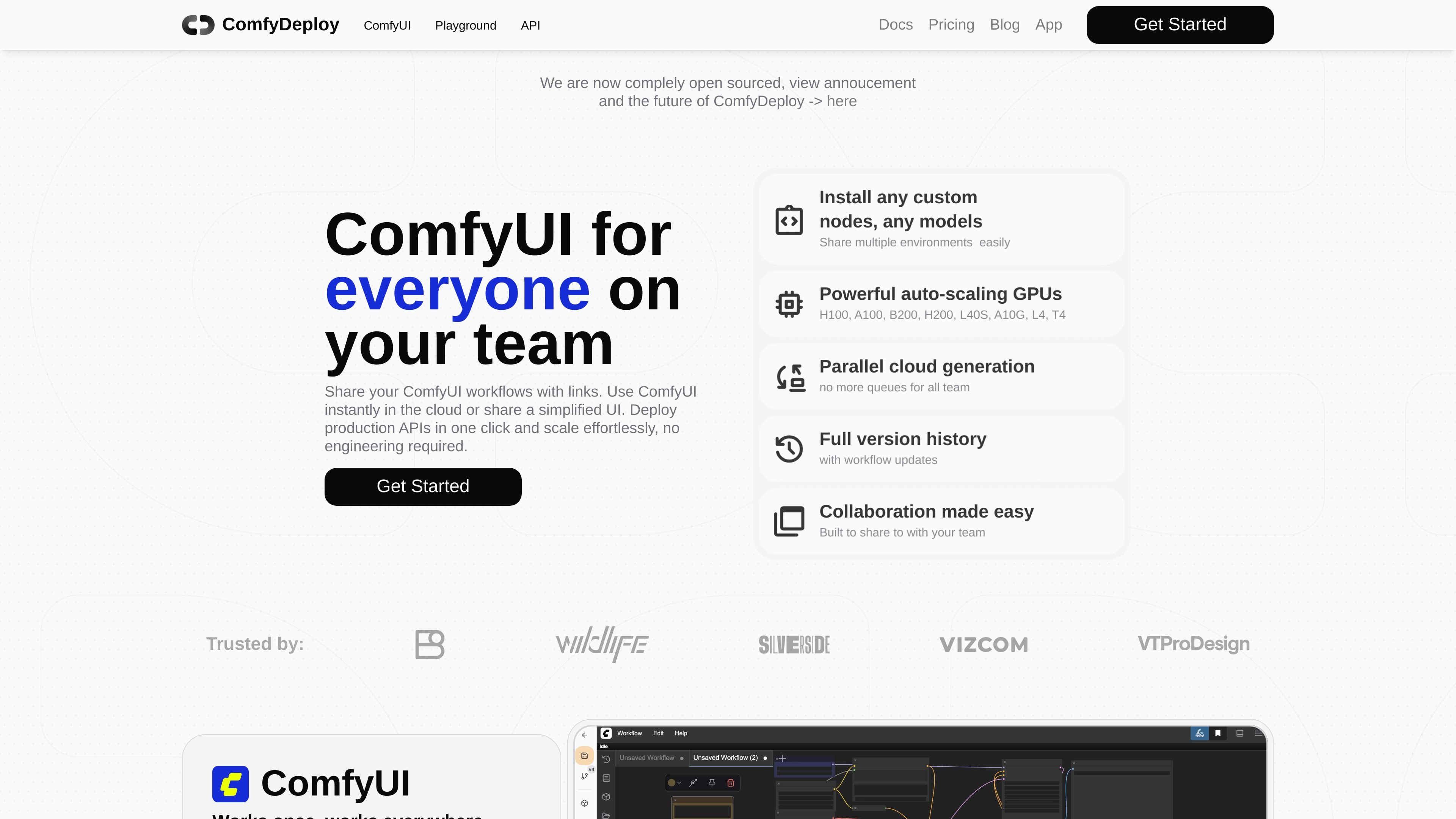
ComfyDeploy is a platform for teams that want to run, share, and deploy ComfyUI workflows. Its homepage positions the product around collaborative ComfyUI usage in the cloud, with links for instant access, simplified interfaces for teammates, and one-click deployment for production APIs.
The site emphasizes keeping workflow environments consistent: the same ComfyUI setup can be opened on dedicated GPUs with models, custom nodes, and settings in place. It also highlights workflow version history, rollback, and GPU autoscaling so teams can iterate on workflows and serve them without managing the underlying infrastructure themselves.
Share ComfyUI workflows with links so teammates can open the same workflow setup without rebuilding it from scratch.
Open the same ComfyUI environment on dedicated GPUs with models, nodes, and settings already configured.
Install custom nodes and models and make them immediately available to your team.
Create a simplified UI from workflow inputs and outputs, using controls such as sliders, text fields, and image uploads.
Deploy production APIs from a workflow in one click and expose prompt fields, uploads, or numeric parameters as inputs.
Use auto-scaling GPUs, including H100, A100, B200, H200, L40S, A10G, L4, and T4, with scaling to zero and cold-start caching.
A creative team can share a workflow through a link, then open the same ComfyUI environment with the required models and nodes already in place.
A workflow builder can expose only the important inputs, such as text prompts or image uploads, so others can test variations without editing nodes.
A team can turn a workflow into a production API in one click and use autoscaling GPUs to handle demand without manual capacity management.
An operator can keep separate dev, staging, and production environments for a workflow while testing real uploads through private S3 integration.
A team iterating on generative workflows can rely on version history and rollback to manage changes safely over time.
ComfyDeploy is presented as a platform for teams to run and deploy ComfyUI. The site says you can share workflows with links, use ComfyUI in the cloud, or share a simplified UI.
The homepage says you can upload your full workflow and deploy it with one click, then expose inputs and outputs through ComfyDeploy nodes to define an API interface.
The site highlights a simplified Comfy UI with sliders, text fields, and image uploads, which suggests it is meant for non-technical teammates who should use workflows without editing nodes directly.
The homepage says you can install custom nodes and models and have them available for your team, so the environment is intended to carry workflow dependencies with the deployment.
A pricing page was not available in the provided source, so pricing details, plan structure, and limits are not confirmed here.