
Prompt-based generation
Generate components and websites from prompts, then continue refining them in the same workflow. The pricing page describes prompt-based generation and seamless iteration.

CodeRocket is an open source AI website builder for Tailwind workflows, with managed cloud and self-hosted options. Generate components and sites from prompts or images and export code to multiple frontend targets.
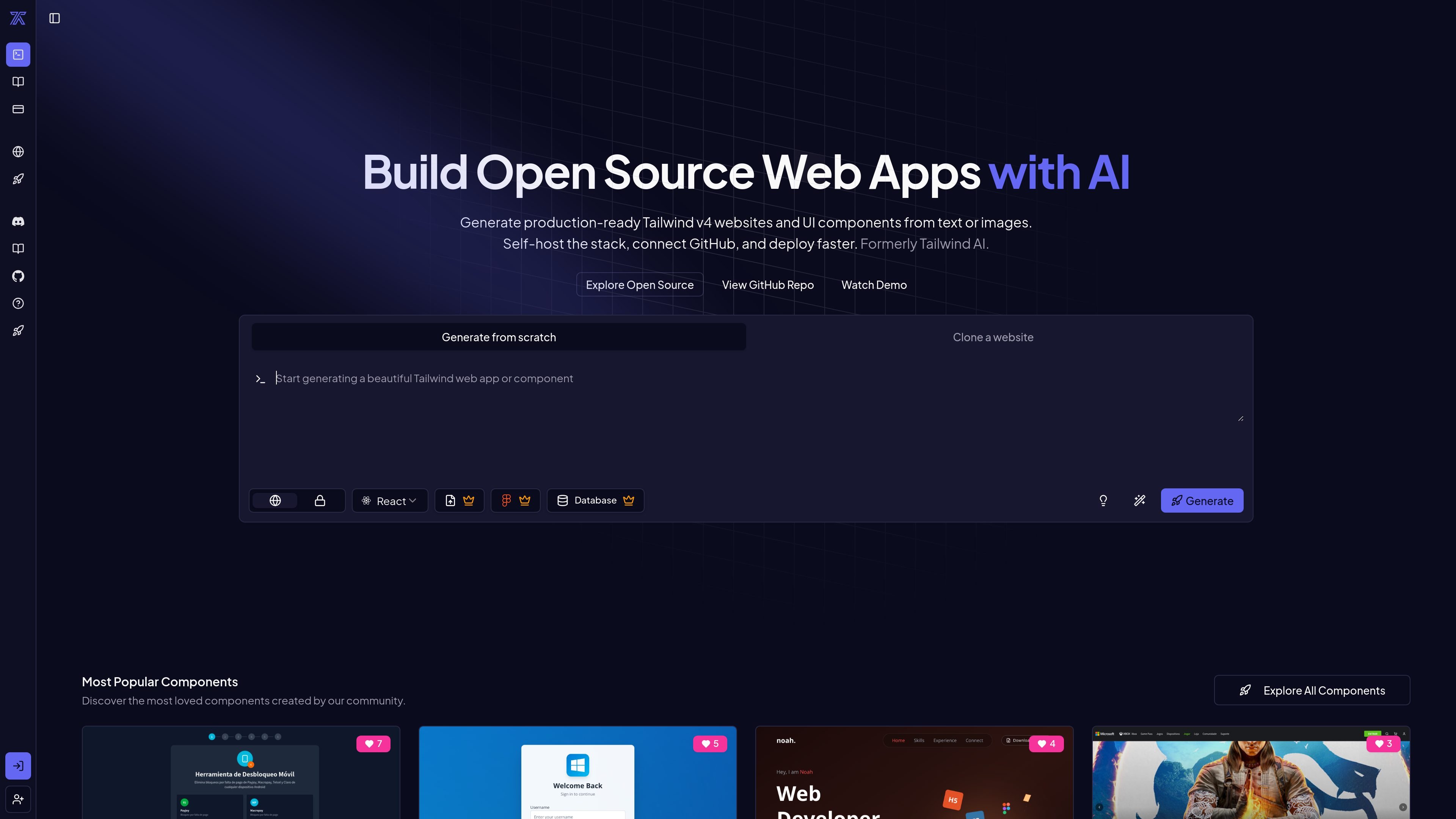
CodeRocket is an open source AI website builder and component generator for Tailwind workflows. It is positioned for people who want to build production-ready sites and UI components with AI while keeping access to the underlying stack.
The product can be used as a managed cloud service or self-hosted from its open-source codebase. The source pages describe a workflow built around prompts, iterative generation, image-based input, GitHub Sync, code download, and support for multiple frontend targets including React, Vue, Svelte, Angular, and HTML.
Generate components and websites from prompts, then continue refining them in the same workflow. The pricing page describes prompt-based generation and seamless iteration.
Use vision input to create components from images. This is called out on the pricing page as part of the generation flow.
Work with a Tailwind-first stack while generating output for React, Vue, Svelte, Angular, and HTML. The open-source page positions the builder around these frameworks and markup targets.
Keep the code available through GitHub Sync and downloadable source, which supports review, reuse, and handoff. These options are listed on the pricing page.
Run CodeRocket as a managed product or self-host the stack locally or on your own infrastructure. The open-source page explicitly describes both deployment models.
Use the open-source codebase to inspect the generation pipeline, adapt deployment logic, and extend the product. The open-source page frames this as a reason the project is public.
Build a Tailwind-based landing page, marketing site, or small product site from prompts, then iterate on the result without leaving the builder.
Turn screenshots or mockups into components when you want to move from visual reference to code quickly.
Use the open-source stack to run a private builder for a team or agency that wants control over hosting and the generation pipeline.
Create framework-specific output for projects that need React, Vue, Svelte, Angular, or plain HTML instead of a single locked format.
Browse or share deployed examples and public components as references for what others have generated with the tool.
It is presented as both a managed product and an open source codebase, so you can use the hosted version or self-host the stack if you want more control. The open-source page also links to self-hosting docs, the GitHub repository, and demo material.
The product page says it uses simple prompts to generate components, supports iteration, and can use vision to create components from images. The open-source page describes an integrated builder service and a Tailwind-first workflow.
The source shows plans for Starter, Pro, and Enterprise, plus a usage-based Rocket system. Starter is listed at $15/month, Pro at $30/month, and Enterprise at $200/month, with extra Rockets available for $1 each after the monthly limit.
The available evidence points to a builder focused on Tailwind workflows, with generation support for React, Vue, Svelte, Angular, and HTML. That makes it a fit for developers building websites or UI components rather than a general-purpose design tool.
The source mentions GitHub Sync, download code, and support for a full open source stack built around Next.js and Supabase. It does not provide a full integration catalog on the pages reviewed.