
Transcript-based transcription
Transcribes audio or video with WhisperX, producing word-, character-, and sentence-level timestamps that can be used downstream in the clipping workflow.

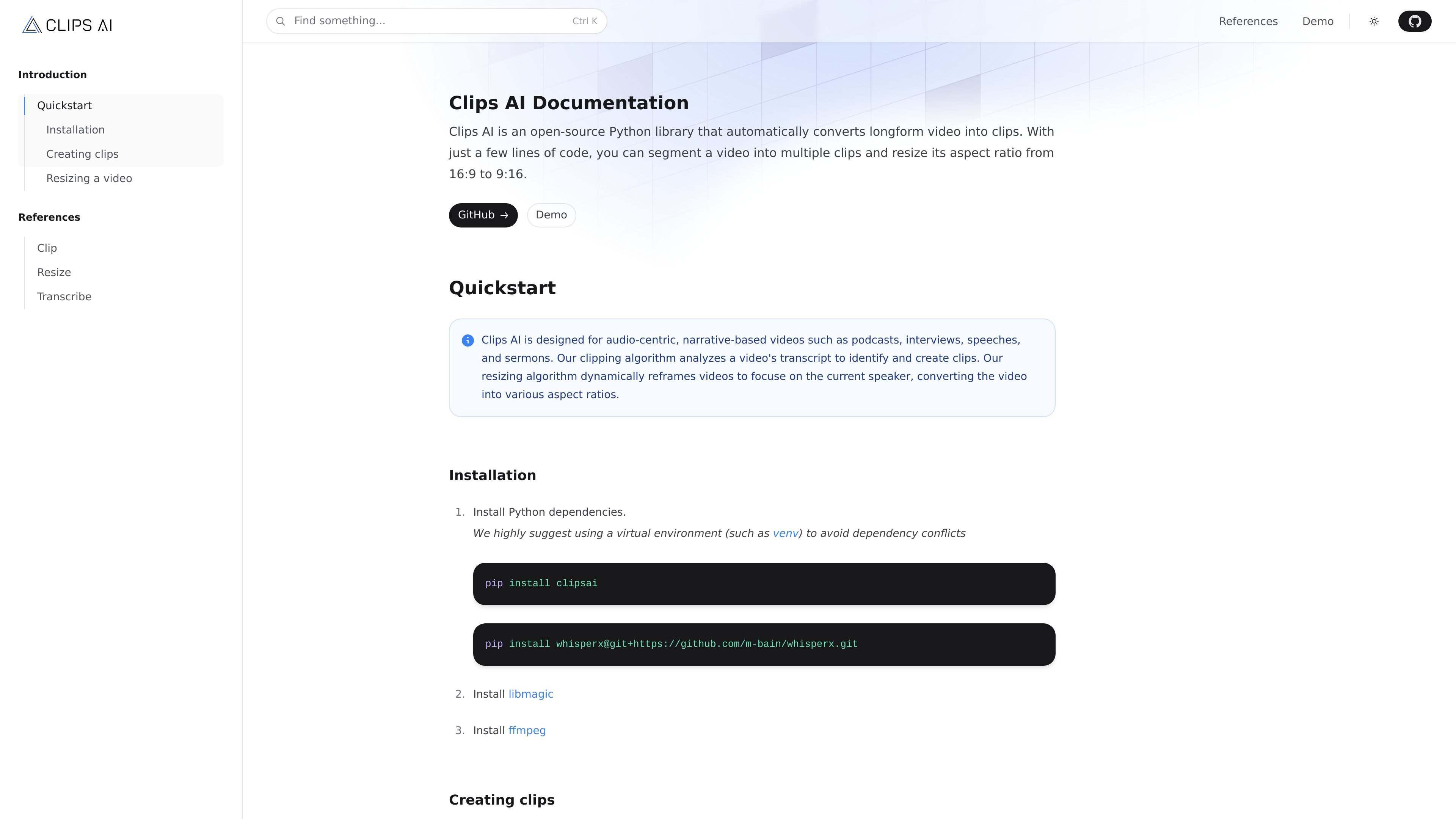
Clips AI turns long-form video into clips and resized outputs with Python.
Clips AI is an open-source Python library for developers who want to convert long-form video into shorter clips and resized outputs from code. The site describes it as a developer tool for video repurposing, with a workflow built around transcription, clip finding, trimming, and resizing.
Its docs show two main paths: generating clips from transcript analysis and resizing video to alternate aspect ratios while keeping the active speaker in view. The library is positioned for audio-centric, narrative-based content such as podcasts, interviews, speeches, and sermons.
Transcribes audio or video with WhisperX, producing word-, character-, and sentence-level timestamps that can be used downstream in the clipping workflow.
Finds clip boundaries by analyzing transcripts with a TextTiling-based approach, which targets topic shifts in long-form content.
Provides media trimming helpers through `MediaEditor` so returned clip times can be turned into actual output files.
Resizes video to a target aspect ratio, with examples for converting 16:9 footage to 9:16 and focusing on the current speaker.
Exposes Python classes and functions that can be called directly from code, making the product fit a programmatic pipeline rather than a standalone editor.
Includes configurable parameters for transcription and resizing, such as language auto-detection, batch size, aspect ratio, and face-detection settings.
Turn a long recording into shorter segments by transcribing the media, finding topic shifts, and trimming the original file around the returned timestamps.
Reformat a landscape video for vertical distribution while keeping the active speaker in frame through speaker-aware resizing.
Process podcasts, interviews, speeches, or sermons where the transcript structure is a better signal for clip selection than manual scrubbing.
Build a programmable repurposing pipeline inside a Python application instead of editing clips manually in a GUI.
Use the detailed transcription timestamps as an intermediate layer for downstream media analysis or editing logic.
Clips AI first transcribes audio or video, then uses that transcript to identify clip boundaries. The docs show a `Transcriber` step followed by `ClipFinder`, so clipping is not a standalone one-step operation.
The documentation describes the library as designed for audio-centric, narrative-based videos such as podcasts, interviews, speeches, and sermons.
The examples show a Python workflow: install the package, transcribe media with `Transcriber`, find clips with `ClipFinder`, and optionally trim media with `MediaEditor`. Resizing uses the `resize` function and requires a Pyannote Hugging Face authentication token.
The pricing page at `clipsai.com/pricing` currently returns a 404-style page-not-found response in the collected evidence, so no active pricing details are available from the source.
The docs show individual library components that can be used in code, including transcription, clip finding, media trimming, and video resizing. The source does not provide collaboration features or multi-seat team plans.
Traffic data is for reference only.

async.com
Async is a chat-based AI creative suite for creating, editing, recording, and repurposing video and audio. It is designed for creators, podcasters, and small teams that want to move from raw footage or recordings to publishable content in one workflow.
async.com
Async is a chat-based AI creative suite for creating, editing, recording, and repurposing video and audio. It is designed for creators, podcasters, and small teams that want to move from raw footage or recordings to publishable content in one workflow.

cococlip.ai
AI video editor for creating short-form social content

podfyai.com
Browser-based AI video tool for turning text, audio, and music into short-form videos.

pika.art
Pika is an AI video platform for creating and editing short videos from prompts, images, and footage, with plan-based commercial use and watermark-free downloads on higher tiers.
contentfries.com
ContentFries has public pricing, but its product features are unconfirmed.