
Multiple audio sources
Choose from upload, YouTube, microphone, or direct audio URL inputs to send a song into the chord recognition workflow.

Chord Identifier is an online chord recognition tool that analyzes songs from upload, YouTube, microphone, or audio URL inputs and displays the detected chords. It also offers export and diagram features, with some capabilities described as premium.
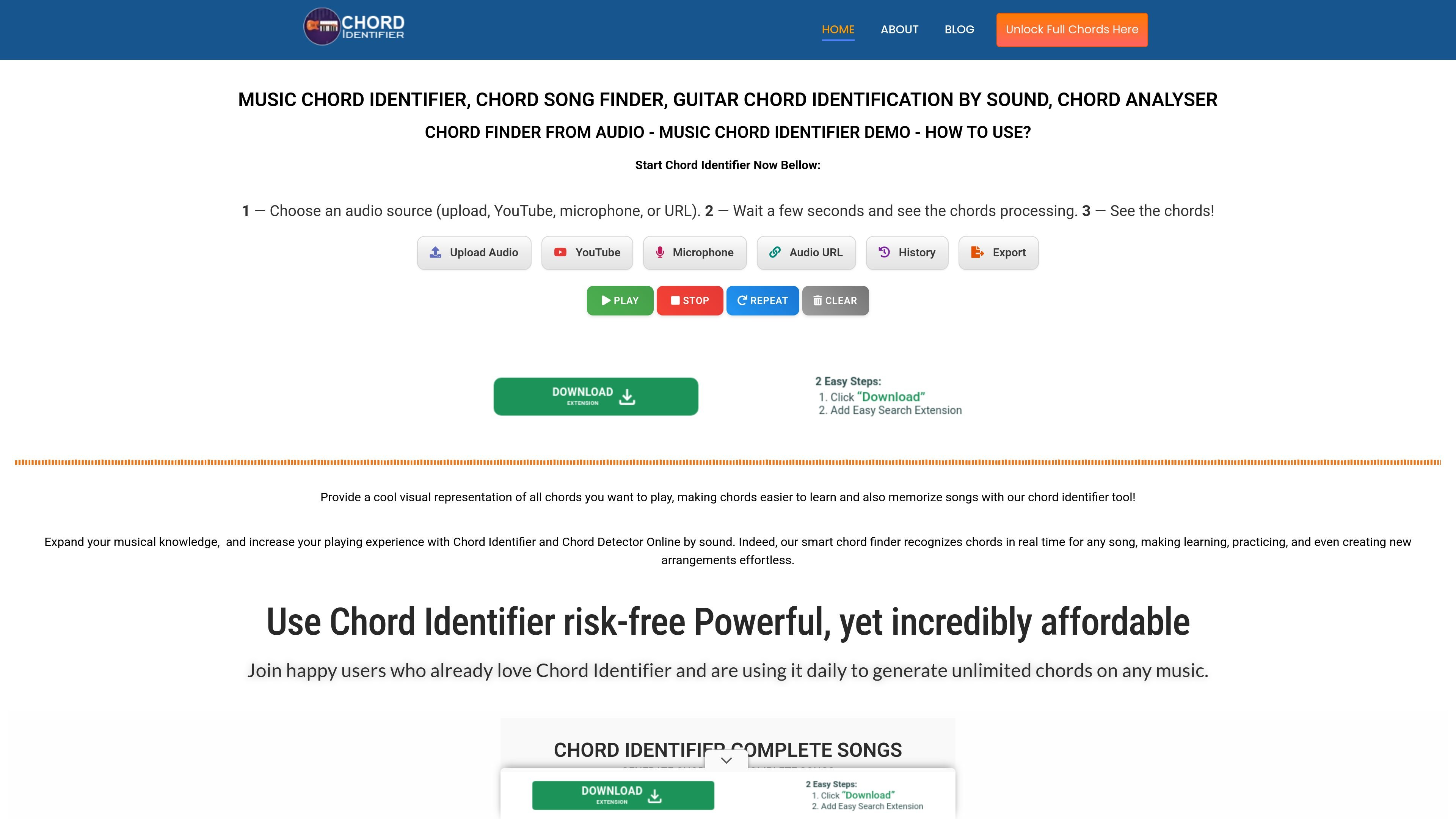
Chord Identifier is an online music chord identification tool that analyzes a song or audio source and displays the chords it detects. The site positions it as a chord finder, chord analyser, and chord song finder that works by sound rather than manual transcription.
Users can submit audio through upload, YouTube, microphone, or a direct audio URL. After processing, the platform shows the chords and can also offer exports and chord diagrams, with several of those outputs described as premium features.
Choose from upload, YouTube, microphone, or direct audio URL inputs to send a song into the chord recognition workflow.
The site states that the platform analyzes the audio and then displays the detected chords after a short processing period.
Premium export tools include full PDF chord worksheets, TXT exports with timing, and grouped chord export formats.
Premium access includes PNG chord diagrams that are shown in sync with playback and presented as part of the song timeline.
The interface includes a history area so saved songs can be reopened and their chords loaded again later.
The home page presents a premium tier with no ads, unlimited songs per month, advanced chord detection, rare chord support, unlimited exports, and priority support.
A player can paste a YouTube link or upload a track to see the detected chords without transcribing the song by ear.
A musician practicing with an instrument can use the microphone mode to identify chords in real time while playing.
Someone building a printable reference can use the export tools to create a PDF chord worksheet or a TXT chord list with timing.
A returning user can open the history area to reload a saved song and revisit previously generated chords.
Users who need more output options can upgrade for no ads, unlimited exports, rare chords, and chord diagrams.
The site describes Chord Identifier as an online chord finder that can work from uploaded audio, YouTube links, microphone input, or a direct audio URL. It then processes the source and displays the detected chords.
The home page says the workflow is to choose an audio source, wait while the chords are processed, and then view the results. It also notes that processing can take a few seconds or up to 2 minutes depending on audio length.
The source pages indicate output options such as PDF chord worksheets, TXT export with timing, simple chord and grouped chord exports, and chord diagrams in PNG format as a premium feature.
The upgrade page says users receive access to benefits such as no ads, complete chord generation, PDF chord worksheets, rare chords, and chord diagrams after registration.
The site does not provide a clear pricing table on the pages captured here. The pricing URL returns a page-not-found message, while the upgrade page only describes benefits after registration.