
AI chat assistant
Chat with an AI assistant for instant answers, content generation, web-supported research help, and general task assistance from a single interface.

ChatGOT is a free AI chatbot assistant for chat, writing, PDF analysis, image generation, and custom bot creation. Works on the web and in Chrome and Edge, with free and paid plans.
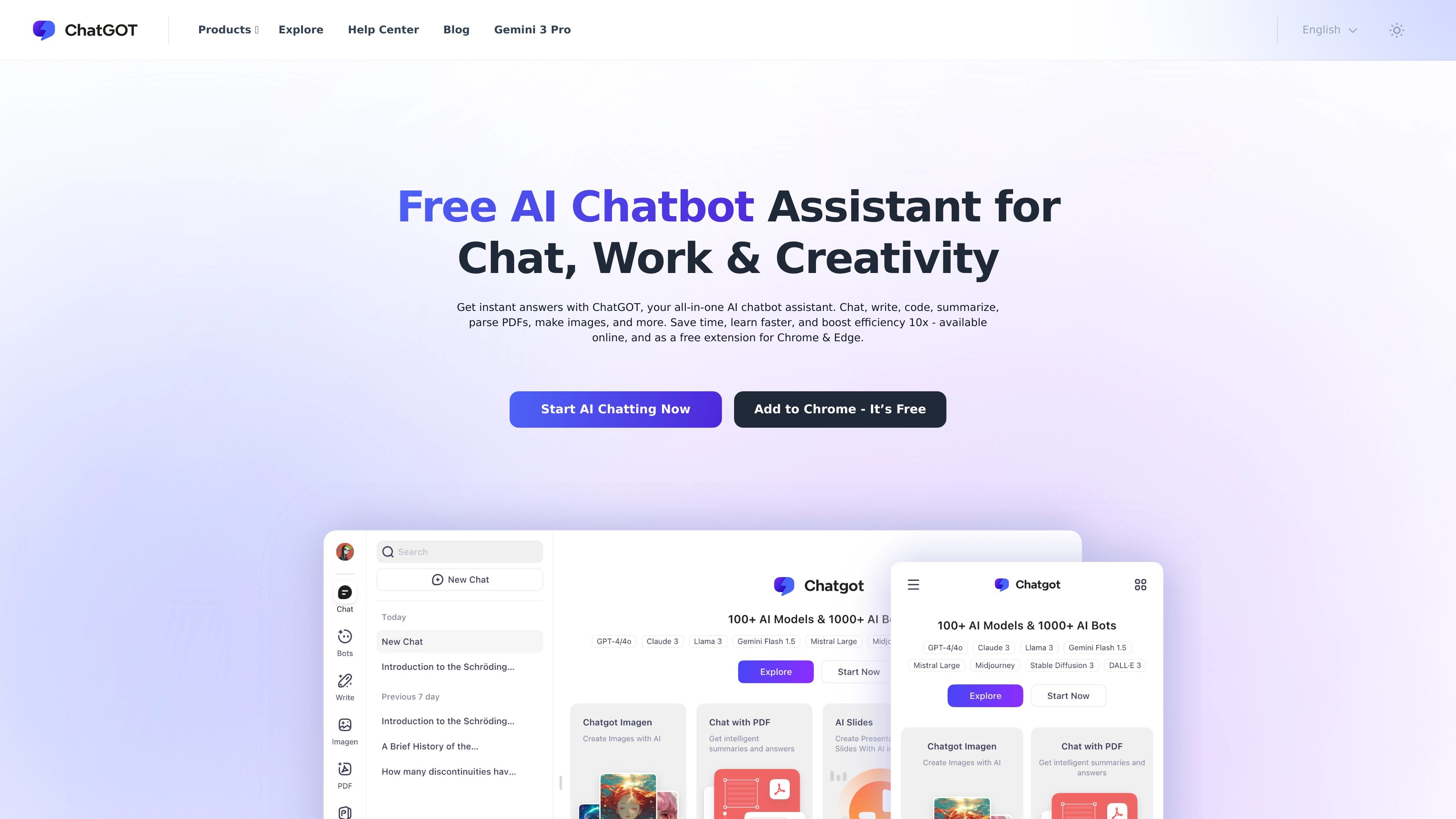
ChatGOT is an AI chatbot assistant for chat, writing, coding, summarizing, PDF analysis, image generation, and custom bot creation. The homepage positions it as a free assistant for work, study, and creative tasks, with access through the web and browser extensions for Chrome and Edge.
The product combines several workflows into one interface: ask questions, generate content, read and query PDFs, create images, and build personalized bots. The pricing page shows free and paid plans, including a free tier with 10 queries per day and higher-usage plans for users who need more capacity.
Chat with an AI assistant for instant answers, content generation, web-supported research help, and general task assistance from a single interface.
Draft essays, emails, blog posts, and social updates with support for tone, structure, grammar, and multilingual translation.
Upload PDFs to get summaries, outlines, intelligent Q&A, translation, and the ability to locate referenced text in the original document.
Generate images through conversational prompts and create original visuals in multiple artistic styles, with the source pages describing them as watermark-free.
Create personalized AI bots for personal tasks, business workflows, or learning needs without coding.
Use ChatGOT through the web and browser access, with the homepage also describing support for Chrome, Edge, mobile, and desktop.
Use the chat assistant for quick questions, idea generation, or general help when you want an immediate answer without moving between tools.
Draft and refine emails, reports, essays, and social posts with help for grammar, tone, structure, and translation.
Upload a PDF to extract main points, ask questions about the document, translate text, or jump back to referenced passages.
Generate visuals for content, presentations, or creative exploration using text prompts and the image-generation workflow described on the homepage.
Build a custom AI bot for a specific workflow, such as a personal helper, study assistant, or business task assistant, without coding.
Yes. The pricing page lists a Free plan with 10 queries per day, and the homepage says no sign-up is needed to start using the chat experience.
The pricing page states that payment methods include Visa, PayPal, Google Pay, and Stripe, with additional options shown at checkout.
Yes. The pricing page says the same account can be used on multiple devices, including computer, cell phone, and tablet.
The ChatPDF page states that PDF uploads support files up to 50 MB, and it provides summary, Q&A, translation, and original-text positioning tools.
The source pages show web access and browser support, plus dedicated pages that mention ChatPDF support on web, Android, and iOS. The homepage also says ChatGOT is available as a free extension for Chrome and Edge.