
Block-based outlining
Build a document around Blocks, with each block acting like a digital index card for a section of the draft. This helps writers see structure before they start filling in prose.

ButterDocs is a writing workspace for writers, teams, students, and academics who want to plan, draft, and edit in one place. It combines outlining, notes, focus tools, and collaborative editing controls in a Google Docs alternative.
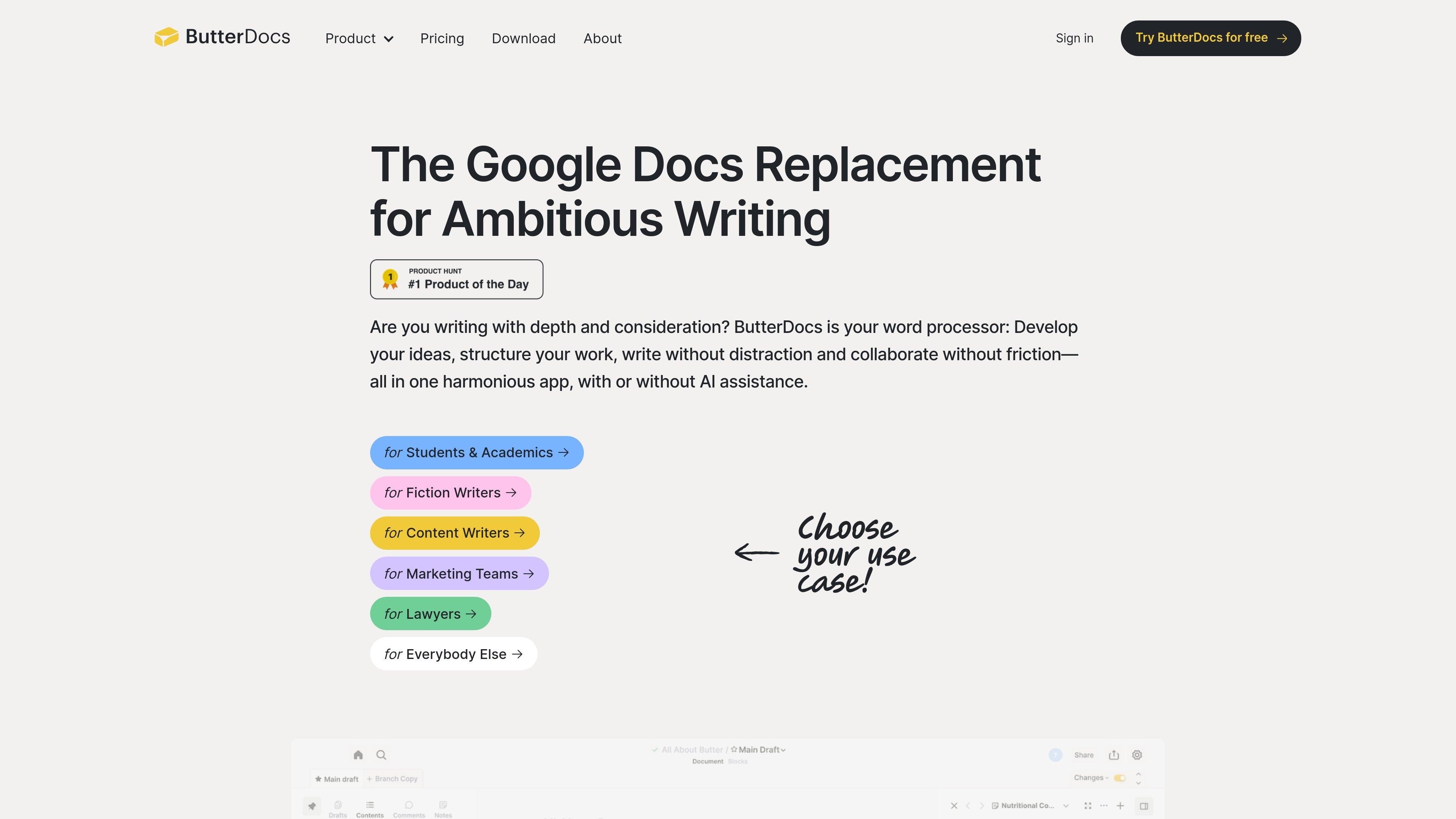
ButterDocs is a writing workspace built for people who plan, draft, and edit longer documents. The site presents it as a Google Docs alternative for serious writers and teams, with a structure that keeps ideas, notes, outlines, and prose together in one place.
Its workflow is centered on moving from planning to drafting to editing without losing context. The product combines block-based outlining, notes tied to each section, writing focus tools, and collaborative controls such as branch copies, comment management, and version snapshots.
Build a document around Blocks, with each block acting like a digital index card for a section of the draft. This helps writers see structure before they start filling in prose.
Attach notes to each block to keep research, briefs, ideas, and supporting material close to the section they belong to. The site also mentions inline links for organizing notes.
Use Focus Mode and Dark Mode to reduce distraction while drafting, and trigger them quickly with the Cmd + K shortcut on Mac or Ctrl + K on Windows.
Run timed word sprints and enable nag notifications for accountability while drafting. These tools are positioned as writing aids rather than general productivity features.
Save text that does not belong in the current section to the Stash, then drag it back into the document later. This supports iterative editing without deleting useful material.
Work with collaborators through branch copies, comment tags, filtering, sorting, snapshots, and revert mode. The product also supports statuses and assignments during planning.
Use ButterDocs to turn a rough idea into a structured draft with blocks, notes, and rearrangeable sections before writing full paragraphs. This fits long-form projects where planning matters before drafting begins.
Use the notes panel and outline view to keep sources, references, and section-level research attached to the draft. The pages explicitly mention Zotero import on some pages, though the full integration set is not documented.
Use Focus Mode, Dark Mode, and word sprints to stay on task during a dedicated drafting session. The workflow is aimed at reducing context switching while you write.
Use branch copies, comment tags, snapshots, and revert mode when multiple people need to review or edit a document. This is the strongest fit for teams, editors, and co-writing workflows.
Use ButterDocs for fiction projects that need worldbuilding, chapter planning, and section-level notes alongside the manuscript. The fiction page specifically positions the product around novels and short stories.
ButterDocs is a writing app centered on drafting, outlining, notes, and collaboration in one workspace. The site positions it as a Google Docs replacement for writers, teams, students, academics, and other professional writing workflows.
The site shows a free tier that lets you create up to 3 documents. Pricing pages also mention a 7-day free trial and paid individual and team plans.
ButterDocs supports collaborators inside documents. On the Professional plan, one user manages the account dashboard and documents while collaborators can be invited into shared documents; on the Team plan, multiple users can be added to the account.
The pricing page describes support by email and social channels for all users, with team accounts able to schedule meetings with the company.
The source highlights features such as outline boards, notes, focus mode, word sprints, stash for unused text, branch and merge, comment tagging, snapshots, and revert mode. It does not provide a full integrations list on the pages reviewed.