
Outline-based generation
Generate presentation outlines with AI, then review and edit the structure before producing slides.

博思AIPPT (PPTGO) is an online AI PPT tool that quickly turns topics, outlines, or documents into presentations with online editing and multiple export formats.
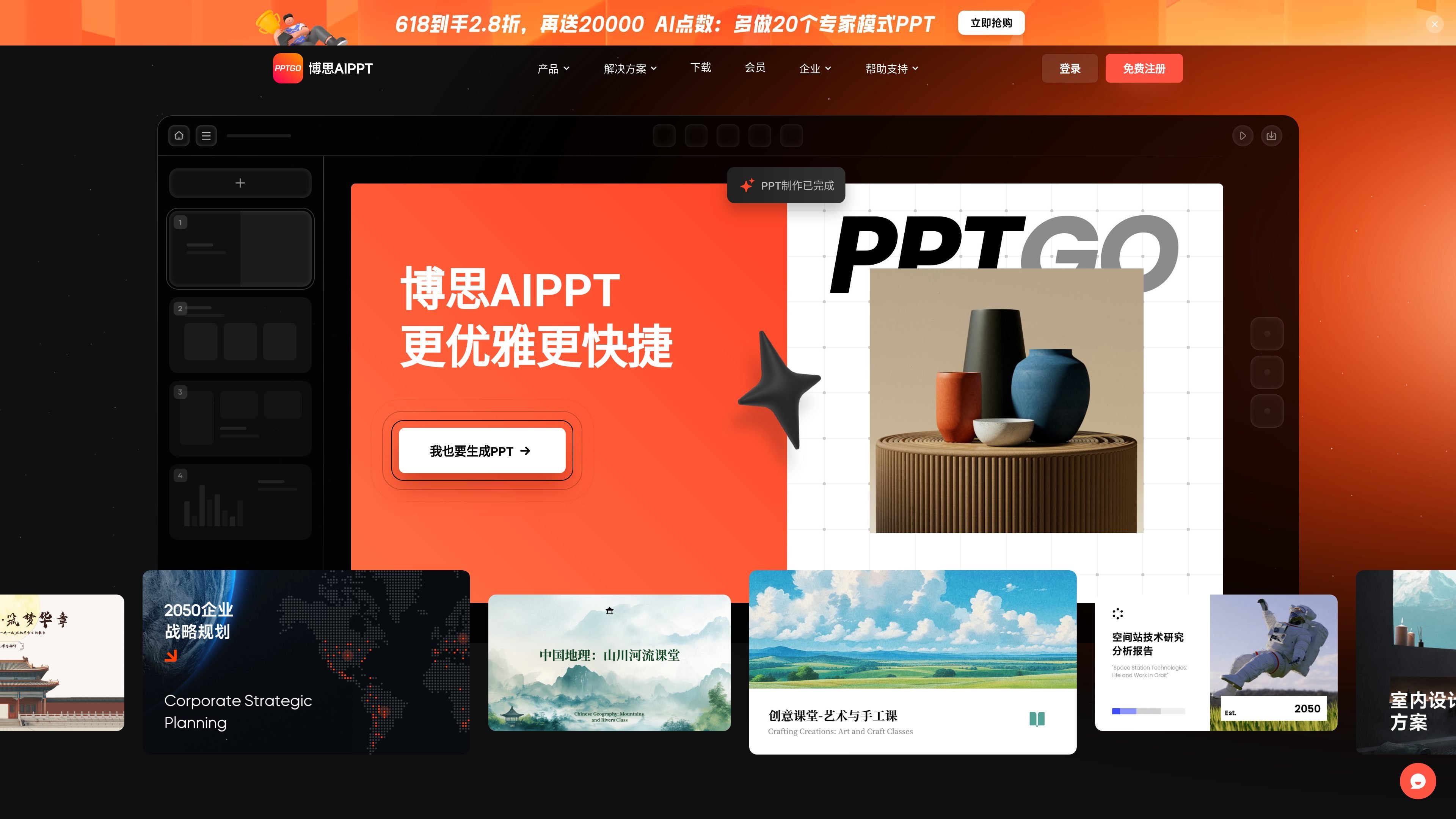
博思AIPPT(PPTGO)是一款在线 AI 生成 PPT 工具,主打从主题、提纲或文档快速生成演示文稿。官网说明它支持在线编辑、模板切换和多种导入方式,目标是减少手动排版和重复整理内容的工作。
从页面内容看,它适合需要快速把资料整理成汇报、课件、方案、分析报告或培训材料的人使用。产品提供免费体验,也有 VIP 会员方案,付费后可使用更完整的 AI 功能、模板样式和导出选项。
Generate presentation outlines with AI, then review and edit the structure before producing slides.
Turn TXT, Word, PDF, Markdown, and Xmind inputs into presentations, which is useful when existing documents already contain the source material.
Create slides with automatic layout and AI rewriting, including grammar correction and sentence refinement for presentation copy.
Switch between preset themes and styles, with template options across business, education, and technology scenarios.
Export presentations in PPTX, PDF, PNG, and JPG, with source-file download mentioned for VIP users.
Edit generated PPT content online after creation, so the draft can be refined without starting over.
Turn a rough topic into a slide outline, then refine the structure before generating the full deck for a presentation or pitch.
Upload an existing document and convert it into a presentation when the source content already exists in notes, reports, or briefs.
Create teaching slides or training materials from class notes and supporting files, then adjust the wording and layout online.
Prepare reports, plans, or customer-facing decks that need polished formatting without manual layout work.
Reuse templates and switch layouts quickly when different audiences or scenarios need different visual styles.
The source indicates you can create presentations by entering a topic, generating an outline, or importing files such as TXT, Word, PDF, Markdown, or Xmind. It also supports editing generated content online.
The pricing page states that free users get limited AI usage and access to some basic capabilities, while VIP members get unlimited AI generation and the full feature set.
The pricing page lists export support for PPTX, PDF, PNG, and JPG, and also mentions downloadable editable source files for VIP members.
The pricing page says the product supports one-click AI generation, AI beautification, layout switching, AI single-page generation, AI rewriting, and import-based generation from several document formats.
The source does not provide a detailed enterprise or multi-seat purchasing flow, but it does state that 博思AIPPT is positioned for individual, small-team, and enterprise collaboration needs and mentions private deployment for the broader PPTGO ecosystem on the pricing page.