
Shared real-time canvas
Multiple people can edit the same board at the same time. Comments, mentions, and emoji feedback keep discussion tied to the relevant work.

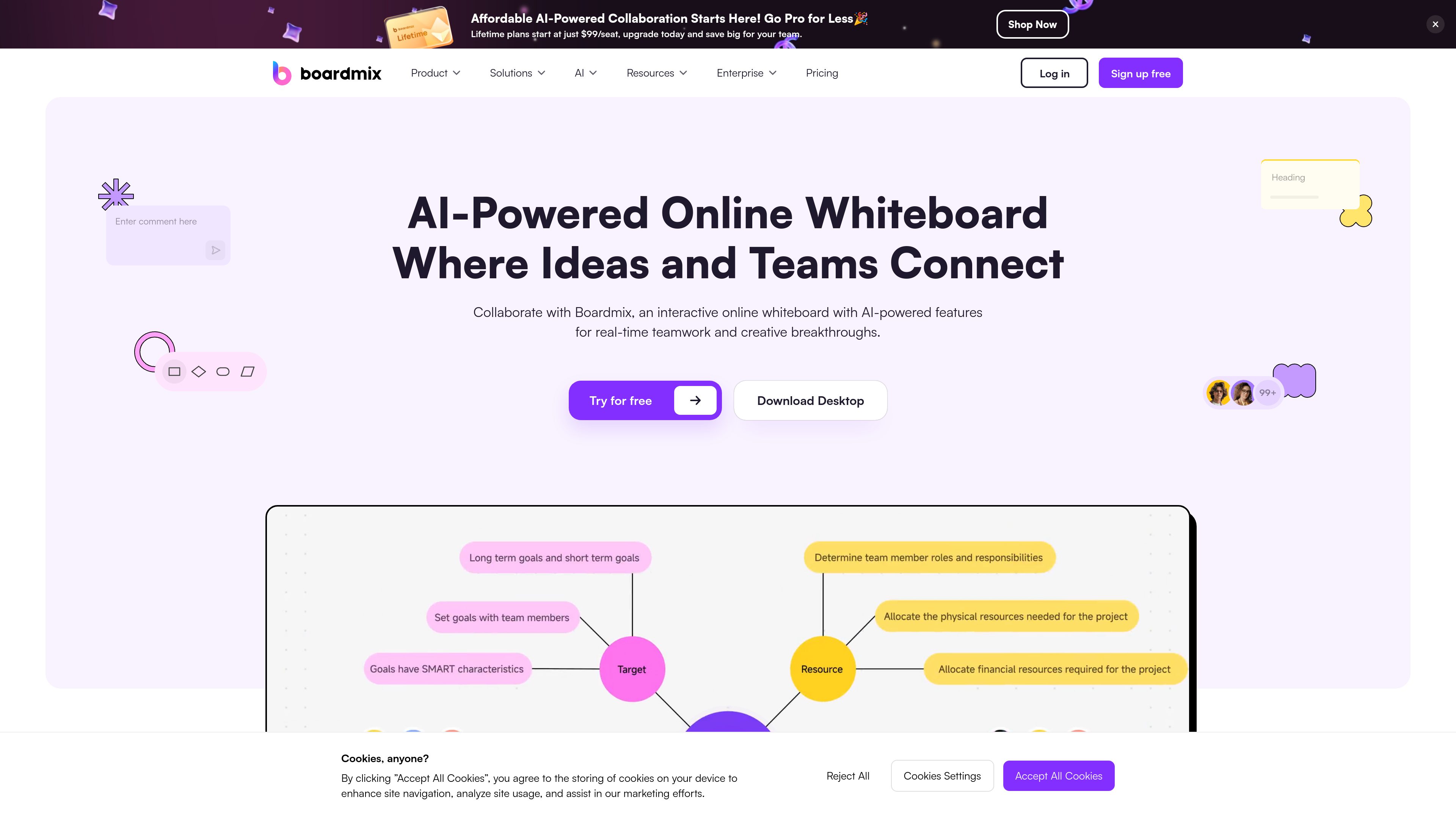
An AI-powered online whiteboard for teams to plan, diagram, brainstorm, and collaborate.
Boardmix is an online whiteboard for visual collaboration. Its shared canvas brings together brainstorming, diagrams, planning materials, and presentations so teams can develop ideas and review work in one place. Users can create mind maps and flowcharts, organize tasks on Kanban boards, and use templates for common planning and mapping activities. Boardmix AI can draft mind maps, flowcharts, and presentations from a prompt or brief; teams can then edit the result and add supporting material.
Multiple people can edit the same board at the same time. Comments, mentions, and emoji feedback keep discussion tied to the relevant work.
Boardmix AI can generate starting drafts for mind maps, flowcharts, and presentations from prompts or briefs, which users can then revise.
Create mind maps, flowcharts, concept maps, organizational charts, and SWOT analyses to arrange information and explain relationships.
Templates include project timelines, mind maps, flowcharts, organizational charts, concept maps, and SWOT analyses.
Use Kanban boards to track task status, or arrange an agenda, notes, decisions, and next steps on a board.
Place supported files such as text, images, videos, and documents alongside board content. Export boards in formats that vary by plan.
Build a flowchart that shows steps, decisions, handoffs, or system dependencies, then review it with colleagues to identify changes.
Put a project goal at the center of a mind map, branch out workstreams, and keep open questions beside the evolving plan.
Arrange backlog items on a shared Kanban board, discuss priorities, and record the tasks selected for the next sprint.
Use an agenda and sticky notes to collect input, then keep decisions and follow-up actions on the same board.
Compare options and organize priorities, milestones, and owners on a shared canvas, with AI available to draft initial ideas.
Yes. Multiple people can edit the same board at once, and teams can use comments, mentions, and emoji feedback to discuss specific work.
Boardmix AI can draft mind maps, flowcharts, and presentations from a prompt, question, outline, or brief. The generated result can be edited by the team.
Yes. The Free plan costs $0 and includes one team workspace, three editable boards, up to 100 objects per board, 1 GB of storage, standard-definition export, and 10 version-history records.
Yes. The product includes Kanban boards for task status and supports organizing meeting agendas, notes, decisions, and next steps on a shared board.
Yes. Export is available; the Free plan includes standard-definition export, while paid plans list HD, Ultra HD, and watermark-free exports.
Traffic data is for reference only.