
Render from architectural inputs
Upload sketches, elevations, facade plans, drawings, models, or PDFs and generate photorealistic architectural renders in seconds.

Blue Moon AI is an AI rendering and visualization suite for architects and real estate teams. Turn sketches, plans, PDFs or text prompts into photorealistic visuals.
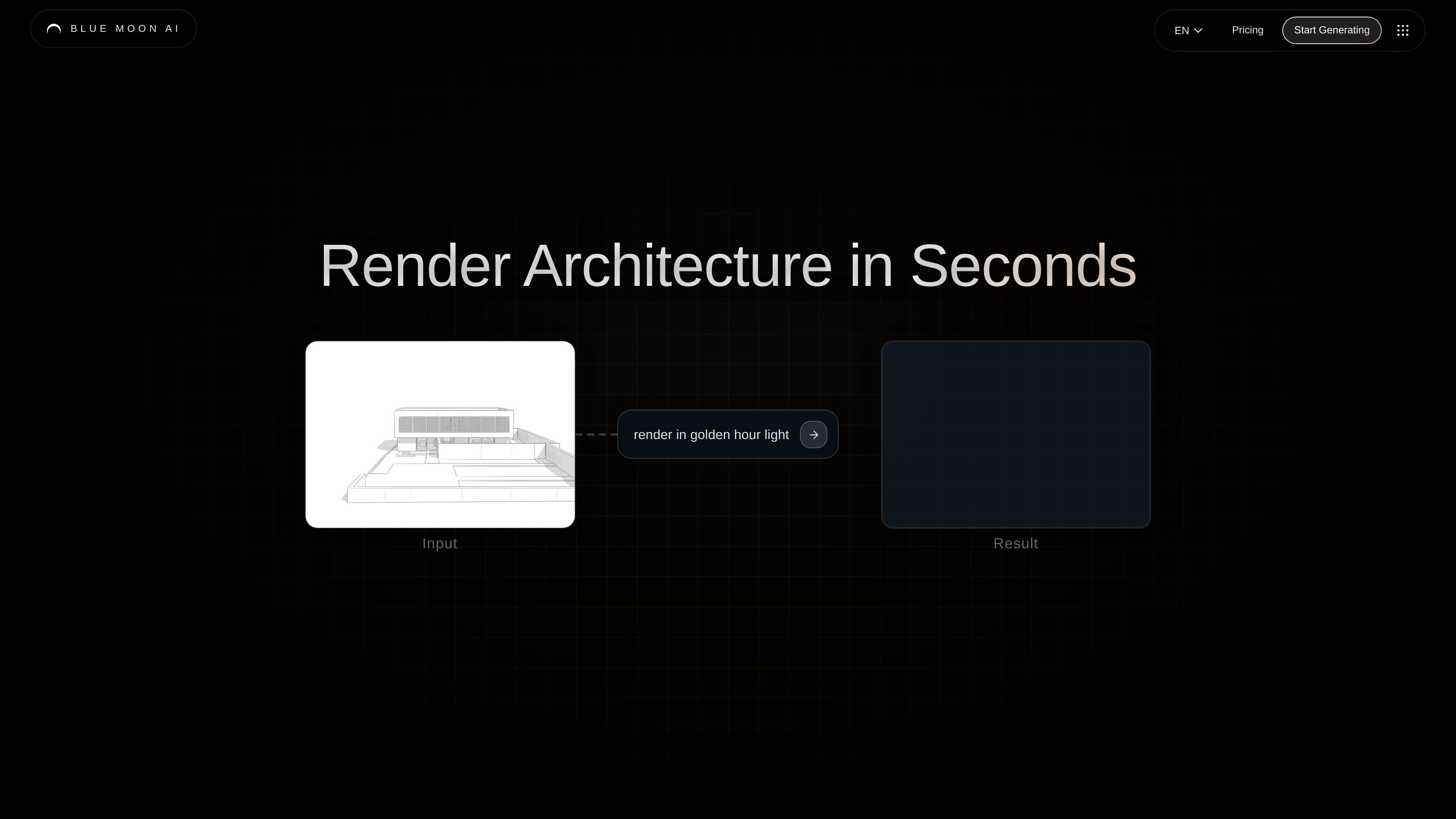
Blue Moon AI is an AI rendering and visualization suite for architecture and real estate teams. It turns sketches, plans, elevations, models, PDFs, or text prompts into photorealistic visuals, with tools for rendering, editing, staging, upscaling, animating, vectorizing, and 3D conversion.
The product is positioned as a collaborative workspace for generating presentation-ready architectural imagery quickly. The homepage emphasizes rendering architecture in seconds, unlimited AI renderings, and a workflow built to help teams iterate on concepts, present projects, and sell them faster.
Upload sketches, elevations, facade plans, drawings, models, or PDFs and generate photorealistic architectural renders in seconds.
Create images from text prompts when you want to describe a concept instead of uploading source material.
Refine images by describing changes in words or using a brush tool to localize edits.
Virtually furnish and stage spaces with one-click staging workflows for interior and room presentations.
Increase output quality with upscaling tools that add high-resolution texture and finer detail.
Convert static images into animated video outputs, scalable vectors, or textured 3D models for downstream use.
Turn early concepts into photorealistic visuals when you need a fast way to evaluate exterior massing, facade direction, or presentation imagery.
Upload interior photos or room imagery and stage them digitally to show furnishing options and layout potential without a manual photoshoot.
Make targeted revisions by describing changes or brushing a selection, which helps teams iterate on design feedback without starting over.
Use floor plans, text prompts, and rendered outputs to prepare project visuals for client presentations, pitches, or sales materials.
Enhance existing renders with upscaling, animation, vectorization, or 3D conversion when a project needs richer deliverables than a static image.
Blue Moon AI is used to render, stage, edit, upscale, animate, and vectorize architectural visuals from sketches, plans, elevations, 3D files, or text prompts. The docs also describe secure sign-up and login flows for accessing the workspace from different devices.
The pricing page states that new users receive 3 free credits upon signing up. Continued access is available through subscription tiers, and pricing is managed from the subscription page.
Most single renders use 1 credit. The docs note that Pro models use more credits, and some advanced features such as higher upscaling levels and animations may require additional credits.
Yes. The home page FAQ says renders and edits are licensed for commercial use.
The docs explain that you sign up or log in through the authentication flow, then return to blmn.ai to access the workspace. If redirects are blocked, allowing cookies or using a different browser can help.