
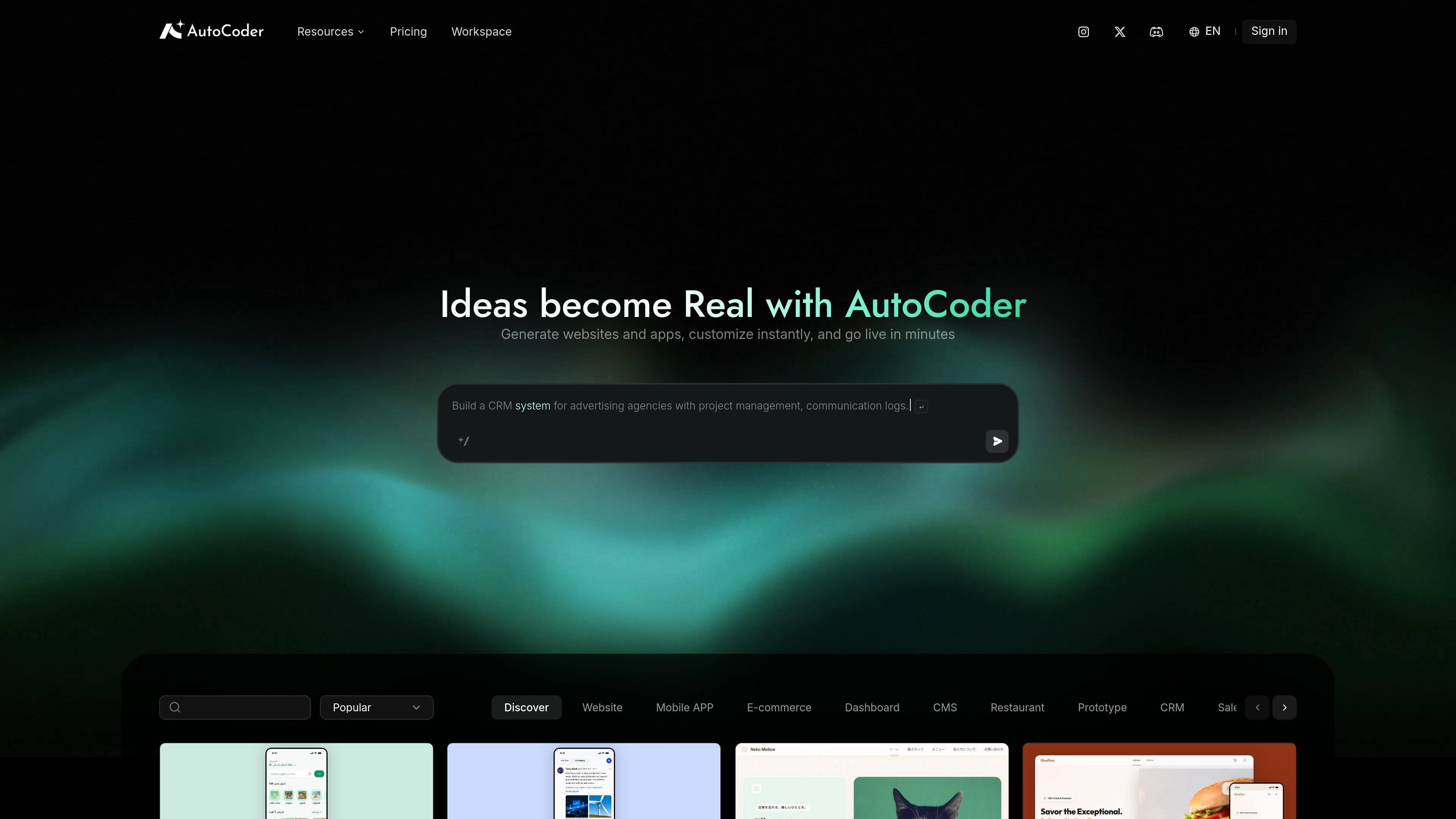
Prompt-based app generation
Generate websites, web apps, dashboards, and internal tools from natural-language prompts. The product positions this as a browser-based way to go from idea to a working product without starting from a blank codebase.

AutoCoder is a browser-based AI builder for websites, web apps, dashboards, and internal tools from natural-language prompts—ideal for founders, product teams, and designers.
AutoCoder is an AI app and website builder that lets users create websites, web apps, dashboards, and internal tools by chatting with AI. The site describes it as an end-to-end software development platform that turns ideas into production apps from natural-language prompts.
The product runs in the browser and is positioned for people who want to move from concept to deployable software without installing a development stack. Its documentation says it can generate frontend interfaces, backend services, and database architecture, then publish, deploy, or export the resulting project.
Generate websites, web apps, dashboards, and internal tools from natural-language prompts. The product positions this as a browser-based way to go from idea to a working product without starting from a blank codebase.
Create user interfaces and frontend interaction logic as part of the generated application. This is useful when you want the product to produce not just static pages but interactive experiences.
Generate backend APIs and application logic alongside the interface. The documentation presents AutoCoder as an end-to-end platform rather than a front-end-only builder.
Store, retrieve, and manage application data. The docs explicitly mention database-related capabilities, which matters for tools that need persistent records or user data.
Handle login, registration, and account management for apps that need users. This makes the generated project more practical for authenticated workflows and product prototypes.
Publish and deploy applications online, then download the full-stack project code. That gives users a path from draft to live app and a way to take the code elsewhere if needed.
A startup founder can sketch an MVP in plain language and use AutoCoder to generate the first version of the product without assembling a full engineering team.
A product manager can turn a PRD into a working prototype to test flows and gather feedback before committing to a larger build.
A designer can create an interactive experience to validate layout, flow, or behavior instead of relying on static mockups alone.
An indie developer can build an internal tool or side project and then download the project code for further customization or redeployment.
A student or job seeker can create an interactive portfolio or resume site to present work in a more functional format than a static page.
AutoCoder is designed to turn natural-language prompts into websites, web apps, dashboards, and internal tools. The docs also describe it as an end-to-end platform that can generate frontend interfaces, backend services, and database architecture.
The source says AutoCoder runs in the browser with no installation needed. Users describe an idea in plain language and the platform generates an application they can publish, deploy, download, or modify.
The docs present AutoCoder as suitable for startup founders, product managers, designers, non-technical founders, indie developers, students, and job seekers. The common thread is turning an idea into a functional product without a traditional development workflow.
The pricing page is present, which indicates there is a pricing structure, but the provided source text does not include plan names, limits, or amounts.
Traffic data is for reference only.

meoo.com
An AI builder for creating websites, web apps, and mini programs with natural language.

trickle.host
Trickle is an AI app and website builder that uses a natural-language, agentic canvas to create live web projects, with built-in media generation, AI models, a database, and design tools for production-ready apps and websites.

codeflying.net
AI app builder for Chinese users, generating WeChat Mini Programs, HarmonyOS meta-services, Android/iOS apps, and H5 websites from natural-language ideas, with built-in AI operations and smart customer service.

base44.com
Base44 turns plain-language prompts into apps and websites with built-in backend, hosting, and integrations—no coding required.

youware.com
YouWare is a browser-based AI vibe coding platform for building apps and websites faster from prompts, mockups, and Figma designs.

getbind.co
Bind AI is a browser-based AI IDE and website builder for creating and editing web apps from prompts, images, and codebases.