
Question-based search
Ask questions in plain language and get direct answers with sources you can verify.

Andi is a free, private, ad-free AI search assistant with direct answers, sources, and tools to read, summarize, and navigate the web.
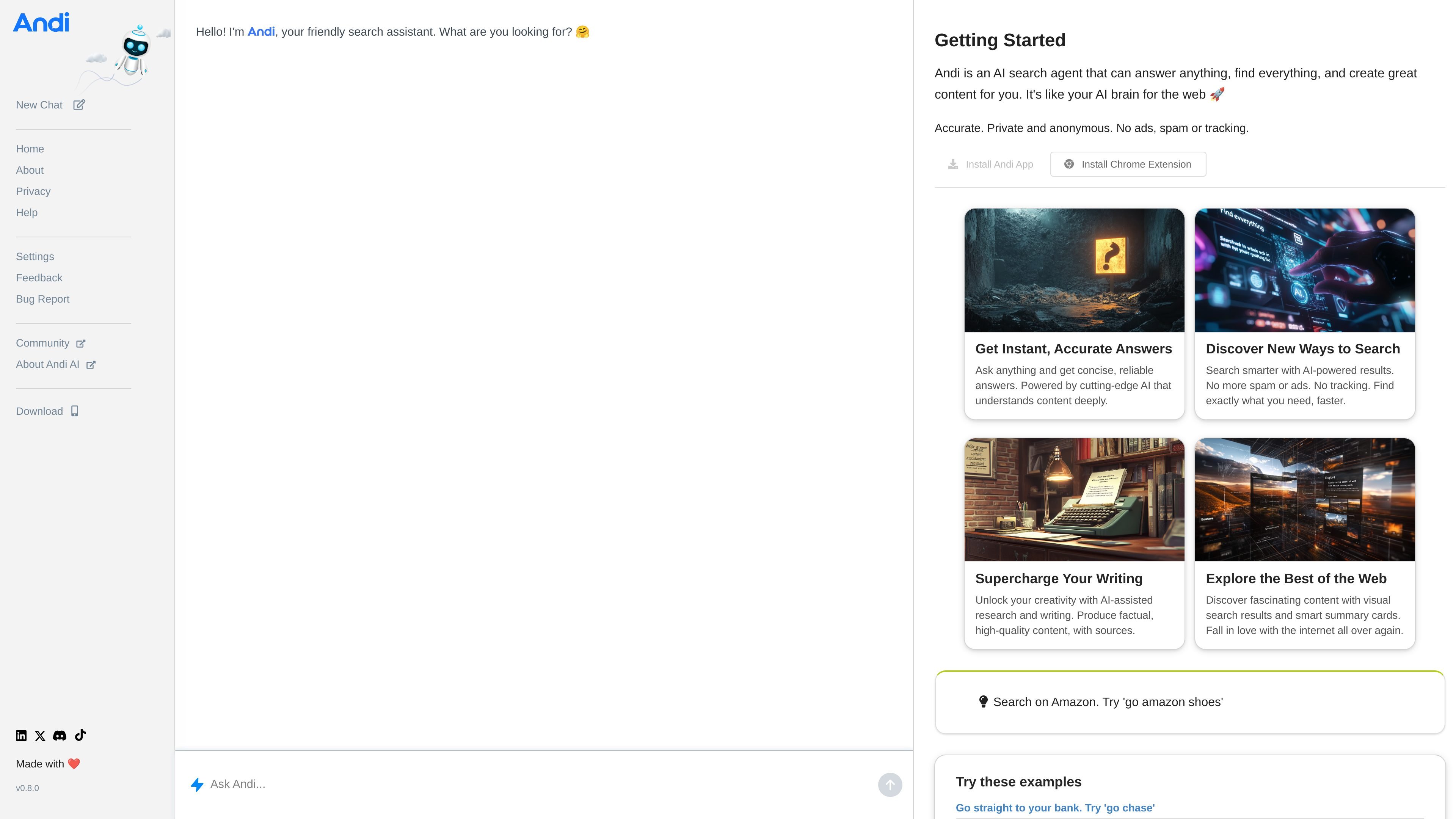
Andi is an AI search assistant that answers questions, searches the web, and navigates to sites with a conversation-style interface. Its site positions the product as an alternative to keyword-only search, with direct answers, sources, and visual result cards.
The service is described as free, private, and ad-free. The help and setup pages show a workflow built around plain-language questions, reading and summarizing pages, and quick access through a PWA, Chrome extension, homepage setup, or default search engine configuration.
Ask questions in plain language and get direct answers with sources you can verify.
Find the best result for a query and view web results in a visual feed instead of a list of ads and spam.
Read articles in a clean interface without popups, paywalls, or tracking, with a dedicated Read action on result cards.
Generate AI summaries or explanations of web pages so you can move through longer content faster.
Jump directly to websites or site-specific searches with commands such as /go and /search.
Install Andi as a PWA or Chrome extension, and set it as a homepage or default search engine in supported browsers.
Ask a specific question in natural language and review a direct answer with supporting sources instead of opening multiple tabs.
Search a website or topic, then use the visual result feed, Read, Summarize, or Explain actions to work through longer pages.
Jump straight to a website or app by name with /go commands when you already know the destination you want.
Install Andi as a browser default or homepage to make it the starting point for everyday searches and repeated lookups.
Use the writing and research workflow to gather sources and produce factual content more quickly.
Andi is positioned as an AI search assistant that works through questions, search commands, and navigation commands. The help page says you can ask in plain language, search specific sites, read articles in a clean reader, summarize pages, and use commands such as /go, /search, /bug, and /feedback.
Yes. The site says you can install Andi as a Progressive Web App, add it to your home screen on mobile, or install the Chrome extension. The default-search page also explains how to set it as your homepage and search engine in supported browsers.
Andi’s site describes it as free, private, ad-free, and without tracking, cookies, or surveillance. It also says results include sources so you can verify answers.
The help page says Andi works differently from traditional search engines: instead of keyword-only search, you ask questions in plain language and can adjust answer depth in Settings. It also supports direct answers, web search, summaries, explanations, and navigation to websites and apps.
The source material does not describe team or multi-seat features. The help page focuses on individual use, browser setup, and search workflows.