
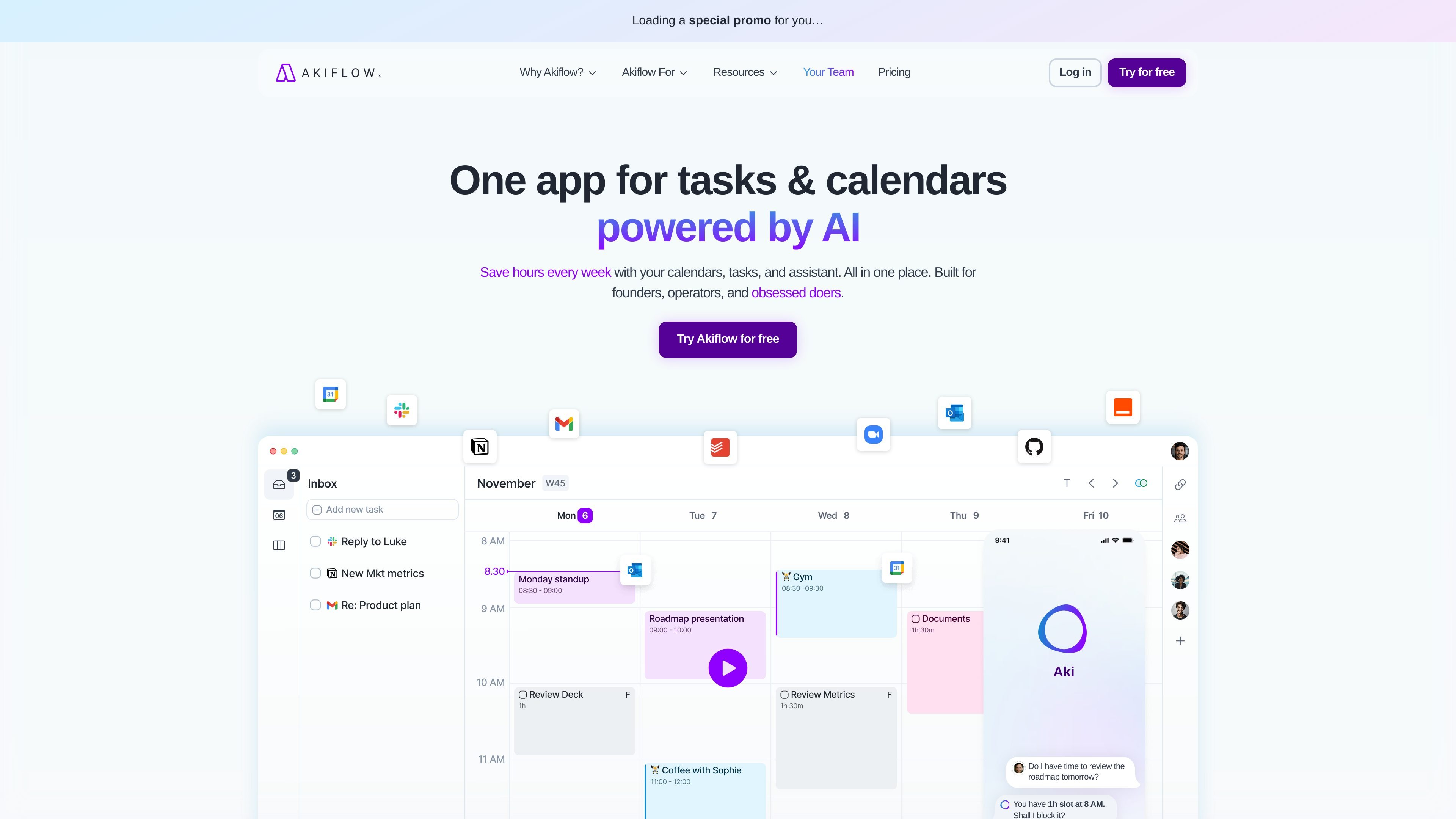
Tasks and calendar in one view
Use Akiflow to combine your calendar and task list in one workspace, so planning and scheduling happen in the same place.

Time-blocking planner and calendar for organized workflows
Akiflow is a time-blocking digital planner and calendar that brings tasks, meetings, and scheduling into one workspace. The product is positioned around helping users centralize work, reduce app switching, and plan their days with more structure.
Its core workflow combines a universal inbox, calendar planning, time slots, and AI-assisted actions through Aki, the executive assistant. The site also highlights support for integrations, offline use, team calendars, and both desktop and mobile access.
Use Akiflow to combine your calendar and task list in one workspace, so planning and scheduling happen in the same place.
Capture tasks from email, messages, and integrations, then pull work into a single universal inbox for review and planning.
Turn plans into calendar blocks, create time slots, and use scheduling links to share availability for meetings.
Use Aki, the AI executive assistant, to reschedule conflicts, automate routines, and generate workflow prompts from simple instructions.
Work with shortcuts, recurring tasks, daily rituals, focus timer, and productivity stats to move through planning and execution faster.
Connect Akiflow with apps such as Google Calendar, Outlook, Gmail, Slack, Microsoft Teams, Zoom, Notion, Asana, ClickUp, Todoist, Jira, GitHub, Linear, Zapier, and IFTTT.
Centralize incoming work from email, chat, task tools, and calendars so you can decide what to do without jumping between apps.
Block time for focused work, then use scheduling links and calendar views to place meetings around that work.
Use the AI assistant, shortcuts, recurring tasks, and rituals to keep a repeatable planning routine moving quickly.
Track co-worker availability and manage shared calendars when you need clearer coordination across a team.
Capture ideas or to-dos quickly from messages and emails, then convert them into scheduled tasks later.
Akiflow is built for people who want to centralize tasks, calendar events, and scheduling in one workspace. The home page describes it as a time-blocking digital planner and calendar for founders, operators, and other productivity-focused users.
The pricing page shows a 7-day free trial and says users can try the Pro plan for free for seven days, with cancellation available anytime.
Akiflow connects with tools such as Google Calendar, Outlook Calendar, Gmail, Slack, Microsoft Teams, Zoom, Notion, Asana, ClickUp, Todoist, Jira, GitHub, Linear, Zapier, and IFTTT, based on the integrations page and feature list.
The features page shows a desktop version and a mobile app, along with offline work support.
The pricing page includes a separate contact option for university students or researchers who want discounts, and another for teams that want to run their workflow on Akiflow.
Traffic data is for reference only.

famori.my
Famori is an AI-powered family assistant for coordinating schedules, reminders, meals, fitness, and everyday household information in a shared family space. It works through an installable web app, with WhatsApp available as an optional add-on.

early.app
EARLY tracks time automatically and turns activity into accurate timesheets.

morgen.so
Morgen is an AI daily planner combining calendars and tasks in one app.

beforesunset.ai
AI action and goal planner for clearer task lists and calendar-aware scheduling

trevorai.com
AI planner combining task management and calendar scheduling in one timeline.

nudgetaskai.com
Nudge Task is an AI task scheduler that turns plain-text tasks into a weekly plan based on deadlines and priorities. It also supports Slack and Discord workflows, plus a payment-based deadline lock for tasks you cannot afford to miss.