
Text-to-image and image-to-image workflows
Create new visuals from a prompt when you do not have a starting asset, or work from an existing image when you want tighter control over the result.

AI Image Editor is a browser-based tool for prompt-driven photo editing, image generation, and controlled visual variations for ecommerce and campaign imagery.
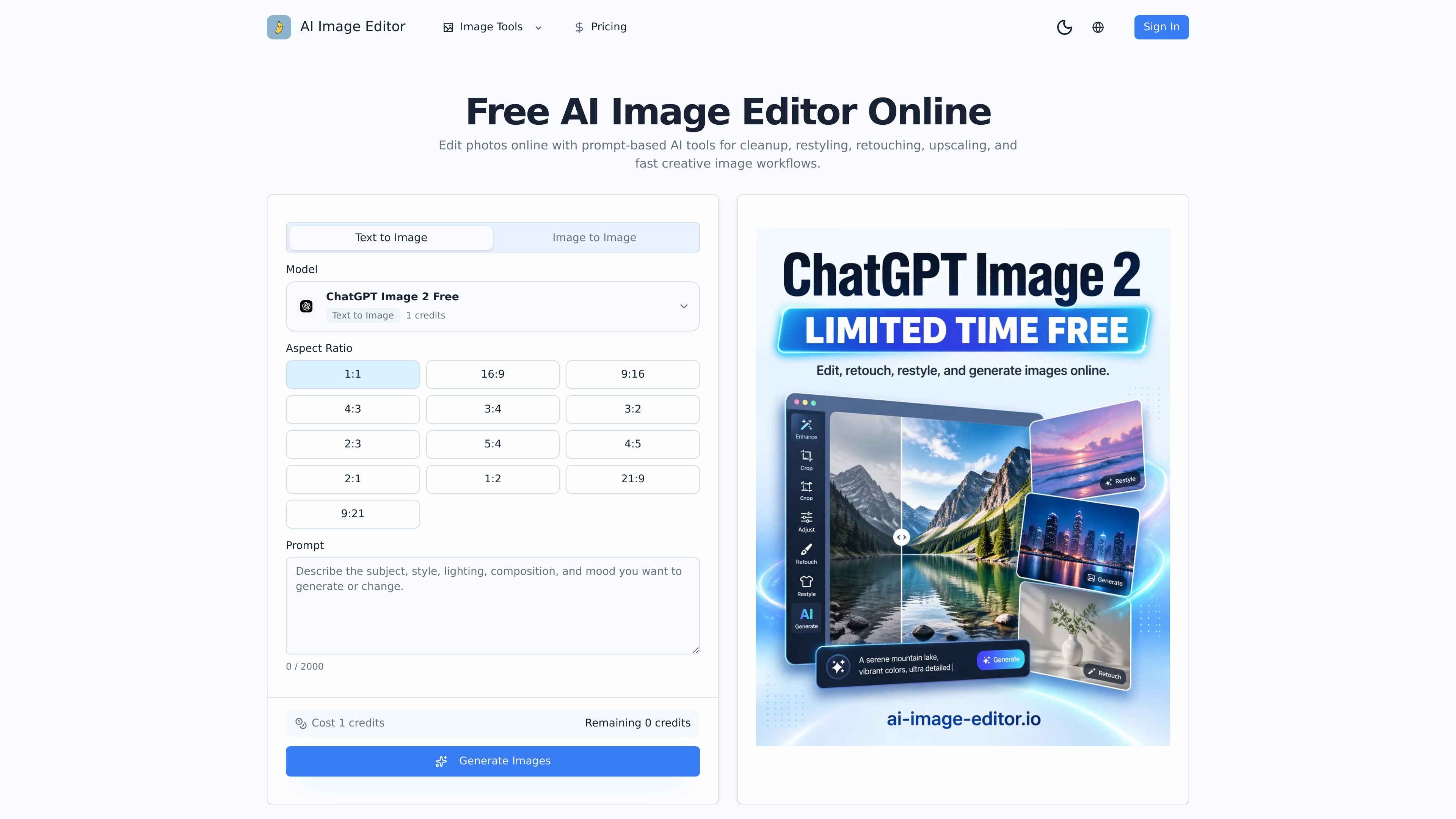
AI Image Editor is a browser-based AI image workspace for generating and editing photos with prompts, reference images, and model-driven variations. The homepage positions it as a tool for cleanup, restyling, retouching, upscaling, and creative image workflows in one place.
It supports both text-to-image and image-to-image use: you can start from a blank prompt, transform an existing asset, or combine multiple references to steer subject, composition, materials, or art direction. That makes it useful when you need faster concepting or controlled edits without rebuilding an image from scratch.
The product is aimed at practical visual work such as ecommerce imagery, ad creative, campaign variants, brand illustration systems, cover redesigns, and localized visual sets. The pricing page shows Free, Lite, and Pro tiers, plus one-time credit packs for added usage.
Create new visuals from a prompt when you do not have a starting asset, or work from an existing image when you want tighter control over the result.
Upload one or more references to influence the subject, composition, style, environment, or materials in a single generation.
Direct the model with concise prompts that specify what should stay stable, such as a face, product silhouette, palette, or framing.
Run several focused variations and compare outputs so you can choose the strongest result for a campaign, listing, thumbnail, or brand system.
Use one browser workspace for generation, retouching, cleanup, restyling, upscaling, and image workflow support.
Generate polished outputs intended for social media, ecommerce pages, internal concept review, and other production-adjacent uses.
Turn product photos into lifestyle or campaign visuals for product pages, ads, and landing pages while keeping the original subject recognizable.
Generate multiple ad directions from one approved image so teams can compare variations for different audiences or launch windows.
Restyle a base image into covers and thumbnails with different hierarchy, mood, or visual emphasis.
Explore several art directions quickly before committing to a final production path for a brand or content series.
Build supporting visuals that stay stylistically aligned across a campaign or series, rather than generating disconnected one-off images.
It supports prompt-driven image generation and editing in a browser workspace, including text-to-image, image-to-image, cleanup, restyling, retouching, and upscaling workflows.
The homepage describes text-to-image for brand-new visuals and image-to-image for transforming an existing asset while keeping the subject or structure you want to preserve.
The site says you can upload one or more reference images to guide subject, composition, materials, or art direction.
The product is positioned for commercial use cases such as ecommerce, brand design, ad creative, and campaign variants, and the FAQ asks about commercial usage directly, but the page text shown does not spell out the exact license terms.
Pricing is handled through Free, Lite, and Pro plans plus add-on credit packs. The pricing page shows the Free plan for getting started and paid tiers for higher monthly usage and cleaner deliverables.
Traffic data is for reference only.
| Apr | 0 |
|---|---|
| May | 0 |
| Jun | 0 |
Traffic analytics are not available yet.