
Text scanning
Paste up to 5,000 words into the scanner to review text for AI-generated content. The homepage also says scans are unlimited for free use.

AI Detector is a web-based tool to check whether text looks AI-generated. Scan pasted text, files, or URLs with free scans and no credit card required.
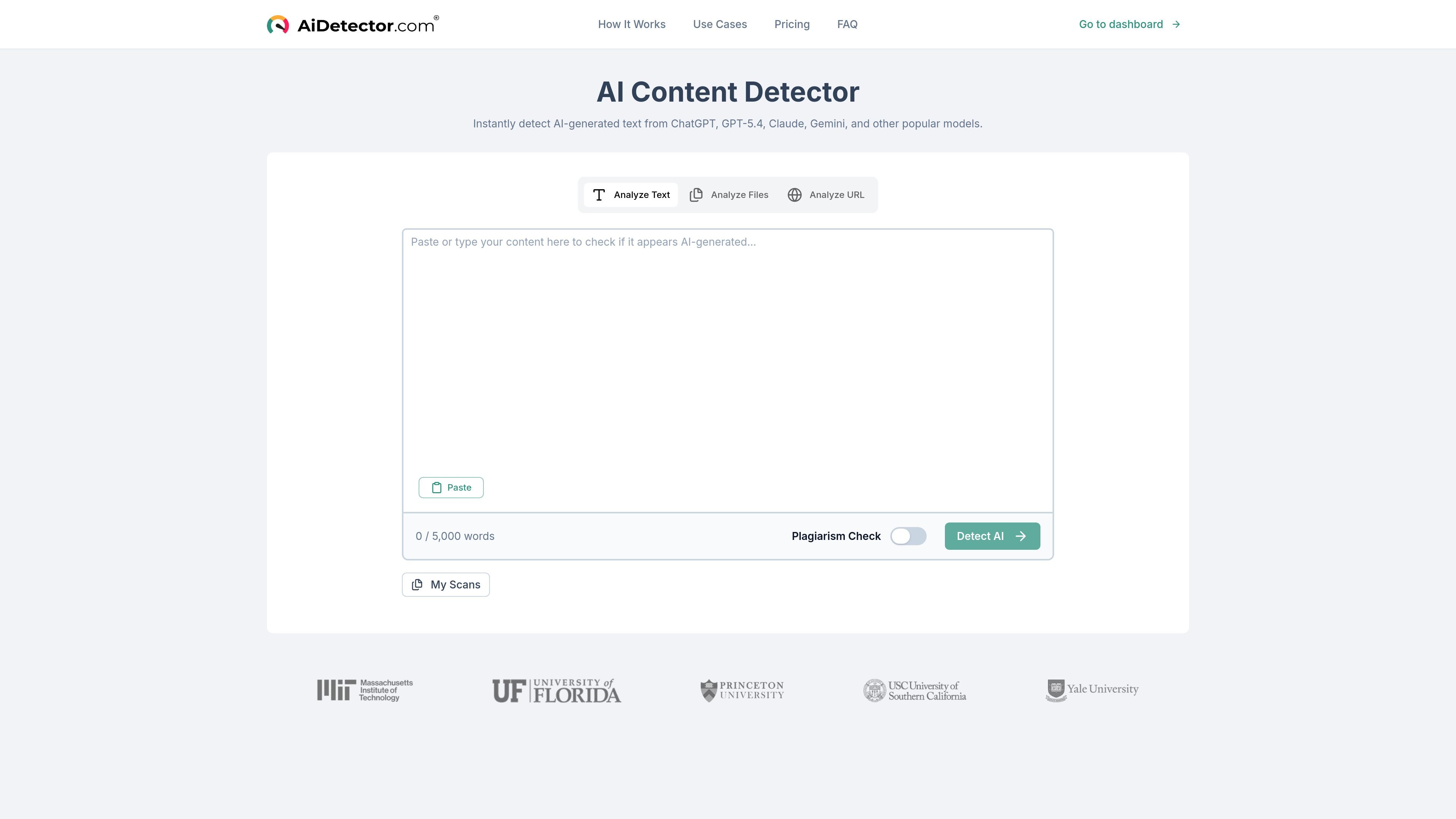
AI Detector is a web-based AI text checker that scans pasted text, uploaded files, or a URL to estimate whether writing was generated by AI. The homepage positions it as a free tool with unlimited words for scans and no credit card required for free use.
The product presents sentence-by-sentence analysis, overall AI probability scores, and exportable PDF reports. It is aimed at readers who need a quick originality check, including teachers, students, writers, and businesses reviewing content before submission or publication.
Paste up to 5,000 words into the scanner to review text for AI-generated content. The homepage also says scans are unlimited for free use.
Run checks on pasted text, uploaded files, or a URL. The dashboard presents separate inputs for text, URL, and document-based scans.
Review results at the sentence level with color-coded indicators and percentage-based confidence scores. This helps you see which parts of a text look AI-written versus human-written.
Download detailed PDF reports for documentation and review. The homepage describes the reports as exportable and suitable for documentation and compliance use.
Track scans in a personal dashboard under My Scans and New Scan. The app view also shows a workflow for reusing the scanner from the dashboard.
Use the tool without creating an account for free scans. The homepage explicitly says no credit card is required for free scans.
Check assignments, essays, or other student submissions for signs of AI-generated text before grading or review. The site specifically calls out teachers and educators as a key audience.
Run your own draft through the scanner before publishing to see whether wording reads as AI-generated. The homepage frames the tool as useful for content writers and mentions original, human-sounding content review.
Review marketing copy, internal communications, or public-facing text for authenticity before release. The business section on the homepage points to brand voice analysis and compliance reporting workflows.
Analyze a file or URL instead of copying text manually when the source is already published or stored elsewhere. The dashboard and homepage both show file, text, and URL-based scanning paths.
Create quick self-checks for your own writing without starting an account-based workflow. The homepage says free scans do not require a credit card, which lowers the barrier for ad hoc checks.
The site says the detector provides detailed, sentence-by-sentence analysis and supports free scans without a credit card. It does not publish a full technical explanation of the scoring method on the pages provided.
The homepage says it can detect text from ChatGPT, GPT-5.4, Claude, Gemini, and other popular models. The exact full list is not published on the provided pages.
The homepage says you can paste text, analyze files, or analyze a URL. The dashboard also shows text upload, URL, and document fields for creating a scan.
The homepage presents the product as useful for teachers, students, writers, and businesses. That suggests it can support academic review, self-checking, content review, and internal authenticity checks, but the site does not publish a formal compliance or institutional policy statement.
The provided pages do not show an API reference, but the homepage FAQ includes the question 'Do you offer an API?' and the contact form includes an 'API Access' reason, which indicates that API inquiries are supported through contact.