
IDE support
The homepage says the service is ready to use with support for OpenClaw, VS Code, and other popular IDEs, so users can connect without changing their main workflow.

AI Coding is a hosted AI coding assistant for Claude Code and Codex with editor integration, guided setup, and tiered pricing for developers and teams.
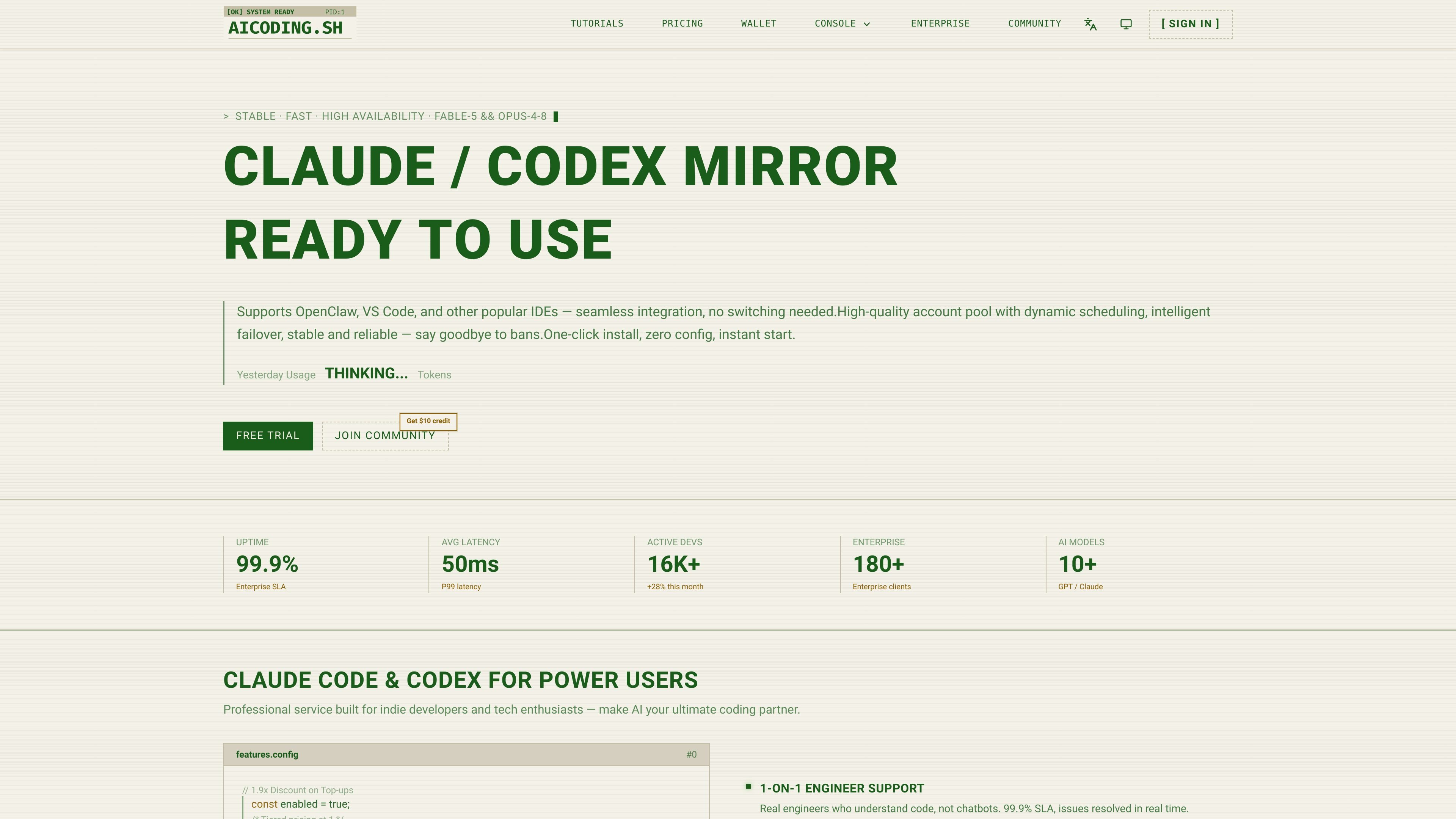
AI Coding is a hosted AI coding assistant service for Claude Code, Codex, and related workflows. The homepage positions it for developers who want auto-completion, refactoring, unit-test generation, and pair-programming support through a mirrored Claude/Codex setup.
The site presents the product as ready to use with one-click install, zero-config onboarding, and support for popular editors such as VS Code. A tutorial page shows how to install Claude Code, set an API base URL and key, and verify that the connection works, which makes the setup flow explicit rather than purely promotional.
Pricing is organized into top-up and plan tiers, including starter, individual, team, and enterprise options. The pricing page also lists model-based usage rates and separate Claude and GPT model pricing tables, indicating that the service is built around model access and usage billing.
The homepage says the service is ready to use with support for OpenClaw, VS Code, and other popular IDEs, so users can connect without changing their main workflow.
The site describes a one-click install path with zero configuration, and the tutorial provides a script-based setup plus manual environment-variable steps when needed.
The homepage presents dynamic scheduling, intelligent failover, and multi-region load balancing to keep the service stable during traffic spikes.
The homepage highlights a relay architecture with multi-account pool redundancy and says the service is designed to reduce ban risk.
The pricing page shows tiered plans with different API-key counts and concurrency levels, from starter usage through enterprise-scale access.
The site lists 1-on-1 engineer support and a 99.9% SLA on the homepage, positioning the service as a managed offering rather than a self-serve API endpoint.
Developers can use the service to speed up everyday coding tasks such as completing code, rewriting functions, and generating tests while staying inside their existing editor.
The tutorial makes it suitable for users who want a guided Claude Code setup, including installing the CLI, configuring the API endpoint, and checking that the connection succeeds.
Teams that need more concurrency or higher stability can choose from the team and enterprise tiers, which list multiple API keys, dedicated pools, and SLA-oriented access.
Users who want to evaluate the service before committing can start with the starter plan, which is described as a low-cost trial for feature validation and demos.
Developers using supported IDEs can adopt the service without changing tools, since the site emphasizes one-click installation and compatibility with popular editors.
It provides a hosted AI coding assistant setup for Claude Code and Codex, with a tutorial that shows how to install Claude Code, configure the API endpoint and key, and verify the connection.
The tutorial shows a one-click configuration script plus manual environment-variable setup using `ANTHROPIC_BASE_URL` and `ANTHROPIC_API_KEY`.
The site says it supports VS Code, Hermes, OpenClaw, and other popular IDEs, with one-click install and zero config.
Pricing is top-up based. The pricing page lists starter, individual, team, and enterprise plans, plus a custom top-up option with a minimum amount.
The FAQ on the site surfaces questions about security, support, supported models, advantages, and performance, but the rendered text provided here does not include full answers to those questions.