
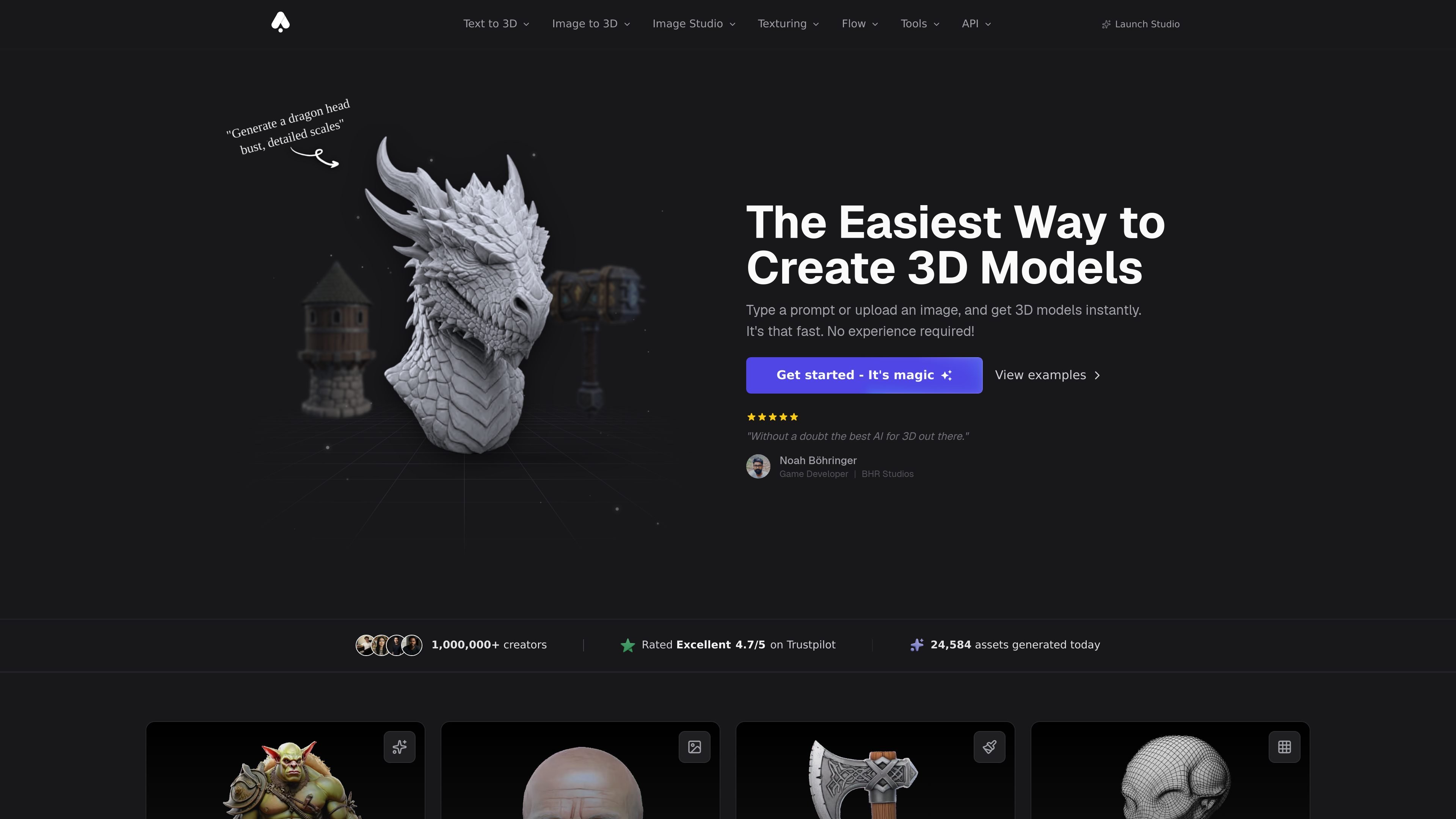
Text to 3D and image to 3D
Create 3D assets from a text prompt or from a reference image. The home page and platform page both show text-to-3D and image-to-3D as primary workflows.

Browser-based AI platform for generating and refining 3D assets from text or images, with texturing, remeshing, export, and REST API tools.
3D AI Studio is a browser-based AI toolkit for generating and refining 3D assets from text prompts or images. The home page positions it as a way to create 3D models in seconds, while the pricing and platform pages show that the product also includes texturing, remeshing, repair, format conversion, image tools, and a REST API for developers.
The product is designed for creators, developers, and studios that need exportable 3D assets without manual modeling for every step. Source pages describe production-ready output, private ownership of generated assets, commercial use rights, and compatibility with major 3D software and game engines.
Create 3D assets from a text prompt or from a reference image. The home page and platform page both show text-to-3D and image-to-3D as primary workflows.
Apply AI-generated textures to existing models, or generate PBR materials from text prompts. The pricing page and home page also note texture generation and editing tools.
Clean up meshes with remeshing, topology optimization, UV unwrapping, LOD generation, and related mesh tools. The pricing page calls out several of these as free with any plan.
Use a browser-based workflow without local installation or GPU setup. The pricing page says generation works from any device with a web browser and internet connection.
Export models in common 3D formats and use them with major engines and software such as Blender, Unity, Unreal Engine, and Godot. The pricing page lists GLB, OBJ, FBX, STL, USDZ, and PLY.
Build or automate workflows through the developer platform. The platform page describes a REST API for text-to-3D, image-to-3D, image generation, image editing, texturing, remeshing, repair, conversion, and rendering.
Turn a prompt or sketch into a textured 3D asset when you need a fast concept model for review, iteration, or presentation.
Generate exportable assets for engines and 3D software, then move them into tools like Blender, Unity, Unreal Engine, or Godot for production use.
Use AI texturing, remeshing, and repair tools to clean up models, improve topology, or prepare files for printing and other downstream tasks.
Integrate generation and editing into a product or pipeline through the REST API, including model generation, image editing, conversion, and rendering.
Use team workspace and project features on higher plans to coordinate shared asset creation and manage larger production workloads.
Yes. The pricing page says new users receive free credits to try generation tools, and it lists no credit card required to get started.
Yes. The pricing page says all plans are month-to-month and can be canceled anytime from account settings. It also notes that annual plans can be canceled and remain active until the end of the billing period.
The pricing page says generated assets are private to your account and fully owned by you. It also states that generated models can be used commercially.
Supported export formats listed on the pricing page include GLB, OBJ, FBX, STL, USDZ, and PLY. The platform page also describes API endpoints for format conversion and model generation workflows.
The pricing page says Pro is intended for heavy users and teams, with team workspace and projects included. It also says studios and agencies can contact support for larger team or enterprise needs and dedicated API access.
Traffic data is for reference only.

avaturn.me
Create realistic 3D avatars from selfies and embed them in apps, games, metaverse experiences, and campaigns.

kaedim3d.com
AI-powered 3D asset production for studios and brands

realibox.com
AI+3D creative design platform for rendering, CMF color generation, packaging visualization, and 3D assets
worldsplat.app
worldsplat turns rough sketches and 3D creations into explorable 3D worlds using Gaussian splats. It is designed for people who want to build and bring visual world concepts to life.

aigardenplanner.com
Browser-based garden planning with a free 3D editor, AI redesigns, plant advice, and instant ideas.

leiapix.com
Immersity is Leia Inc.’s Spatial AI platform for transforming photos, videos, and album art into immersive 3D and motion-based experiences across phones, tablets, laptops, monitors, and XR devices. Immersity for Web offers creators and professionals a paid conversion workflow with free and subscription tiers.