

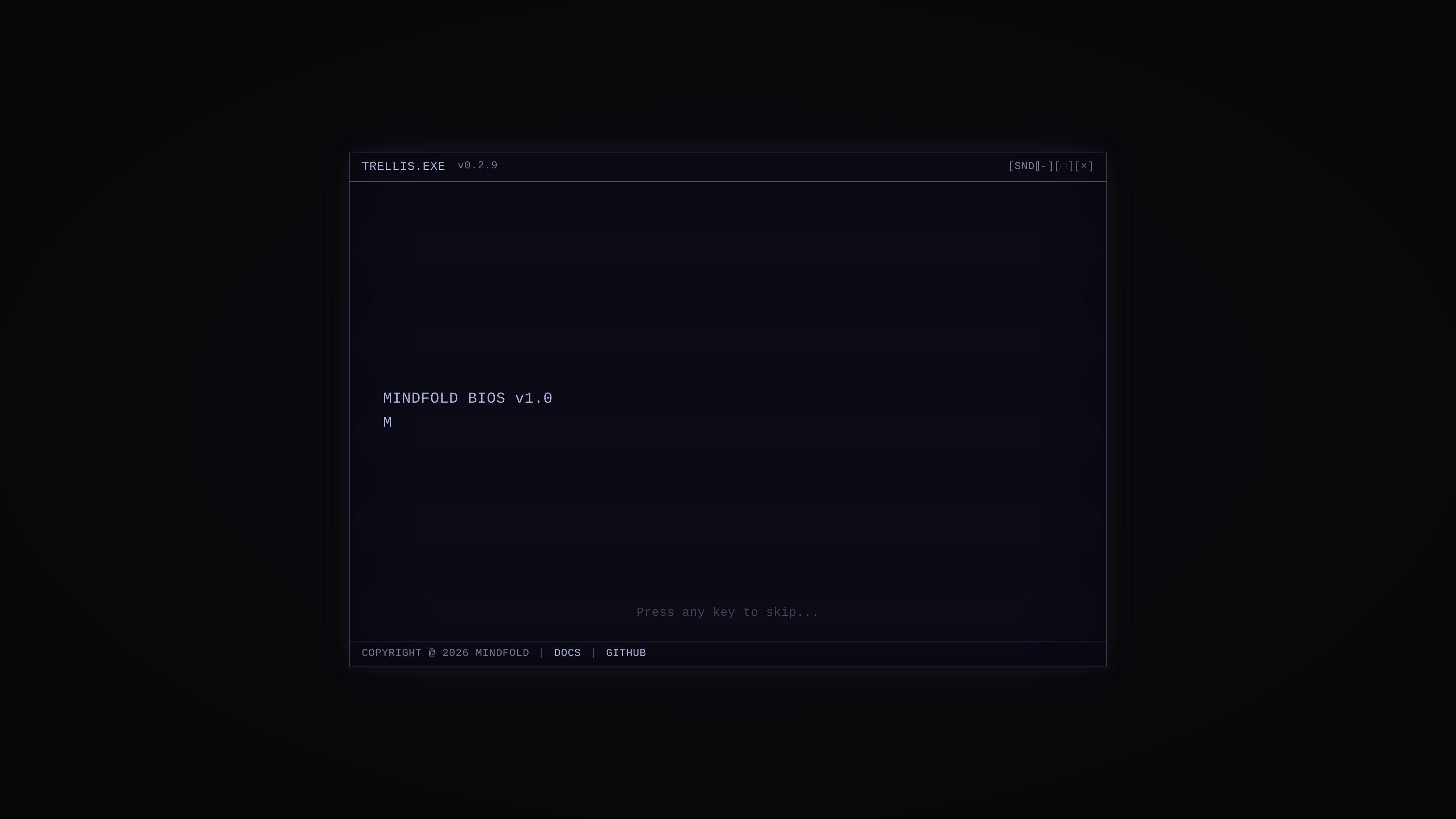
Framework and toolkit positioning
Positions the product as an all-in-one framework and toolkit rather than a single-purpose app, suggesting it is meant to support a broader AI-assisted workflow.
Trellis is an AI framework and toolkit positioned for use with Claude Code and Cursor. The site presents it as a developer-oriented product rather than a general-purpose consumer app.
The homepage text emphasizes a versioned executable-style identity and links to documentation and GitHub. That suggests Trellis is meant to support an AI-assisted coding workflow where users can learn more through project docs and source materials.
Positions the product as an all-in-one framework and toolkit rather than a single-purpose app, suggesting it is meant to support a broader AI-assisted workflow.
Explicitly references Claude Code and Cursor in the product description, indicating the product is built around those AI coding environments.
The homepage presents a terminal-like interface and references a versioned executable name, which suggests a developer-oriented workflow and product surface.
The homepage links to docs and GitHub, giving users a path to source information and implementation details outside the landing page.
Developers who want an AI-oriented framework and toolkit for work inside Claude Code or Cursor can use Trellis as the project layer around that workflow.
Builders evaluating the project can start from the homepage, then follow the docs and GitHub links to inspect implementation details before adopting it.
Teams that already use Claude Code or Cursor and want a more structured setup around those tools may use Trellis as a shared starting point.
Trellis appears to be intended for use with Claude Code and Cursor, but the source does not provide setup steps or supported connection methods.
The source describes Trellis as an AI framework and toolkit, but it does not specify the exact outputs it generates or the formats it supports.
The available pages do not document team features, collaboration controls, or organization-level usage.
The pricing page returned a 404 during collection, so the source does not confirm plan names, pricing levels, or trial details.
트래픽 데이터는 참고용으로만 확인하세요.

oomol.com
OOMOL은 Gmail, GitHub, Notion을 AI 에이전트에 연결해 Codex, Claude Code, Cursor에서 인증된 도구를 재사용하도록 하며, 무료·유료·사용량 기반 요금을 제공합니다.

conductor.build
Conductor는 격리된 워크스페이스에서 Claude Code, Codex, Cursor 에이전트를 동시에 실행하는 Mac 앱으로, 개발자가 작업을 위임하고 변경 사항을 검토한 뒤 로컬에서 병합하도록 돕습니다.

apps.mergeable.io
Diffsmith는 Claude Code, Cursor, Codex, Copilot 같은 AI 코딩 에이전트가 만든 로컬 git 변경 사항을 검토하는 macOS 네이티브 앱입니다. 인라인 댓글을 달고 프롬프트로 보내거나 로컬 MCP 서버를 통해 에이전트에 전달할 수 있습니다.

www.agentconnect.md
AgentConnect를 사용하면 Claude Code, Codex, Gemini CLI와 같은 ACP 에이전트를 Slack, Telegram, Discord, GitHub에 연결해 팀이 평소 협업하는 채널에서 업무를 맡길 수 있습니다. 오픈 소스이며 자체 호스팅이 가능하고, 에이전트 워크플로를 위한 역할, 도구, 메모리, 설정 가능한 트리거를 제공합니다.

heimwall.ai
HeimWall은 Cursor, Claude Code, Copilot, Windsurf 같은 AI 코딩 도구로 전송되는 프롬프트에서 시크릿, PII 및 기타 기밀 데이터를 탐지하는 macOS 앱이자 팀 옵저버빌리티 제품입니다. 원본 프롬프트는 기본적으로 기기에 보관하고, 팀 보고에는 삭제 처리된 신호만 공유합니다.

www.coolplugz.com
CoolPlugz는 Claude Code를 위한 오케스트레이션 계층으로, 컨텍스트를 모으고 구조화된 워크플로를 실행해 지속적인 감독을 줄이면서 코딩 작업을 완료하도록 돕습니다. Jira, GitHub, Slack, Notion, CI 사이의 컨텍스트 전환을 줄이고 싶은 개발자를 위한 제품입니다.