
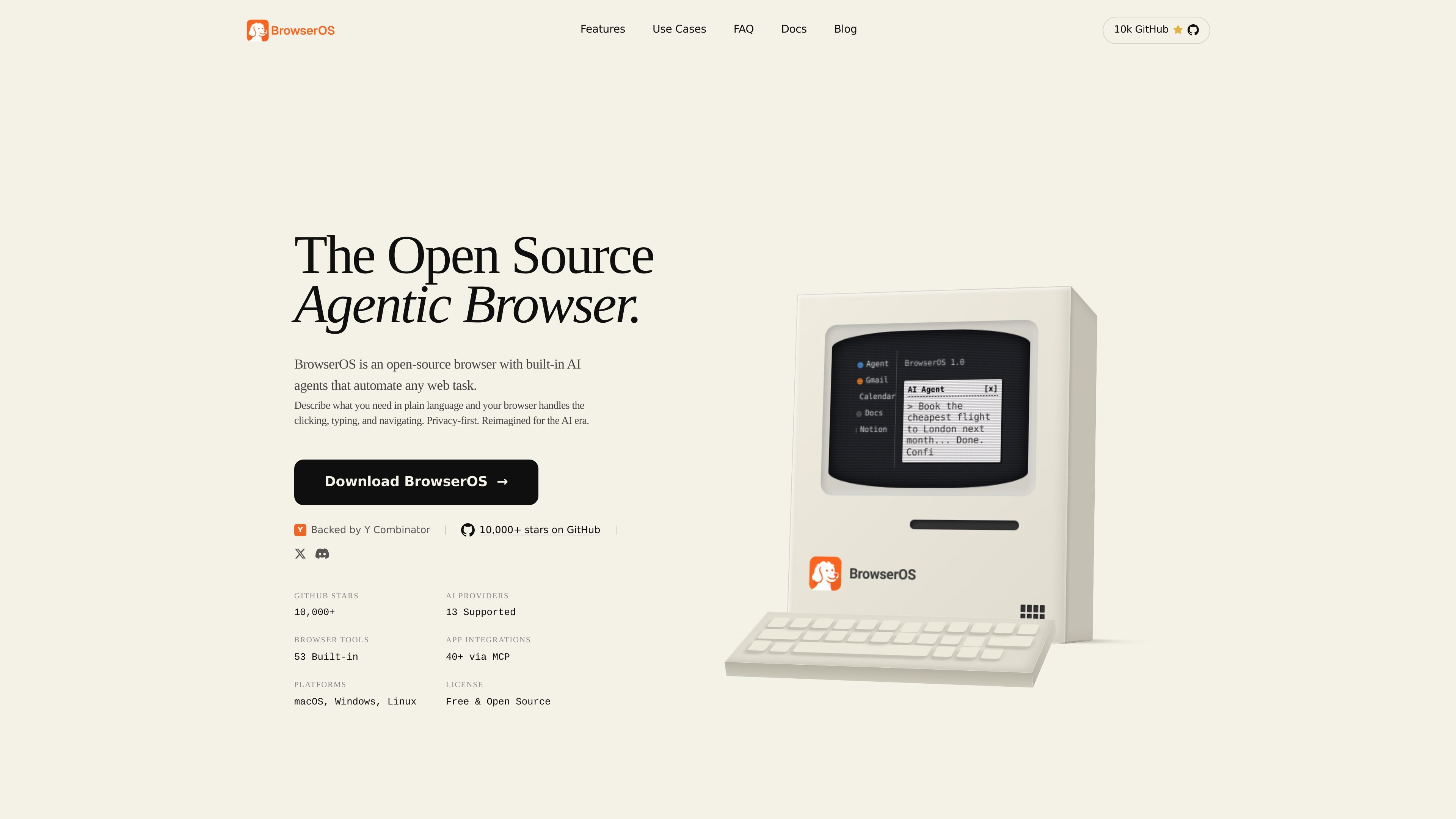
Natural-language browser automation
Tell BrowserOS what you need in plain language, and the built-in agent handles clicking, typing, and navigation inside the browser.

BrowserOS는 자연어 프롬프트로 로컬 에이전트가 웹 작업을 자동화하는 오픈 소스 AI 브라우저입니다. macOS, Windows, Linux, Chrome 확장 프로그램과 MCP 통합을 지원합니다.
BrowserOS is an open-source browser with built-in AI agents that automate web tasks from plain-language prompts. It is positioned as a privacy-first Chrome alternative for people who want browser automation without relying on a separate app or terminal workflow.
The product runs on macOS, Windows, and Linux, supports Chrome extensions, and offers a Chromium-based browsing experience with AI features layered into the browser itself. The site highlights local execution, support for multiple AI providers, and integration with common work tools through MCP.
Tell BrowserOS what you need in plain language, and the built-in agent handles clicking, typing, and navigation inside the browser.
The browser can browse the web, read local files, and carry out multi-step workflows without requiring terminal commands or extra setup.
Connect a model from providers such as Claude, Gemini, Kimi, OpenAI, OpenRouter, or a local runtime like Ollama and LM Studio, then switch between providers when needed.
Use 40+ built-in integrations through MCP for apps such as Gmail, Slack, Notion, and Calendar, and add custom MCP servers when needed.
Schedule tasks to run automatically and build workflows with loops and conditions for repeatable browser operations.
Use the bundled BrowserOS MCP server with Claude Code, Gemini CLI, or Codex to control browser tasks from the terminal.
Founders can ask for a daily briefing that combines calendar events, Slack highlights, and inbox summaries into one automated workflow.
Developers can drive the browser from Claude Code, Gemini CLI, or Codex to test staging sites, inspect issues, and automate browser checks.
Sales teams can pull open deals, draft follow-up emails, and update CRM notes across tools such as Salesforce and HubSpot.
Researchers can schedule recurring scraping runs to track competitor pricing and organize results in Google Sheets.
Executives and assistants can triage email, create Notion tasks, and block calendar time from a single prompt.
BrowserOS is an open-source browser with built-in AI agents that automate web tasks from plain-language prompts. It focuses on privacy-first, local execution rather than a browser that only adds chat on top.
BrowserOS supports macOS, Windows, and Linux. The site says system requirements are similar to Chrome or Safari standards.
Yes. BrowserOS is a Chromium fork, so Chrome extensions work, and the site says bookmarks, passwords, and extensions can be imported from Chrome.
BrowserOS is free and open source. Cloud AI providers such as OpenAI and Anthropic charge based on usage, while local models through Ollama and LM Studio are described as always free.
BrowserOS supports 11+ AI providers, including Moonshot Kimi, Anthropic Claude, Google Gemini, OpenAI, OpenRouter, and local models through Ollama and LM Studio. The site also says you can switch providers and use your own API keys.
트래픽 데이터는 참고용으로만 확인하세요.

agentgrid.sh
AgentGrid는 하나의 무한 캔버스에서 여러 AI 에이전트를 관리하는 데스크톱 앱입니다. 터미널, 브라우저, 노트, 코드 도구를 하나의 작업 공간에 모아 macOS, Windows, Linux에서 에이전트의 병렬 작업을 시각적으로 오케스트레이션하려는 개발자를 위해 설계되었습니다.

hermes-agent.nousresearch.com
macOS, Windows, Linux용 독립형 데스크톱·터미널 AI 에이전트로, 영구 메모리, 메시징 통합, 예약 자동화와 다양한 배포 백엔드를 지원합니다.

zed.dev
Zed는 macOS, Linux, Windows용 고성능 멀티플레이어 코드 에디터로, 에이전트 AI, 실시간 협업, 유연한 모델 액세스를 지원합니다.

talkcody.com
TalkCody는 macOS, Windows, Linux용 무료 오픈 소스 AI 코딩 에이전트로, 여러 모델 제공업체와 로컬 저장, 오프라인 작업을 지원합니다.

cladlabs.ai
Clad Labs는 AI 코딩 에이전트를 한곳에서 조율하는 지능형 개발 환경입니다. 현재 macOS와 Windows 다운로드를 지원하며 Linux는 곧 출시됩니다.

www.codewithbullet.com
Bullet은 작업을 라우팅하고 저장소 파일을 검색하며 독립적인 도구 호출을 병렬로 실행하는 코딩 에이전트입니다. macOS, Linux, Windows에서 명령줄 도구로 사용할 수 있고 무료이며 시작할 때 키가 필요하지 않습니다.