
Interactive Courseware and Lesson-Prep Tools
Provides the basic tools, subject resources, classroom activities, and cloud storage needed for interactive courseware creation, covering common lesson-prep and teaching workflows.

希沃白板5 is an interactive teaching tool for creating courseware, classroom activities, cloud sync and mobile teaching across devices.
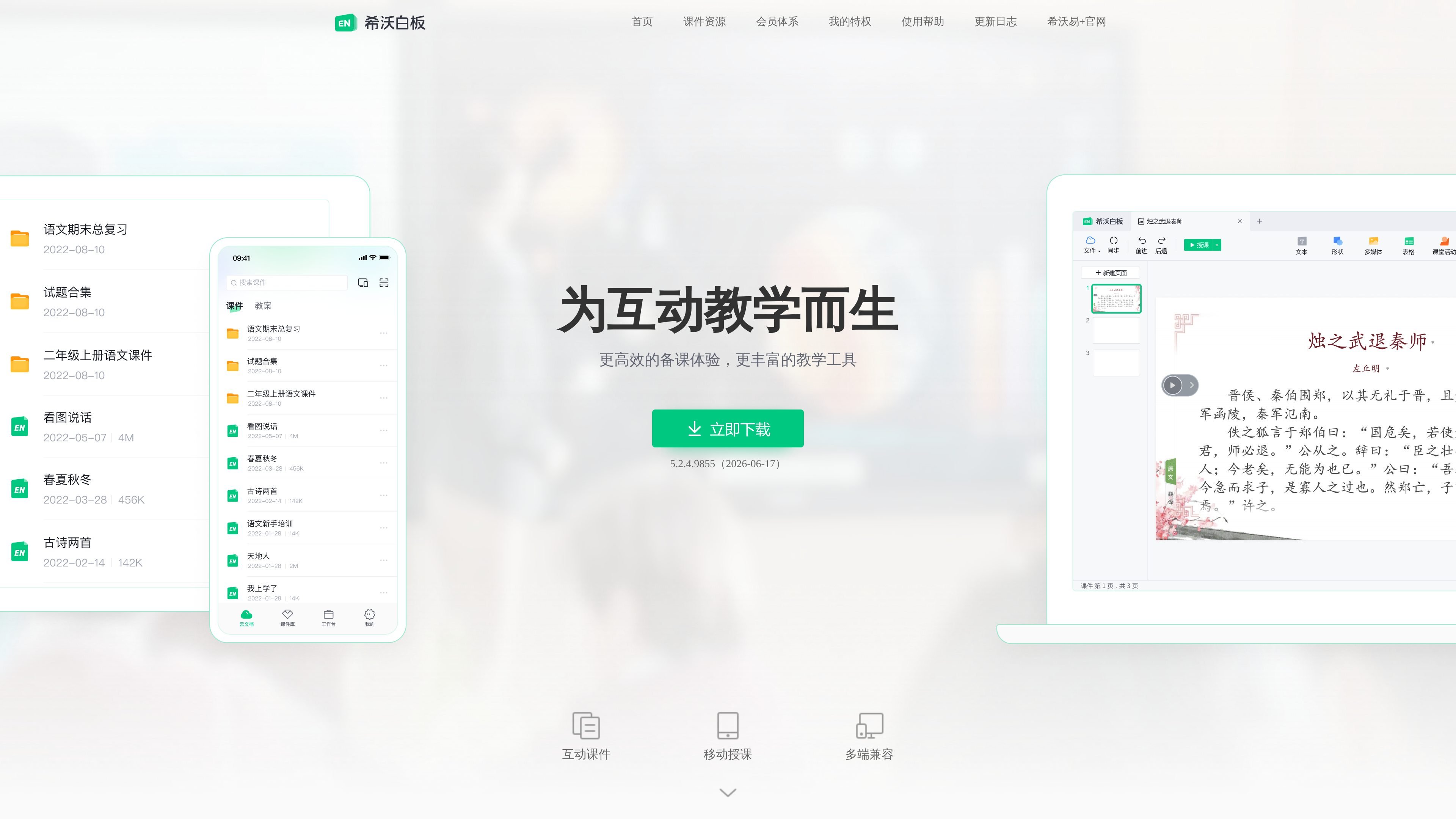
Seewo Whiteboard 5 is an interactive courseware tool for teaching scenarios, designed around lesson preparation, teaching, and classroom interaction. The official site positions it as “made for interactive teaching” and provides functions such as basic tools, subject resources, classroom activities, cloud storage, and mobile teaching.
From the official content, it emphasizes cross-device use and courseware transfer: courseware can display compatibly across computers, all-in-one machines, web pages, and mobile phones, and also supports one-click sharing and receiving. After teachers log in to the same account on a phone and computer, they can use dual-screen sync to turn pages, annotate, and present classroom results on the move.
The update log further shows that the product continues to iterate on courseware editing capabilities and teaching resources, including the editability of exported PPT files, audio and video trimming, expanded asset libraries, and ongoing optimization of modules such as classroom activities, mind mapping, and subject tools.
The official site also provides a membership page, indicating that the product offers value-added services for cloud courseware users, including cloud storage expansion, membership badges, and exclusive materials.
Provides the basic tools, subject resources, classroom activities, and cloud storage needed for interactive courseware creation, covering common lesson-prep and teaching workflows.
Supports dual-screen sync after a phone and computer log in to the same account, allowing teachers to use a phone to control slide turning and sync annotations to the large screen.
Courseware supports compatible display on computers, all-in-one machines, web pages, and mobile phones, and can be shared and received with one click to reduce the difficulty of cross-device use.
Provides classroom organization tools such as mind mapping, Super Classification, and classroom activities, making it easy to place knowledge points, categorization tasks, and interactive exercises directly into courseware.
The update log mentions support for continuing to edit text, video, and animations after exporting courseware to PPT, and audio/video trimming, making reuse and reworking easier.
The membership system page shows that members can get value-added benefits such as cloud storage expansion, login reward bonuses, and exclusive materials.
Teachers can create courseware on a computer first, then continue editing on a phone or other devices through cloud sync, reducing the steps involved in moving files back and forth.
During class, teachers can use a phone to control slide turning, sync annotations to the large screen, and display student photos or camera content in real time for mobile teaching.
When interactive exercises are needed, tools such as classroom activities, Super Classification, and mind mapping can be used to turn knowledge points into actionable classroom content.
When old courseware needs to be reused or materials reorganized, editing PPT exports, audio/video trimming, and the asset library mentioned in the update log can be used for further processing.
Users with cloud courseware needs can obtain value-added benefits such as cloud storage expansion, membership badges, and exclusive materials through the membership system.
Seewo Whiteboard 5 is designed for teaching scenarios and provides lesson-prep and teaching functions such as interactive courseware creation, classroom activities, subject tools, mind mapping, and cloud sync. The official site also offers downloads for Windows, Mac, iOS, and Android, making it suitable for teachers who need to prepare and teach across devices.
The official site shows that it supports display compatibility on computers, all-in-one machines, web pages, and mobile phones, and supports dual-screen sync after logging in to the same account on a phone and computer, as well as using the phone to control slide turning and sync annotations.
According to the official information, courseware can be shared and received with one click, supports cloud storage, and can be used for mobile teaching by controlling the large screen with a phone.
The update log shows support for editing text, video, and animation after exporting courseware to PPT, along with audio and video trimming, and more than 1000 lesson-prep materials; please refer to the update log for the latest features.
The membership page shows that the Seewo Whiteboard membership system is a value-added service for cloud courseware users, including member avatars, membership badges, cloud storage expansion, level-up acceleration, and member-exclusive materials.