
AI text humanization
Rewrite AI-generated text into more natural prose while keeping the original meaning intact. The homepage says it works with output from ChatGPT, Claude, Gemini, Grok, DeepSeek, and other AI writing tools.

WriteHuman is an AI humanizer that rewrites AI-generated text into natural prose and includes AI detection tools for content checks before publishing.
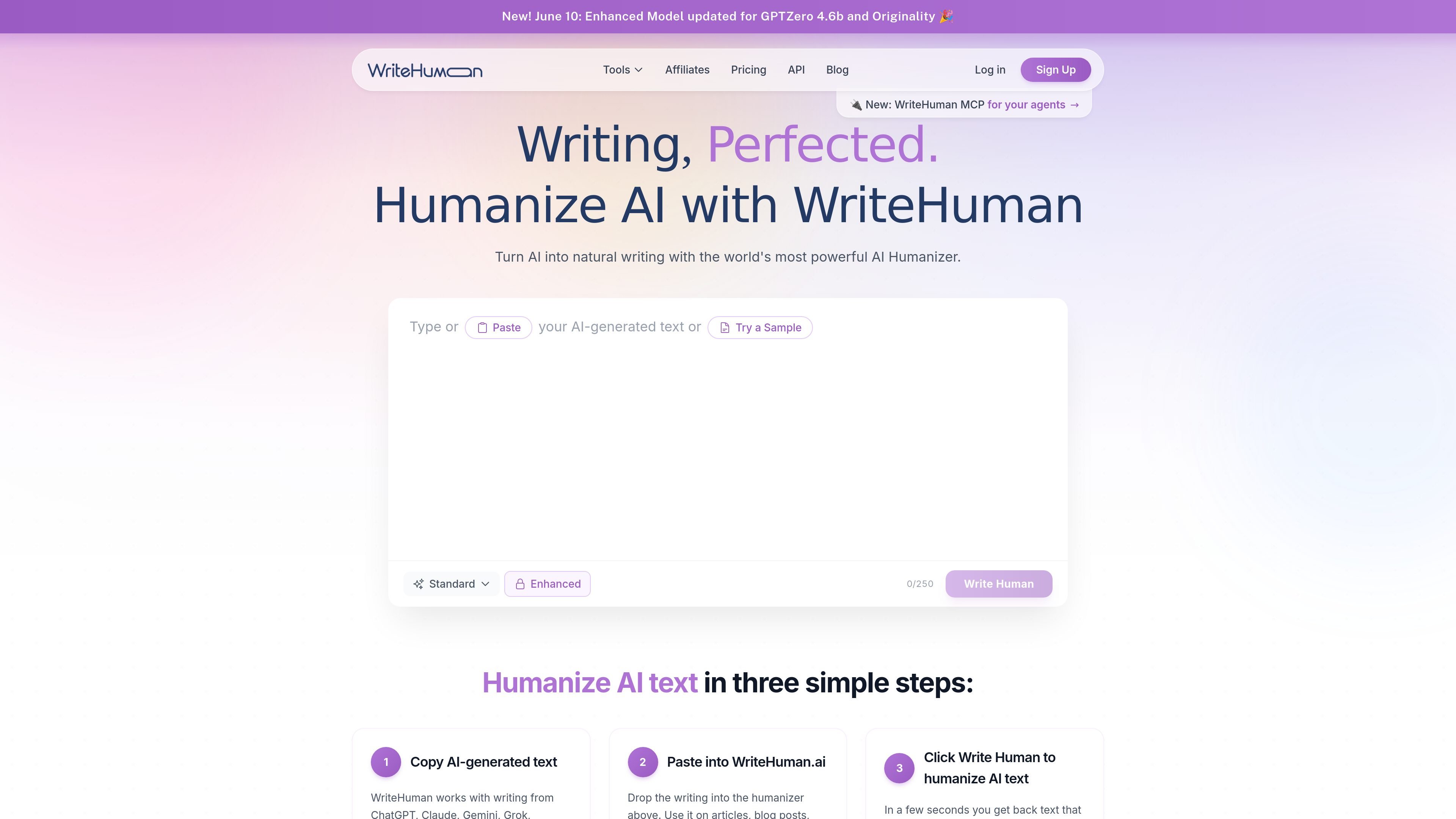
WriteHuman is an AI humanizer for rewriting AI-generated text into more natural-sounding prose. The main product page says it works with text from tools such as ChatGPT, Claude, Gemini, Grok, and DeepSeek, and the pricing page shows that the consumer product includes both humanization and AI detection.
The product is available as a web app and as a REST API. The website describes a three-step workflow for the web experience, while the API documentation covers authenticated requests, usage tracking, and separate plans for developers who need to humanize text at scale.
Rewrite AI-generated text into more natural prose while keeping the original meaning intact. The homepage says it works with output from ChatGPT, Claude, Gemini, Grok, DeepSeek, and other AI writing tools.
Review content with a built-in scanner before publishing. The site says it analyzes text for naturalness and readability, and the pricing page includes AI detection checks on every plan.
Work with long-form content or short snippets across articles, blog posts, emails, landing pages, newsletters, reports, and marketing copy.
Support more than 40 languages in the main product flow, with API documentation also calling out 40+ language support and optional language targeting for requests.
Choose from a consumer web product or a REST API. The API docs describe authentication, usage tracking, and endpoints for humanizing and detecting text.
Use plan-based output and usage limits. The pricing page lists varying request, word, variation, and detection quotas across Free, Basic, Pro, and Ultra plans.
Paste AI-generated drafts into the web app to make them read more naturally before publishing or sharing.
Use the product on articles, blog posts, newsletters, landing pages, and email copy when a team wants AI-assisted drafting with a more human final pass.
Check whether text appears human-like before sending it to a client, reader, or reviewer, using the built-in detector and scanner.
Integrate the REST API into a workflow that needs humanized text at scale, with authenticated requests and usage tracking.
Run multilingual text through the tool when working across languages supported by the product and API.
WriteHuman is designed to take AI-generated text from tools like ChatGPT, Claude, Gemini, Grok, DeepSeek, and similar systems, then rewrite it into more natural-sounding prose while preserving the original meaning.
The homepage describes a simple three-step workflow: paste AI-generated text into WriteHuman, then click to humanize it and review the rewritten output. The product is also available through a REST API for developers who want to humanize text at scale.
The pricing page says every paid plan includes access to the AI humanizer and AI detector, and the API documentation adds an AI detection endpoint for developers. The site also mentions a built-in content scanner on the main product experience.
WriteHuman supports more than 40 languages on the main product page, and the API docs also reference 40+ languages. The API can accept a target language or auto-detect when omitted.
The pricing page lists free, Basic, Pro, and Ultra options for the consumer product, with paid plans billed monthly or yearly and cancelable at any time. The API has its own word-based pricing and subscription tiers.