
AI Clip Maker
Generate short clips from long videos by automatically identifying highlights, speaker changes, pacing, jokes, reveals, and emotional reactions. The clip maker can also rank clips by viral potential before you post.

WayinVideo is an AI video platform for clipping, searching, summarizing, transcribing, captioning, and reframing video content via web or API.
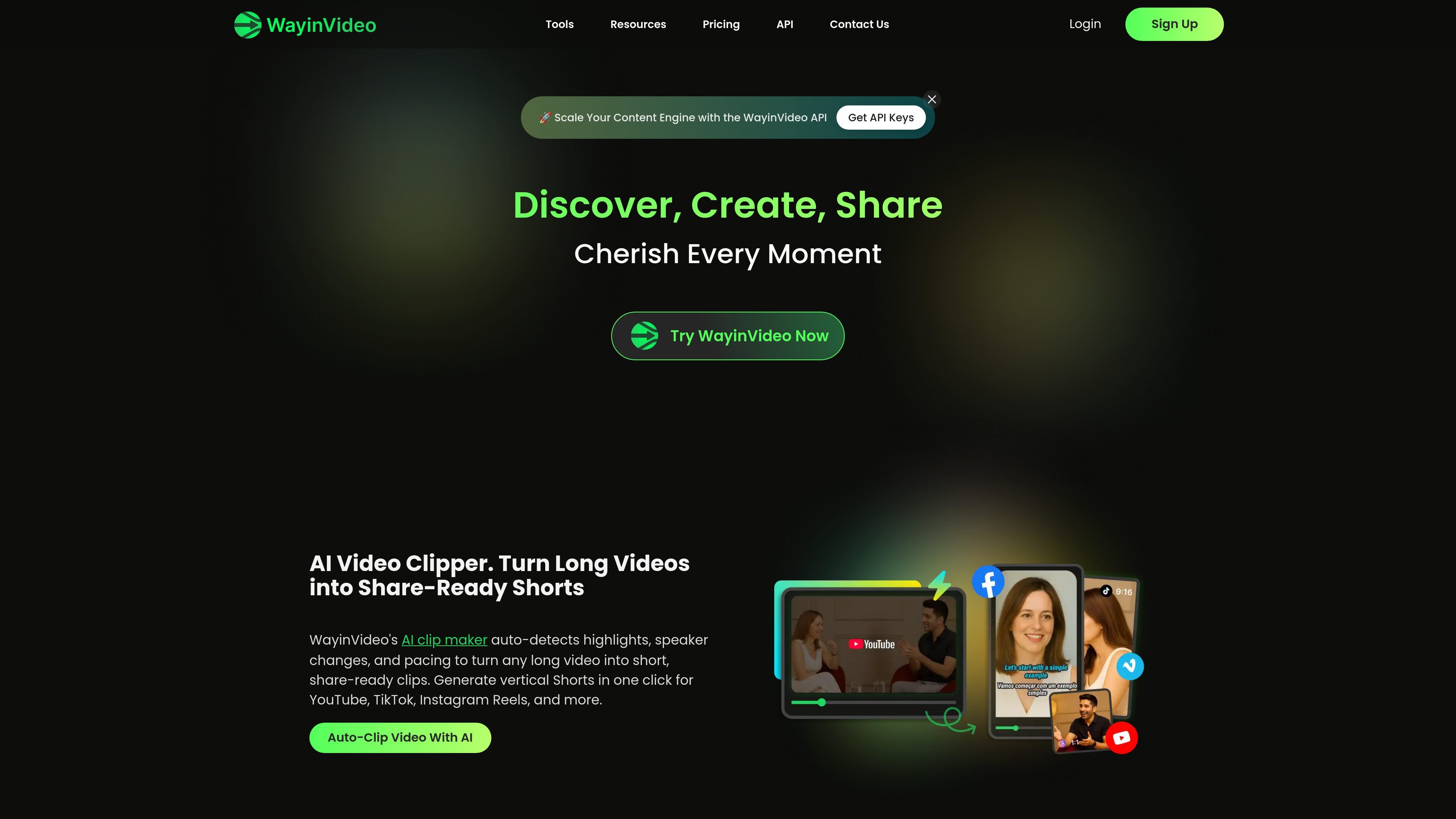
WayinVideo is an AI video platform for editing, searching, summarizing, transcribing, captioning, and reframing video content. The site positions it for work, study, and content creation, with tools that help users turn long recordings into shorter clips, find specific moments, and generate transcript or summary outputs.
The product page and pricing page show both self-serve and API-based workflows. Users can upload video files or paste links from supported platforms, then use tools such as clip generation, moment search, subtitles, and reframing to prepare content for social sharing or reuse in other workflows.
Generate short clips from long videos by automatically identifying highlights, speaker changes, pacing, jokes, reveals, and emotional reactions. The clip maker can also rank clips by viral potential before you post.
Search inside a video or transcript using natural language queries to jump to exact timestamps. The finder supports objects, scenes, actions, sounds, emotions, people, and other moment types.
Create one-paragraph summaries with timestamped outlines so long videos can be scanned quickly. The site says the summarizer supports 100+ languages.
Produce transcripts with punctuation, timestamps, and speaker labels for copying into notes, documents, or other workflows. The pricing page also lists transcription as part of the credit-based system.
Generate multilingual subtitles, animated caption styles, and callout cards, then export videos for social platforms in one step.
Reframe videos for different aspect ratios by tracking faces and key objects, helping a single edit work across 9:16, 1:1, and 16:9 formats.
Turn long interviews, webinars, or talks into shorter social clips by letting the clip maker identify highlights automatically and export share-ready shorts.
Search for a specific scene, reaction, keyword, or person in hours of footage and jump straight to the matching timestamp instead of scrubbing manually.
Create timestamped summaries and speaker-labeled transcripts for meetings, classes, podcasts, or research videos so the content is easier to review and reuse.
Add multilingual captions and reframe a single edit into vertical, square, or landscape formats for TikTok, Reels, Shorts, Stories, or YouTube.
Use the API to automate clipping, transcription, summarization, and moment finding inside another app or production workflow.
WayinVideo is an AI video platform for clipping, finding moments, summarizing, transcribing, captioning, and reframing videos. The site presents it as a tool for work, study, and content creation.
The site says you can start with a free plan and receive 200 credits on signup. Paid plans are available for higher credit limits, larger uploads, more storage, and additional editing features.
WayinVideo supports links and uploads from sources such as YouTube, TikTok, Twitch, Vimeo, Facebook, Dailymotion, and Google Drive on the pages reviewed. The clip maker and find-moments pages both describe link-based and upload-based workflows.
Yes. The pricing page includes an Enterprise tier and an API section, and the site also promotes a WayinVideo API for programmatic video automation.
The site shows export options including 720p on Free, 1080p on Standard, 2K on Pro, and 4K on Pro+, with different storage and feature limits by plan.