
Automatic background removal
Automatically removes image backgrounds from uploaded files and returns a transparent PNG output.

UnlimitedBG for Sparkbooth automatically removes image backgrounds for photobooth workflows and browser-based image editing. It supports offline use, batch processing, and transparent output without watermarks.
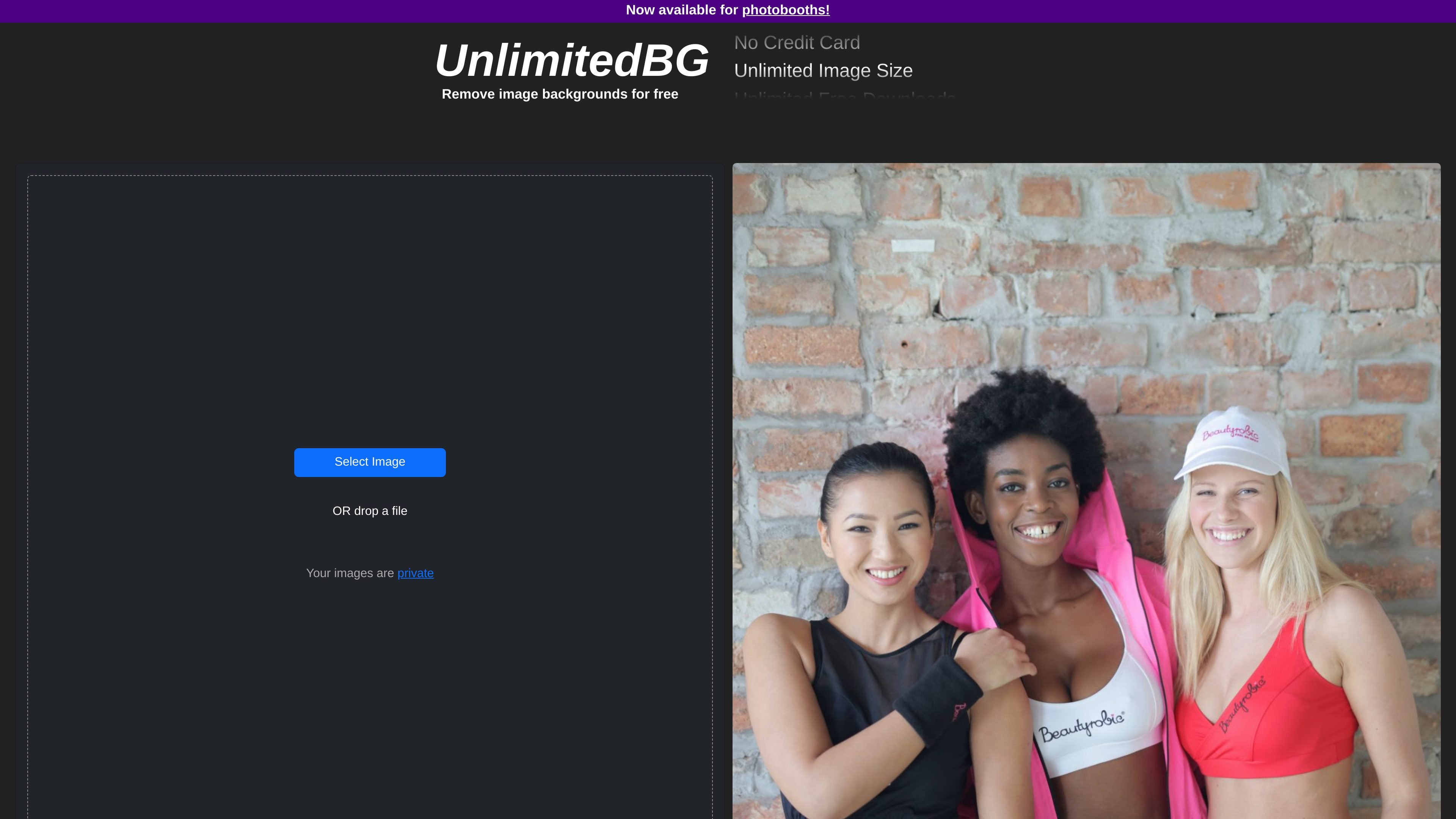
UnlimitedBG for Sparkbooth is an AI background removal tool built for photobooth workflows. It automatically removes image backgrounds, supports unlimited photos for a flat monthly fee, and is designed to work without an internet connection.
The main site describes it as a browser-based background remover with free batch processing, no watermarks, and no email or credit card required for the web tool. The Sparkbooth page positions it as a one-time setup that integrates with Sparkbooth on Windows and Mac systems.
Automatically removes image backgrounds from uploaded files and returns a transparent PNG output.
Handles multiple files in one workflow so users can process larger sets of images without repeating the same steps one by one.
Keeps downloads free of watermarks, based on the source site’s stated product behavior and trial offer.
Processes images in the browser window and does not receive or store the uploaded files, according to the privacy policy.
Supports editing after the initial cutout with Foreground and Background controls for refining the result.
Offers an edge-enhancement option intended to improve detail around hair, fur, grass, and other fine boundaries.
Use the tool to remove backgrounds from single photos or batches of images when you need transparent cutouts without manual masking.
Process event photos in a photobooth setup where Sparkbooth is already part of the workflow and offline operation is important.
Prepare product or subject images for reuse on other backgrounds, using the cutout plus optional edge refinement to clean up detailed edges.
Handle larger image sets by uploading multiple files at once, which reduces repetitive work for commercial or bulk processing tasks.
Use the browser-based tool when you want to avoid sending images to a server and prefer local processing in the browser window.
Yes. The source says UnlimitedBG is completely free to use for personal and commercial use on the main product site, and the Sparkbooth page also offers a 30-day free trial. The trial includes unlimited photos, full offline functions, and watermarked output.
UnlimitedBG processes images in your browser window and can run without an internet connection. The Sparkbooth page says it works offline and supports a one-time setup that connects with Sparkbooth in a few simple steps.
The main site says UnlimitedBG supports PNG, JPG, JPEG, GIF, WEBP, BMP, ICO, TIFF, and AVIF.
The main site says you can select multiple image files or drag and drop multiple images for automatic batch background removal.
The source says processed images are downloaded at their original high resolution, with no maximum output resolution or file size limit beyond browser limits. The site also says images are processed locally and are not received or stored by UnlimitedBG.