
Audio and video transcription
Upload audio or video files and convert speech into text with AI-driven processing.

Transcri is a web-based AI transcription tool for turning audio and video into text, subtitles and translated outputs. 100+ languages, free plan and paid plans.
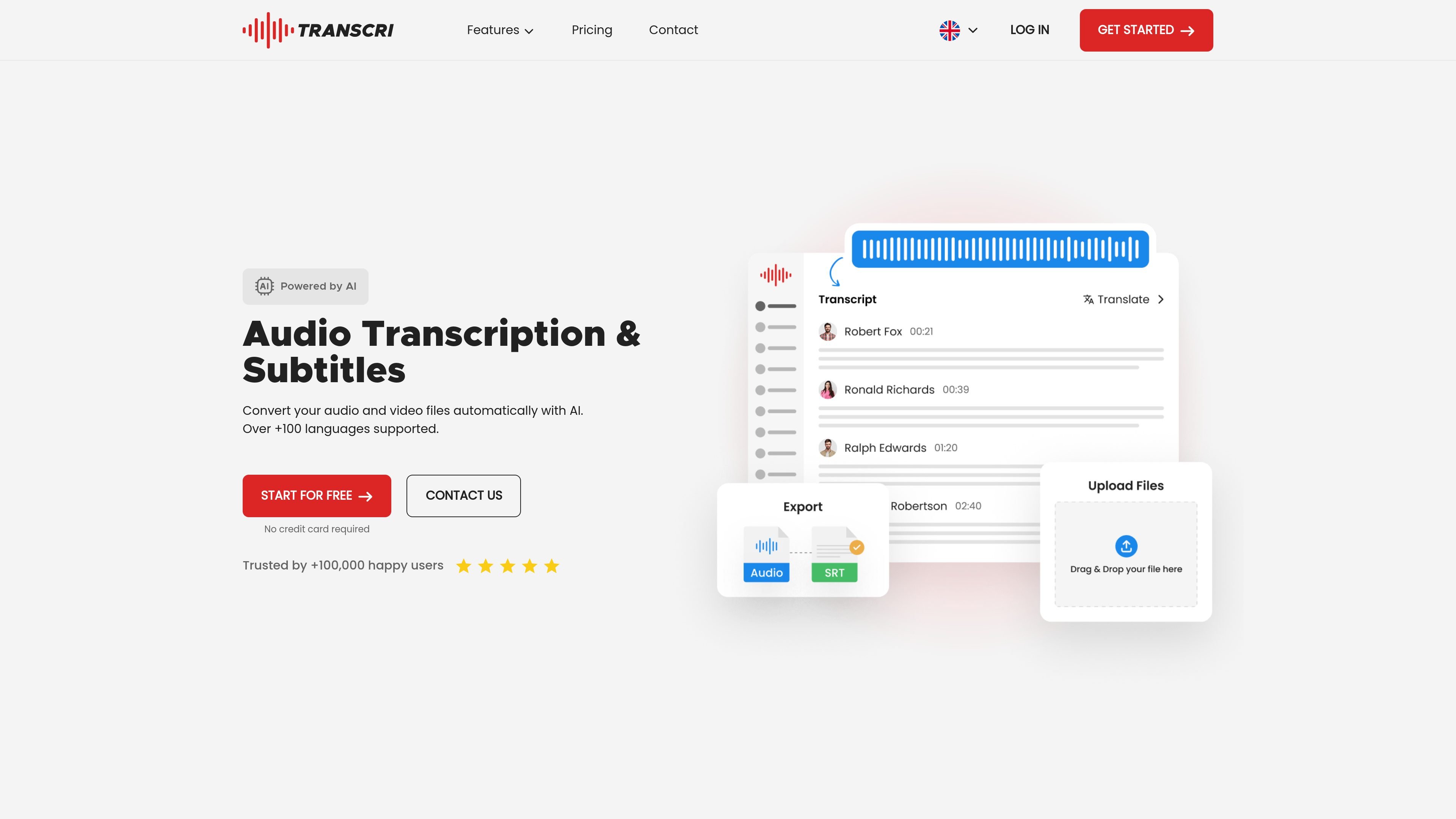
Transcri is an AI transcription platform for converting audio and video files into text, subtitles, and translated outputs. The site positions it as a tool for users who need fast transcription, subtitle creation, and multilingual processing from a single online workflow.
The product supports more than 100 languages, offers an online editor for refining transcripts, and includes collaborative project features for teams. The pricing page also shows a free plan alongside paid subscriptions for users with higher-volume needs.
Upload audio or video files and convert speech into text with AI-driven processing.
Create subtitle outputs in multiple formats, including common caption and editing file types.
Translate transcriptions and subtitles into multiple languages, with language detection and manual language selection supported on the audio-translate page.
Edit transcripts in an online editor and switch between dialogue mode and subtitle mode.
Identify and label speakers in transcripts, with optional speaker count input for better results.
Ask the file questions in the AI assistant to summarize discussions, extract key moments, write reports, or add chapters.
Turn recordings, interviews, or presentations into readable text quickly, with export options for further editing or sharing.
Generate subtitle files from uploaded video content and download them in formats that can be used in video workflows or publishing tools.
Translate transcripts or subtitles into another language after transcription, using the platform’s audio translation flow.
Organize team projects for shared transcription work, reviews, and production coordination in a collaborative workspace.
Use speaker identification to separate voices in meetings, interviews, or discussions where multiple people are speaking.
Transcri supports audio-to-text transcription in over 100 languages, and the site also mentions an audio translation module for premium users.
The site says Transcri uses AI transcription and that transcription quality depends on the original audio, with a verbatim mode designed to handle fast speech, noise, and varied accents.
Yes. The homepage says subtitles can be generated from uploaded video files, and the audio-to-text page lists subtitle export formats such as VTT, SRT, and others.
Yes. The pricing page shows a free plan, and it also says you can upgrade, downgrade, or cancel at any time.