
Multiple map types
Choose from SEO, Product, News, Social, Question, or Keyword map types depending on the content goal.

Topical Map AI generates SEO topical maps with keyword clusters, subtopics, and exportable planning outputs for marketers, agencies, and site owners.
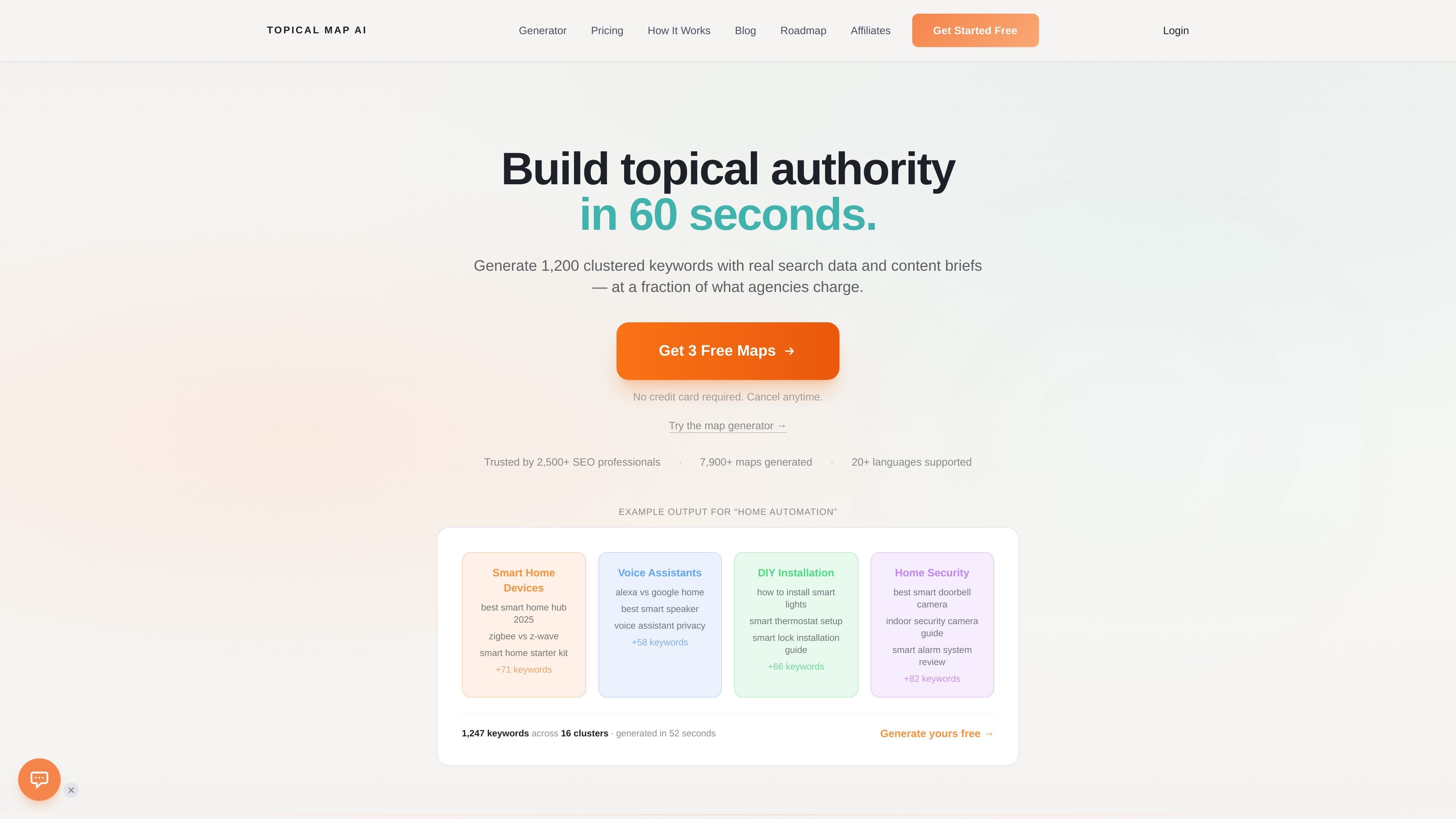
Topical Map AI is an SEO content planning tool that generates topical maps: structured keyword clusters centered on a primary topic. The product is designed to help users move from a seed keyword or niche to an organized content strategy with subtopics, search data, and exportable outputs.
The workflow shown on the site starts with choosing a map type, then configuring the niche, language, and market. After reviewing or editing AI-generated subtopics, the tool generates a map with 800 to 1,200 keywords in about 60 seconds and lets users export the result as CSV or copy it to the clipboard. Paid plans add features such as content briefs, PDF exports, bulk generation, API access, team workspaces, and white-label exports on higher tiers.
Choose from SEO, Product, News, Social, Question, or Keyword map types depending on the content goal.
Set a niche or primary keyword, select a target language, and choose a geographic market before generating the map.
Review AI-generated subtopics before full generation by adding, removing, modifying, or reorganizing them.
Generate 800 to 1,200 keywords organized into topical clusters, with search volume data and URL structure recommendations.
Export the final map as CSV or copy it to the clipboard, and review cluster analytics and meta title suggestions.
Use content briefs, PDF exports, and project folders to turn generated maps into repeatable planning assets.
Build a structured content plan around one niche or keyword, then export the cluster list for writing or assignment.
Generate category or product-oriented maps to support e-commerce landing pages and product taxonomy.
Create question-based maps for FAQ pages, support content, or query-driven articles.
Organize work for multiple clients with bulk generation, content calendars, project folders, and team workflows on higher plans.
Use the generator as a starting point for topic research when evaluating opportunities across languages or countries.
Topical Map AI generates SEO content maps by organizing a topic into clustered keywords and supporting content structure. The site says the tool can produce maps in about 60 seconds and export them as CSV.
The workflow shown on the site is to sign up, choose a map type, configure the niche and market settings, review or edit subtopics, then generate and export the map.
The site says exports can be downloaded as CSV or copied to the clipboard, and that content briefs and PDF exports are included on paid plans.
The upgrade page lists plans for Starter, Pro, Business, and Agency, plus one-time credit packs. It also notes a 30-day money-back guarantee and a free trial or free credits in the product flow.
Yes. The site says the product supports 20+ languages and 25+ countries, and the how-it-works page says you can choose target language and geographic market when configuring a map.