
AI control layer for welding robots
The site positions the product as a control layer that sits on top of welding robots, with the goal of making them behave like autonomous expert welders.

Tekton Dynamics provides an AI control layer for welding robots, enabling existing robot cells to automate high-mix welding without teach pendant programming or a roboticist.
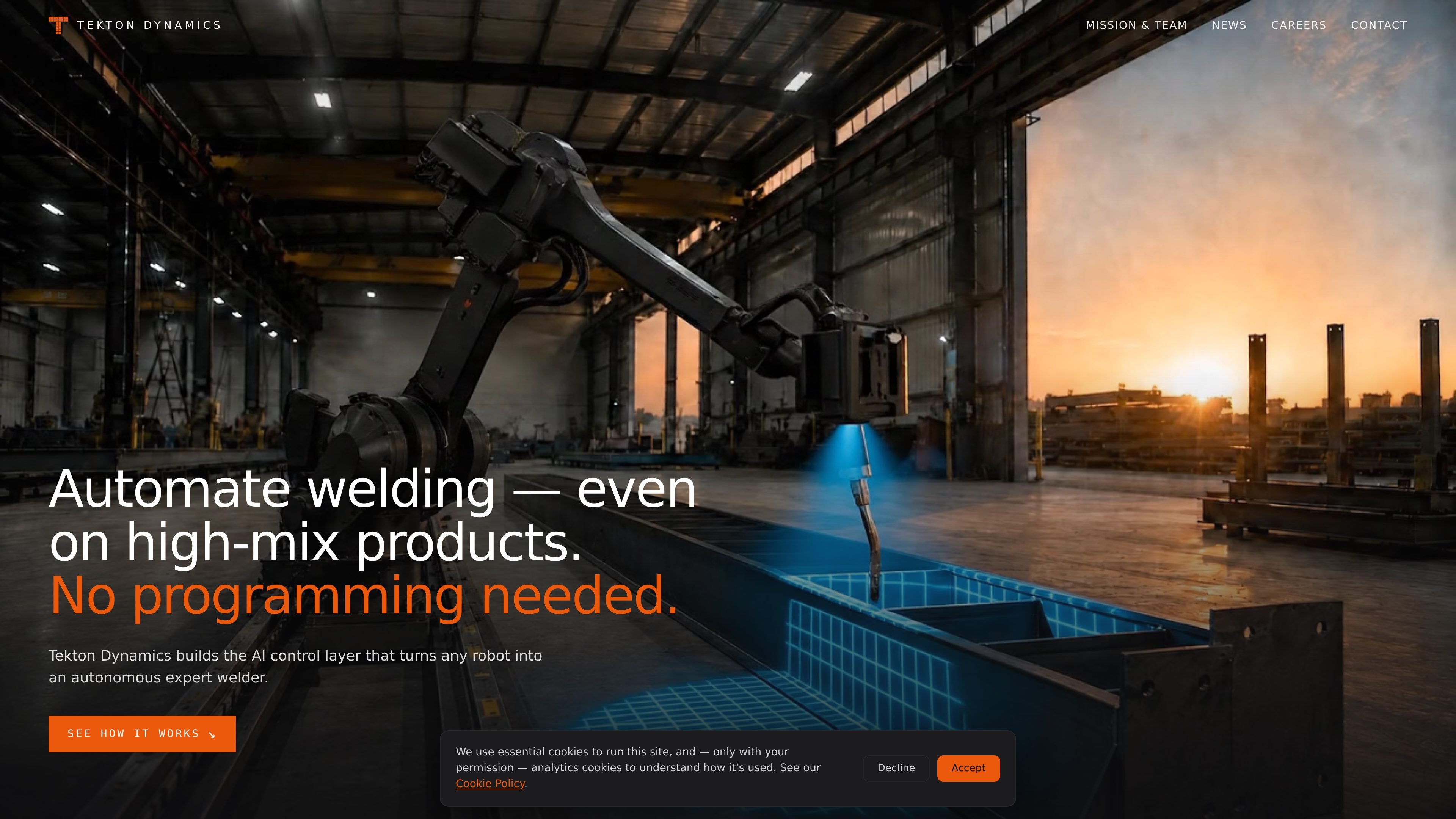
Tekton Dynamics is an AI control layer for welding robots. Its stated purpose is to turn an existing robot cell into an autonomous welding system that can handle high-mix work without manual programming at each job.
The public site describes a three-step process: scope the setup, install the system, then upload welding jobs so the robot plans the path, adapts to the part in front of it, and completes the weld. The company says it handles the integration, installs a vision system and AI edge device onto the cell, and can run the first sample welds during installation.
The product is presented for teams that want to automate welding on parts that change frequently, while reducing dependence on teach pendants, programming, and in-house robotic expertise. The pricing page is public, but the rendered copy provided here does not disclose prices or package details.
The site positions the product as a control layer that sits on top of welding robots, with the goal of making them behave like autonomous expert welders.
Users share their current setup and goals, and Tekton Dynamics says it returns a free automation and installation plan within 24 hours.
The company says it mounts a vision system and AI edge device onto the robot cell and can complete installation in under an hour.
After setup, jobs are uploaded to the robot so it can plan the path, adapt to the part in front of it, and carry out welding.
The homepage emphasizes operation without a teach pendant, programming, or a roboticist in the loop for the basic workflow.
Useful for production teams that need to weld many part variants and want a robot to adapt without reprogramming every job.
Fits shops that already have a welding robot cell and want to add autonomous behavior instead of replacing the hardware.
Helps operations that lack a dedicated roboticist, since the site says installation does not require one and the workflow avoids teach pendant programming.
Relevant for organizations that want a managed rollout, starting with a setup review and free automation plan before installation.
Matches teams looking to reduce manual path teaching by uploading jobs and letting the robot plan and adapt during execution.
The site describes Tekton Dynamics as an AI control layer for welding robots. It focuses on turning an existing robot cell into an autonomous welding system rather than selling a separate welding robot.
The public site says the system is installed on the robot cell, with a vision system and AI edge device mounted onto the cell. The company says it handles the integration and that the first sample welds are run during installation.
The workflow shown on the site is: scope the setup, install the system, then upload jobs so the robot can plan the path, adapt to the part in front of it, and weld.
The homepage says the robot can weld without a teach pendant or programming, and that no roboticist is required for installation.
The pricing page is public, but the rendered content provided does not include plan names, prices, or limits. It does show a call-to-action for a free assessment and a short call.