
Always-on agents
Tasklet runs cloud-based agents that can keep working after you close your laptop. Agents can be scheduled or launched by events like new email, Slack messages, webhooks, or changes in connected apps.

Tasklet is an AI command center for team-owned agents that automate work across apps, APIs, and browsers. Build internal apps from plain-English prompts.
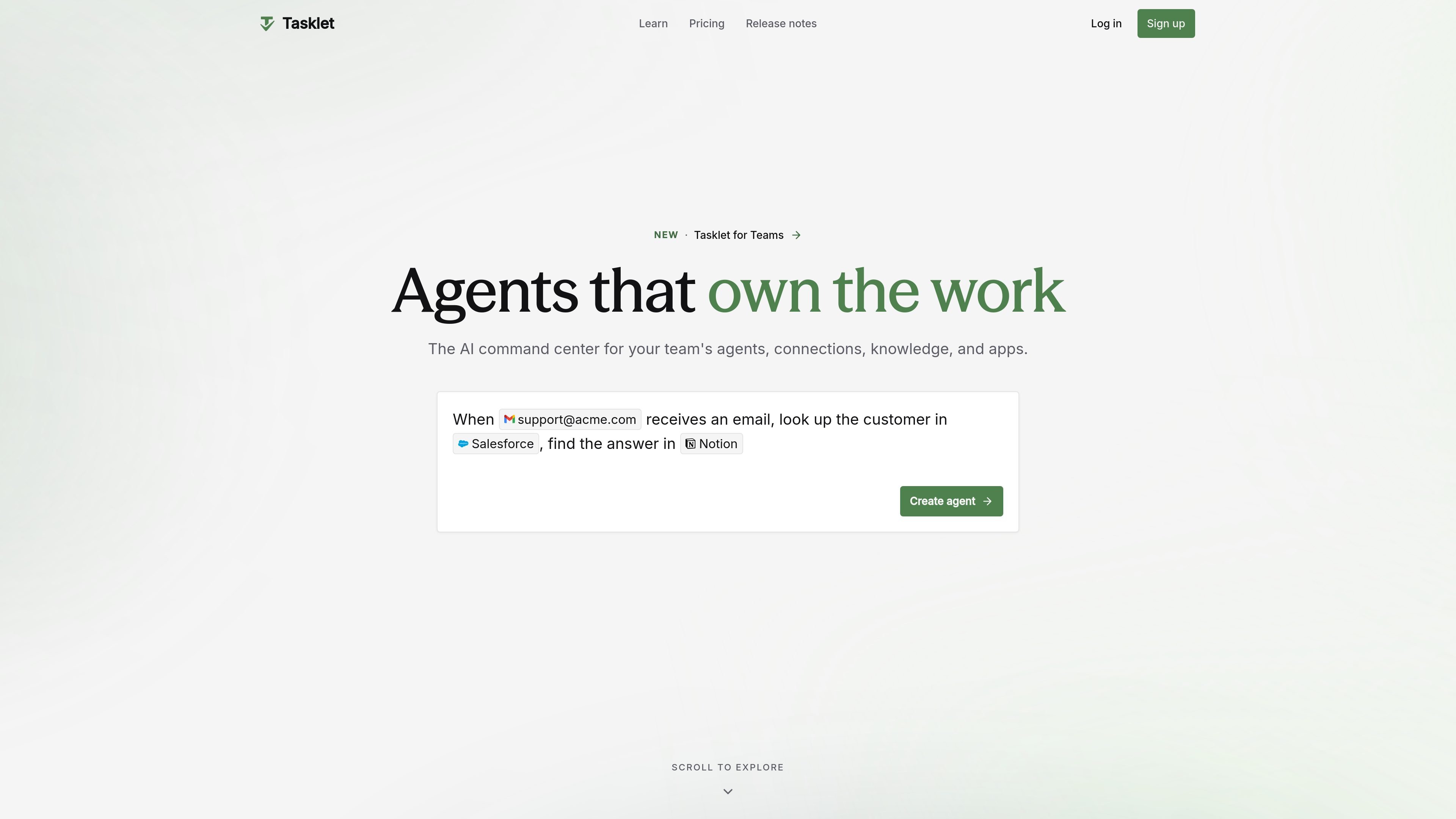
Tasklet is an AI command center for team-owned agents, connections, knowledge, and apps. It is designed to take ownership of work rather than only answer questions, so agents can send emails, update records, file tickets, draft replies, build apps, and run recurring processes across a company’s tools.
The product centers on plain-English task descriptions, shared access, and cloud execution. A user describes the outcome they want, Tasklet determines the steps, connects to the needed services, and runs the work on a schedule or when a trigger fires. The result is aimed at teams that need repeatable automation, browser-based actions, and controlled access to internal and external systems.
Tasklet runs cloud-based agents that can keep working after you close your laptop. Agents can be scheduled or launched by events like new email, Slack messages, webhooks, or changes in connected apps.
Connections can be created from a secure login flow and then shared with the right people. The product says credentials stay locked down while access is reused across the team.
Tasklet supports built-in integrations, direct HTTP API access, and MCP servers, including private company APIs. The guide says it has over 3,000 built-in integrations.
Each agent gets an isolated cloud sandbox with code execution, file handling, and browser access when a site has no API. This lets agents handle work that needs a real computer session.
Tasklet can turn a prompt into a usable internal app, such as a dashboard, tracker, calculator, or approval workflow. The app is wired to the team’s data and tools and can be shared once built.
Teams can use models from Anthropic, OpenAI, and Google in one plan, with routing to the model best suited to the task. The source also mentions centralized billing, usage controls, and granular access controls.
Handle inbound support or operations requests by looking up customer data, checking knowledge bases, and drafting replies in connected tools like Gmail and Salesforce.
Compile recurring status updates from Slack, Asana, calendar milestones, or similar sources into a live dashboard or briefing that can be refreshed on a schedule.
Pull data from websites or browser-only systems, match it against internal records, and produce reconciled reports or approved outputs.
Prepare account research, update CRM opportunities, and draft tailored materials before sales calls or meetings.
Build simple internal tools such as trackers, dashboards, approval flows, or calculators directly from a prompt and share them with the team.
Tasklet is set up by describing what you want in plain English, then connecting the services it needs. The guide says you can ask it to connect a service directly, such as Gmail, and it will open a secure login flow.
Tasklet is built for teams that want to share agents, connections, and knowledge across the company. The source describes centralized billing, per-member limits, and shared access without sharing credentials broadly.
Tasklet can run on schedules, in response to events such as new email, Slack messages, or webhooks, and through triggers tied to specific services. The guide also says a single agent can handle multiple triggers.
Tasklet can send emails, update spreadsheets, file tickets, build apps, run recurring processes, and use browser or code-based actions when needed. The homepage and guide both emphasize that it takes ownership of work rather than only answering questions.
Tasklet’s pricing page says paid plans include a dedicated web browser and a sandboxed command-line environment, while the Free plan has limited usage. The source does not list a hard upper limit on team size or the full scope of supported apps in one place.