
Agentic workflow builder
Create document workflows from prompts or templates and combine extraction, validation, and routing without coding.

super.AI is an intelligent document processing platform that extracts, validates, and routes document data for structured output in complex workflows.
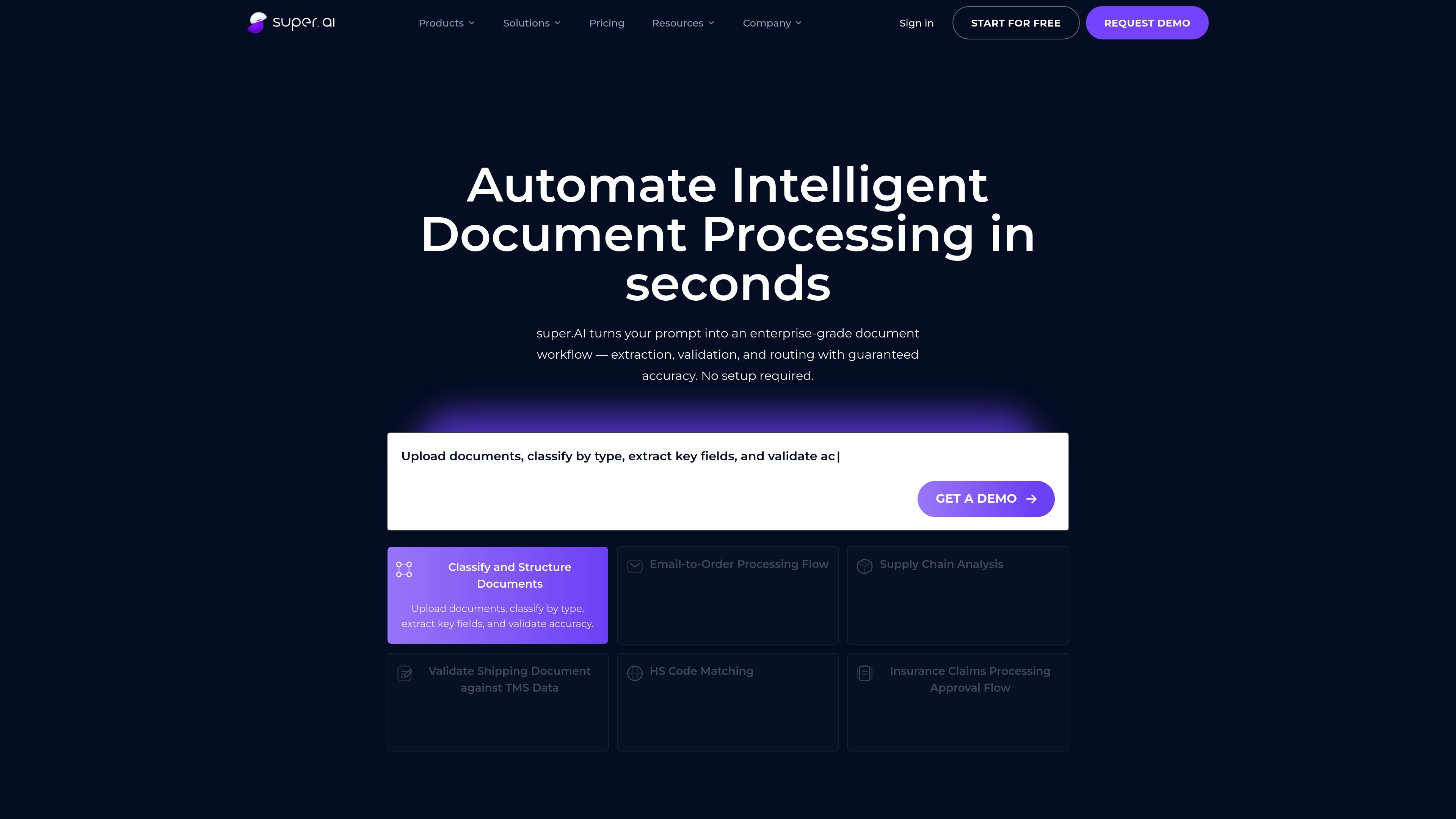
super.AI is an intelligent document processing platform that classifies, extracts, validates, and routes data from documents end to end. The site describes it as combining large language models, computer vision, and human-in-the-loop review so teams can turn unstructured files into structured data for business systems.
The product is positioned for both self-service teams and enterprise operations. The self-service path emphasizes pre-built workflows and a fast start, while the enterprise offer adds custom workflows, managed human review, governance, integrations, and deployment options for higher-volume document processes.
Create document workflows from prompts or templates and combine extraction, validation, and routing without coding.
Classify documents, extract fields, validate results, and route data into downstream systems as structured output.
Use human review when confidence is low, with self-managed review on self-service plans and managed review on enterprise plans.
Check extracted data against ERPs or databases and sync results in real time to reduce manual reconciliation.
Choose from pre-built integrations or custom connectors for ERPs, CRMs, databases, and cloud systems.
Track usage, run history, and workflow outcomes, with more advanced monitoring and analytics available on higher tiers.
Upload invoices, contracts, claims, or other documents, then classify them by type and extract key fields into structured output.
Monitor inbound emails and attachments, pull purchase order data, and validate it before routing the result to the right system or team.
Cross-check bills of lading, invoices, and customs forms, then flag mismatches for review in supply chain operations.
Extract document data and verify it against ERP or database records before synchronization to reduce manual reconciliation.
Run approval-oriented workflows for claim forms and similar records, using extracted evidence to support routing and decision steps.
super.AI uses a combination of AI extraction, human-in-the-loop review, and workflow automation. It is designed to process documents from upload through validation and routing, with the workflow you configure determining the exact steps.
The source materials describe support for PDFs, scanned images, emails with attachments, and structured forms. They also mention invoices, purchase orders, bills of lading, insurance claims, contracts, and custom document types.
The self-service flow is positioned for smaller teams that want to start without IT support, while the enterprise offer adds custom workflows, managed human review, governance, and deployment options such as VPC or on-premises.
The pricing page says free and paid plans are available, with annual billing discounted versus monthly billing. It also states that enterprise pricing is customized and requires contacting sales.
The product materials say super.AI connects with ERPs, CRMs, databases, and cloud systems through pre-built integrations and custom connectors. Examples mentioned on the site include Salesforce, SAP, and IBM.