
AI document creation
Generate structured presentations and business documents with AI so users can start from a draft instead of a blank page.

Storydoc is a web-based AI presentation maker and business document platform for creating interactive decks, proposals, reports, and one-pagers. It helps business teams draft, personalize, share, and track branded documents.
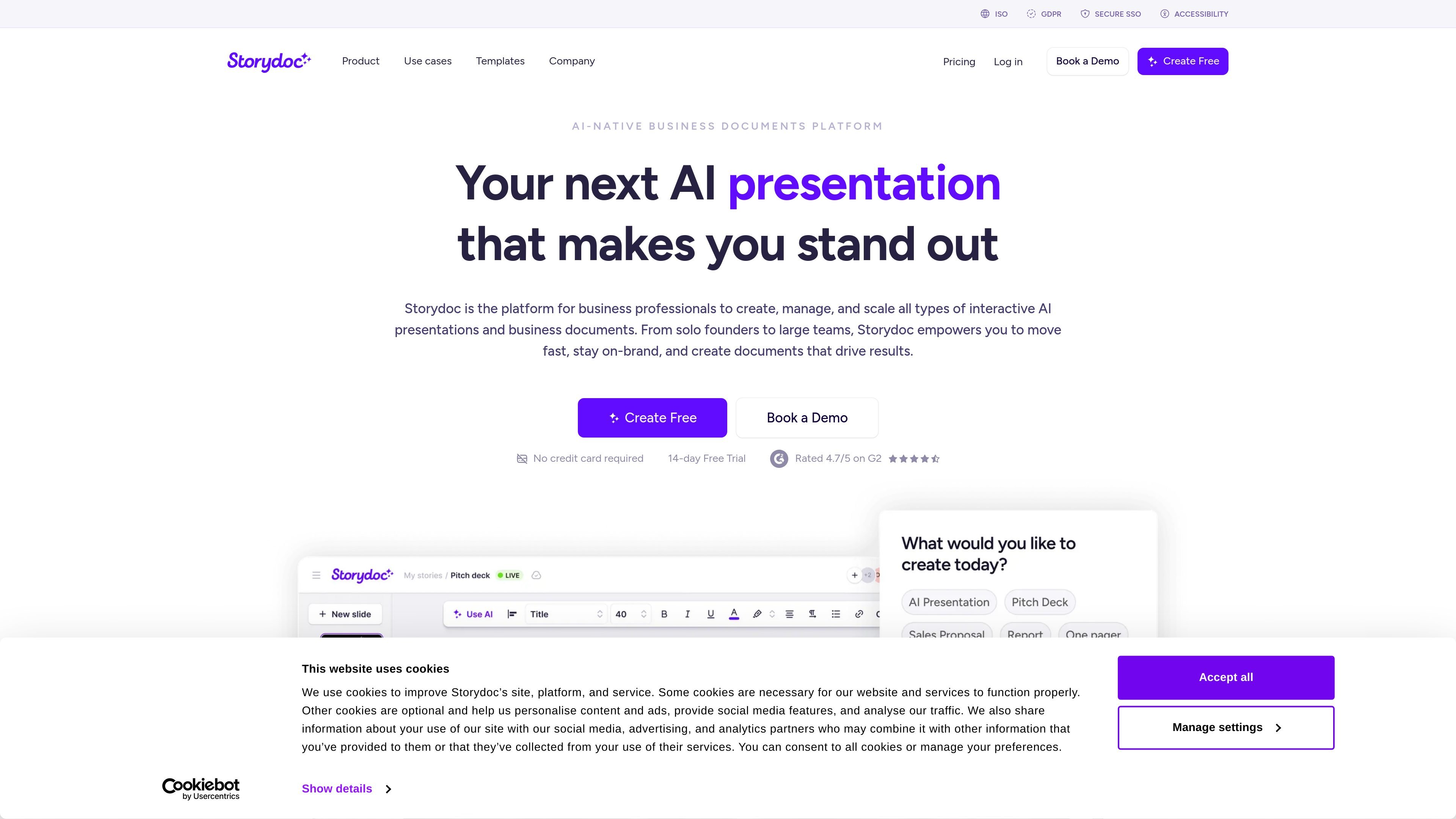
Storydoc is an AI presentation maker and business document platform for creating interactive decks, proposals, reports, one-pagers, and similar sales or marketing collateral. The product is positioned for business professionals who want to build and manage documents that stay on-brand, include interactive elements, and can be shared as versions rather than static files.
According to the site, Storydoc combines AI creation, personalization, analytics, collaboration, and document management in one platform. The homepage and pricing pages show plans for individuals, businesses, and teams, while the security page highlights enterprise-oriented controls such as secure SSO, role-based access, version control, and compliance-focused policies.
Generate structured presentations and business documents with AI so users can start from a draft instead of a blank page.
Add interactive elements such as Calendly, YouTube videos, buttons, dynamic calls to action, and embedded forms directly inside documents.
Use dynamic fields and live CRM data to personalize versions for different recipients or leads, including bulk version creation from templates.
Track opens, clicks, and scroll activity to see how readers engage with each document and where attention drops off.
Work across functions with feedback, content, approvals, roles, permissions, and workspace folders for shared document management.
Publish documents with branding controls, PDF export, branded links, branded subdomains, version control, and security features such as SSO and access settings.
Build pitch decks and sales collateral that combine storytelling, branded layouts, and interactive content for prospects.
Create personalized proposals and follow-up documents using variables, templates, and live CRM data so each version can be tailored to a recipient.
Produce business reports and quarterly updates with multimedia, analytics, and engagement tracking instead of static PDFs.
Organize document creation across teams with shared workspaces, feedback, approvals, and version control for collaborative workflows.
Publish branded client-facing documents that can be exported to PDF, embedded on a website, or hosted under branded or white-label subdomains.
Storydoc is built for creating interactive presentations and business documents such as pitch decks, proposals, reports, one-pagers, and quarterly business reviews. The site emphasizes use by solo founders, sales and marketing teams, and larger organizations that need branded documents shared at scale.
The homepage says Storydoc can be used without design or writing skills, with AI creation that generates structured documents in seconds. The platform also includes interactive elements, personalization, automation, analytics, and collaboration features.
Yes. The pricing page shows plans for individuals, businesses and teams, and a Teams plan designed for 5+ users. The product also includes collaboration, workspace management, roles and permissions, and multiple workspaces on the pricing and security pages.
Storydoc lists export to PDF, embedded content, analytics integrations, CRM integrations, and options to embed Storydocs on a website. It also supports branded subdomains and white-label subdomains on paid plans.
Storydoc says it is ISO 27001 certified, supports secure SSO, uses a strict privacy policy, and provides accessibility features aligned with AA Web Accessibility standards. The security page also mentions GDPR and CCPA handling.