
Source-to-output rewriting
Creates new, unique writing from source text and positions the result as original text rather than a direct rewrite. The homepage says it can generate essay, article, or report drafts in minutes.

Speedwrite is a browser-based writing tool that rewrites source text into original-sounding English paragraphs and offers Creative mode for expanding short sentences.
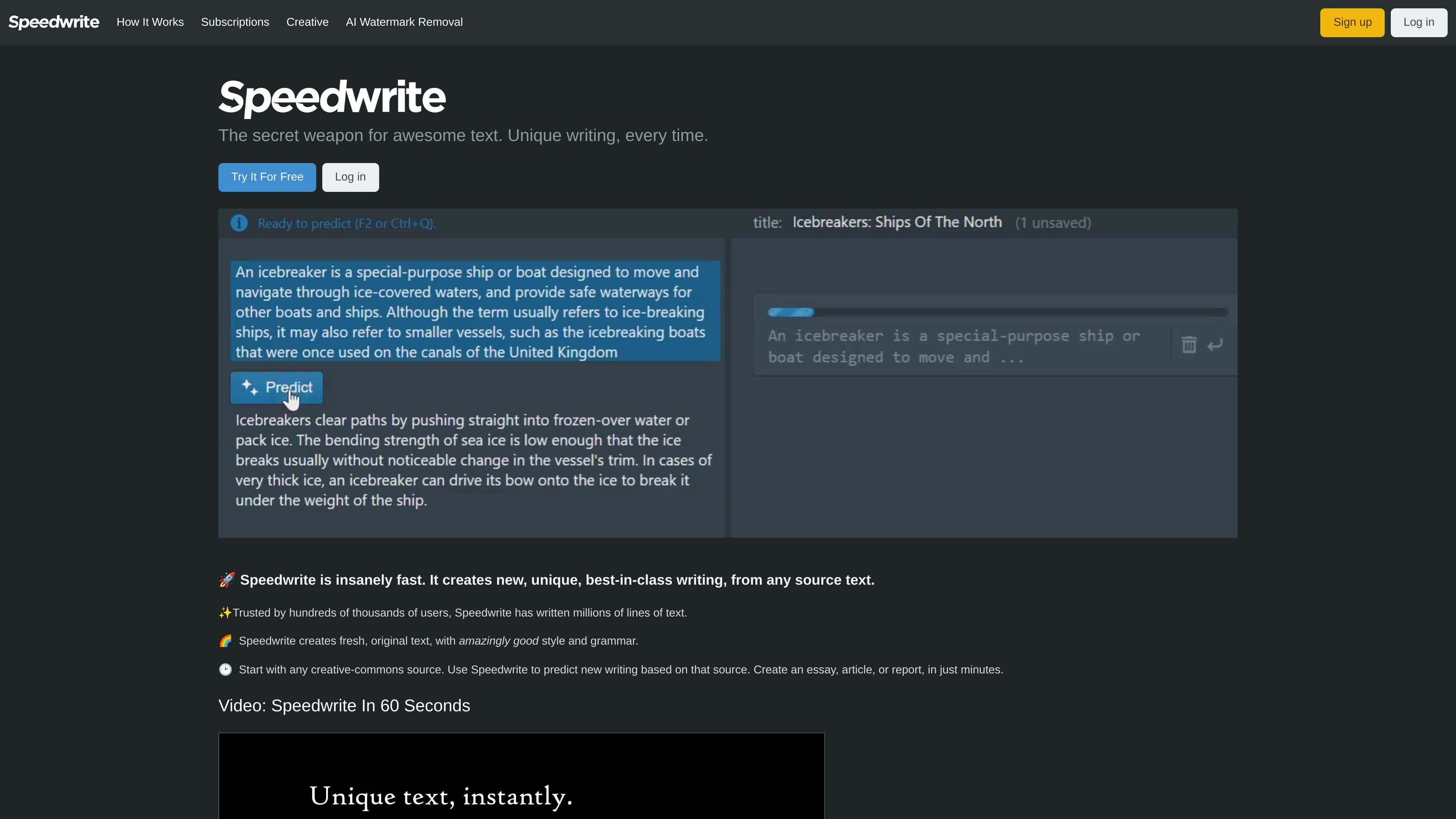
Speedwrite is an online writing tool that rewrites source text into new, unique paragraphs. The main product focuses on predicting fresh writing from copied source material, while Speedwrite Creative is aimed at turning short user-written sentences into fuller paragraphs.
The site positions the product around English-language writing, especially when the goal is to produce original text from research notes, source pages, or short ideas. It also includes workflow guidance, paragraph cleanup tools, and export options for users who want to refine output before saving it.
Creates new, unique writing from source text and positions the result as original text rather than a direct rewrite. The homepage says it can generate essay, article, or report drafts in minutes.
Speedwrite Creative transforms short sentences into longer, more detailed paragraphs. The Creative page says it is optimized for unique opinion, DEI, and argumentative statements.
The How It Works page says you can start with any page, copy text, paste it into Speedwrite, and hover over a paragraph to predict a rewrite. It also mentions a keyboard shortcut for the predict action.
The product includes paragraph helpers such as Split paragraph and Fix line breaks for cases where the input is too long or formatted poorly.
Users can export a text file or copy the full document to the clipboard at any time, and the site says exports are not limited.
Speedwrite says it works on Windows, Mac, Linux, and Chromebook, with mobile and tablet use available but less flexible for selecting source paragraphs.
A student can paste in source material, generate a new version, and then review the result before exporting it for an essay or report.
A marketer or professional can turn notes, facts, or reference copy into cleaner English prose for articles, reports, or internal writing.
A user with a short opinion or argument can write a few sentences in Speedwrite Creative and have them expanded into a fuller paragraph.
Someone working from multiple reference pages can combine sources, predict text, and refine paragraph breaks with the built-in helpers.
A person on a desktop or laptop can paste source text, predict paragraph by paragraph, and export the finished document as a text file or clipboard copy.
Speedwrite is designed to turn source text or short user-written sentences into new paragraphs. The How It Works page says you copy source text into Speedwrite, click Predict, and then correct any errors before exporting.
Speedwrite Creative is designed for opinion, personal statements, and argumentative essays. The site says it works best when you already know the facts or have ideas and want help turning them into polished English prose.
Speedwrite says it works well on Windows, Mac, Linux, and Chromebook. It can also be used on phones and tablets, although selecting source paragraphs is more limited on smaller devices.
Speedwrite says exports are available at any time and there are no limits on exports. The How It Works page says you can export a text file or copy the full document to the clipboard.
The source text says predictions are not always guaranteed to be unique and can sometimes be shorter than the input. It also says users should always check facts because predictions may change dates, names, or other details.