
Prompt-based AI mastering
Describe the sound you want with natural-language prompts, and the mastering engine applies the signal chain, revisions, and final polish automatically.

SoundBoost is an AI audio mastering and editing suite for musicians and producers, with prompt-based mastering, reference mastering, stem splitting, and mobile access.
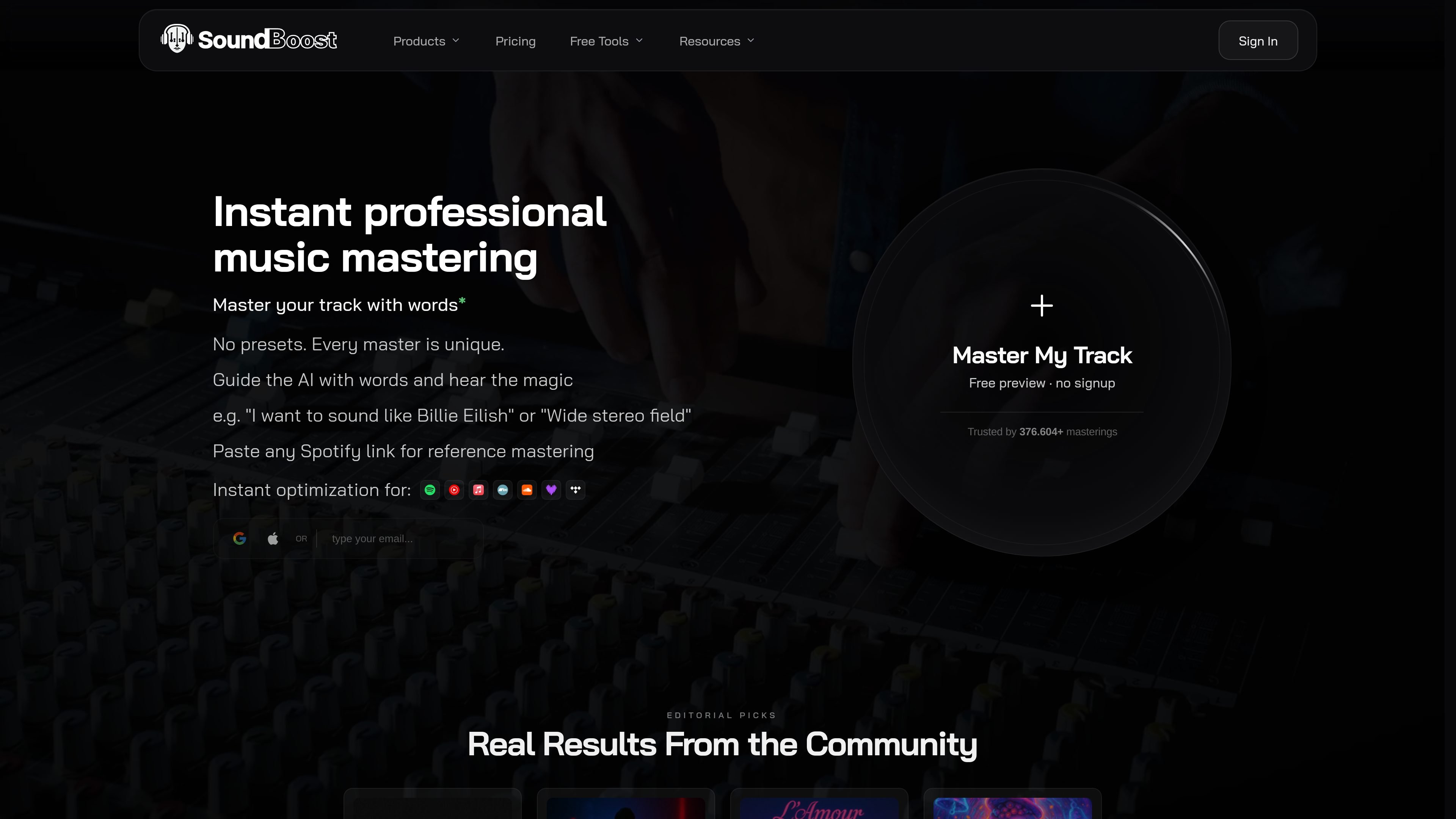
SoundBoost is an online AI mastering and audio editing product that combines prompt-based mastering, reference mastering, stem splitting, and a visual creator in one suite. It is positioned for musicians and producers who want quick mastering workflows in a browser or on mobile.
The site says the mastering engine can handle signal-chain processing, revisions, and final polish from a text prompt, and it offers reference-based mastering for loudness, width, and tone matching. Related tools include a stem splitter and vocal remover for remixing and practice, plus a visual creator for album art and short-form music visuals.
Describe the sound you want with natural-language prompts, and the mastering engine applies the signal chain, revisions, and final polish automatically.
Choose a reference track, including a Spotify song, and guide loudness, width, and tonal balance toward a matching result.
Switch between different AI mastering engineer personas and sound profiles to fit different mixes and aesthetic goals.
Split a song into vocals, drums, bass, and remaining instruments, with a free vocal remover and adaptive metronome for practice or remix prep.
Create artist visuals such as album covers and Spotify Canvas videos from the same product suite.
Use the service on iOS, Android, and the web, with projects that sync across devices.
Describe the target sound and let SoundBoost apply mastering settings automatically when you want a fast first pass or need to revise a track without manual chain building.
Use a reference song to align loudness, stereo width, and tonal balance when you are trying to match a release you already like.
Split vocals, drums, bass, and remaining instruments to make practice backtracks, rehearsal tracks, mashups, and remix sources.
Work from a phone or tablet when you need to master or split stems away from the studio, with projects synced across devices.
Generate album covers or music visuals that match an artist identity when you need artwork or short-form video assets alongside an audio release.
You upload an audio file or import a track, and the stem splitter separates it into vocals, drums, bass, and the remaining instruments. The workflow also includes an adaptive metronome and options to export MP3 or WAV sections.
The pricing page shows a membership with web and mobile access, plus unlimited mastering and stem splitting on the paid plan. The site also offers free tools, including free AI mastering and a free vocal remover and stem splitter.
Yes. The site says SoundBoost is available on iOS and Android, and the pricing page describes one subscription across web, iPhone, iPad, and Android.
SoundBoost says it does not train its AI on your music and does not share uploads with third parties.
The site says the mastering tools are meant for streaming-optimized output and can target platforms such as Spotify, Apple Music, and CD.