
Multiple input types
Upload PDFs, notes, YouTube links, web content, Google Docs, images, audio, and handwritten material, then have the system turn that input into study assets.

Slay School is an AI study tool that turns notes, files, videos, links and handwritten material into flashcards, questions and quizzes.
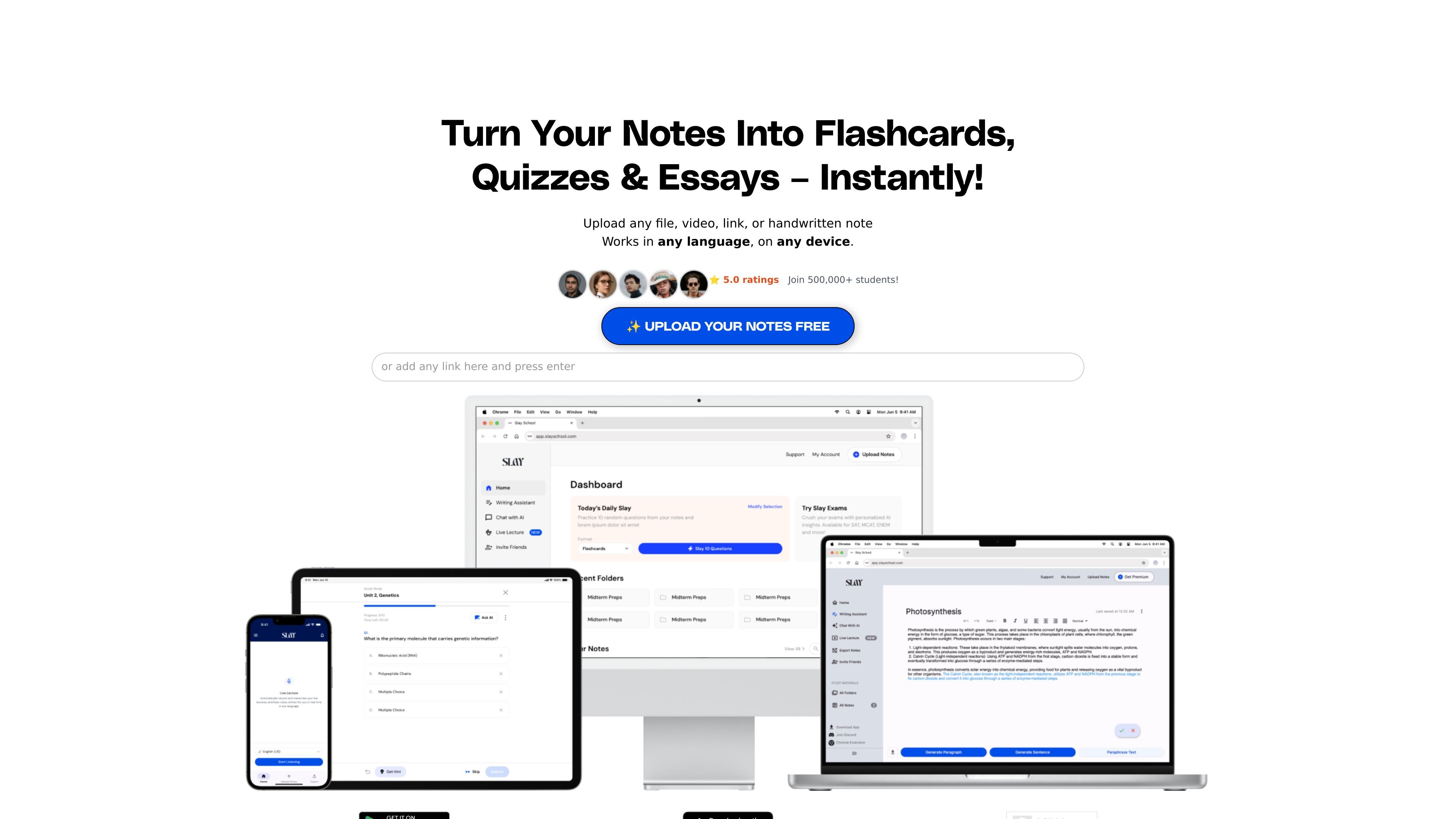
Slay School is an AI study tool that turns notes, files, videos, links, and handwritten material into flashcards, questions, quizzes, and writing support. The product is built around helping students study faster by converting source material into smaller practice items and then letting them review or export the results.
The site positions the product for students and educators. Students can upload content, generate study materials, and export flashcards to Anki, while educators can create classroom materials, share them with a class, and review student progress and response patterns.
Upload PDFs, notes, YouTube links, web content, Google Docs, images, audio, and handwritten material, then have the system turn that input into study assets.
Generate flashcards, multiple-choice questions, quizzes, question banks, and essays from uploaded material, so the output fits different study tasks.
Export flashcards to Anki, and the home page also mentions Quizlet exports, letting students review in tools they already use.
Add images, cloze deletions, and handwritten notes to cards, which makes the generated material more useful for visual or annotation-heavy subjects.
Type answers to questions and receive immediate feedback, with variants available to keep practice sessions moving.
Educator-facing sharing and analytics let teachers distribute materials, track progress, and review areas where students need more help.
A student uploads lecture notes, a PDF, or a YouTube link and turns the material into flashcards for repeated review instead of manually writing cards.
A learner practices generated questions, types answers, and uses the instant feedback to check understanding before an exam.
An educator uploads lecture material, generates questions or flashcards, and shares a link with a class for web, tablet, or mobile access.
An instructor reviews response data and analytics to spot weak areas, then adjusts future lessons or homework accordingly.
A student exports cards to Anki or Quizlet and continues spaced review in a separate study app.
Yes. The home page says you can start for free, and the pricing page lists a free plan with limited uploads and file/page caps.
You upload notes, files, links, videos, audio, or handwritten notes, and Slay School generates flashcards, quizzes, and related study materials from that content.
The site says cards can be exported to Anki for review, and the home page also mentions Quizlet export.
Yes. The home page says Slay School works on any device, and the FAQ explicitly says it can be used on mobile devices.
The educator page says you can share a link with a class, track student progress, and analyze study habits and weaknesses.